
STAFFLYTRACKER GUIDE
How to Review Attendance Before Payroll
A practical review sequence for working days, overnight shifts, breaks, tracker coverage, leave and time corrections before exporting payroll hours.
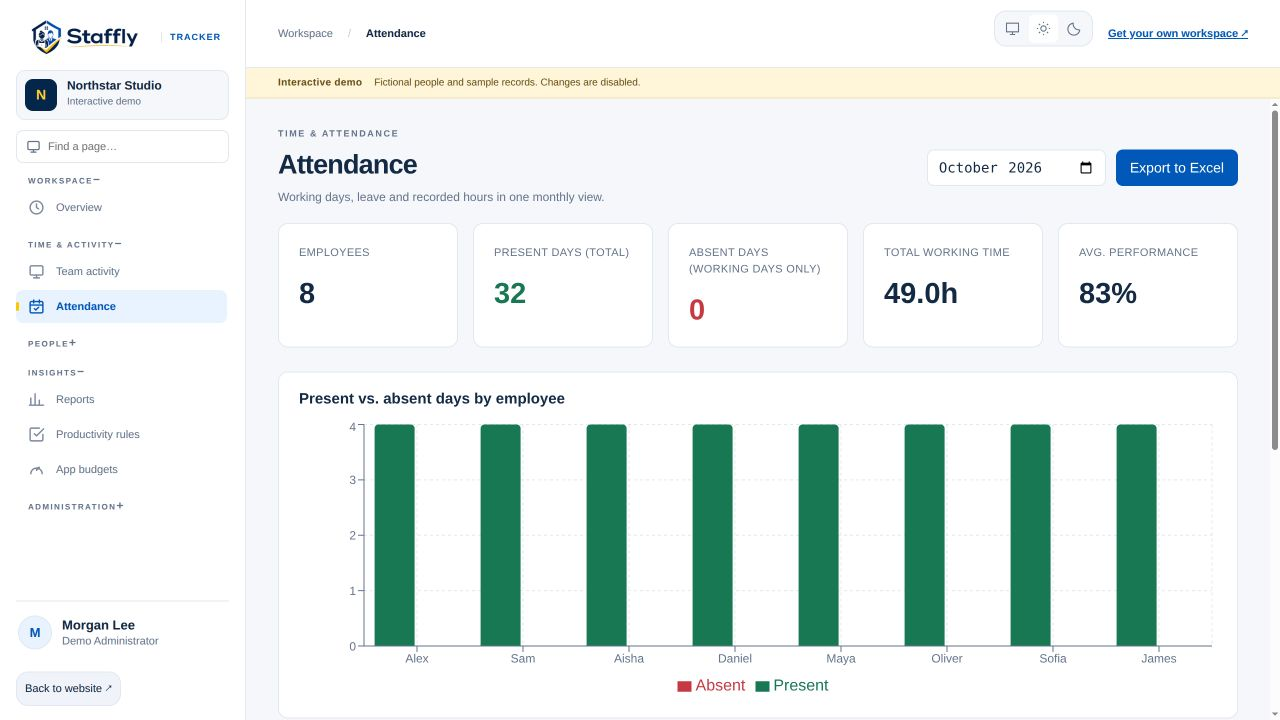
1. Confirm the period and time zones
Write down the reporting period and the company workday boundary. Display time controls how a timestamp is printed; it does not necessarily decide which workday owns an overnight shift. Check one known shift against your schedule before reviewing the entire team.
2. Separate absence from a normal day off
Review configured working days, holidays and approved leave. A Saturday that is a normal weekly off day should not be treated as an unexplained absence. A person who works on a day off still needs their recorded work reviewed.
3. Reconcile sessions and breaks
Compare clock-in and clock-out with the recorded breaks. Do not add idle time to working time unless the report definition explicitly excludes it already: doing so can count the same interval twice. Use the column definitions and inspect a sample day.
4. Check tracker coverage
An open session and a connected tracker are different. Review gaps before deciding whether the record is complete. A missing screenshot may be a retention, capture or connection issue; it does not by itself prove that no work happened.
5. Resolve exceptions with a reason
Ask the employee or manager about the interval. Where a correction is appropriate, record the reason so another reviewer can understand the adjustment. A correction cannot restore activity data that was never captured.
6. Review pay rules separately
Confirm agreed rates, overtime rules and payable hours before using the export. Activity percentages should not silently become salary deductions. Keep the organisation’s approved pay policy and the evidence for exceptions available to the reviewer.
7. Save a reviewed export
Check totals for a few known employees and keep the reviewed period consistent. If records change later, regenerate the export and note why. A repeatable process is easier to audit than an unexplained spreadsheet adjustment.

LET’S MAKE WORK A LITTLE CLEARER
Your next chapter
starts with a conversation.
Show us how your team works. We’ll show you where StafflyTracker fits.