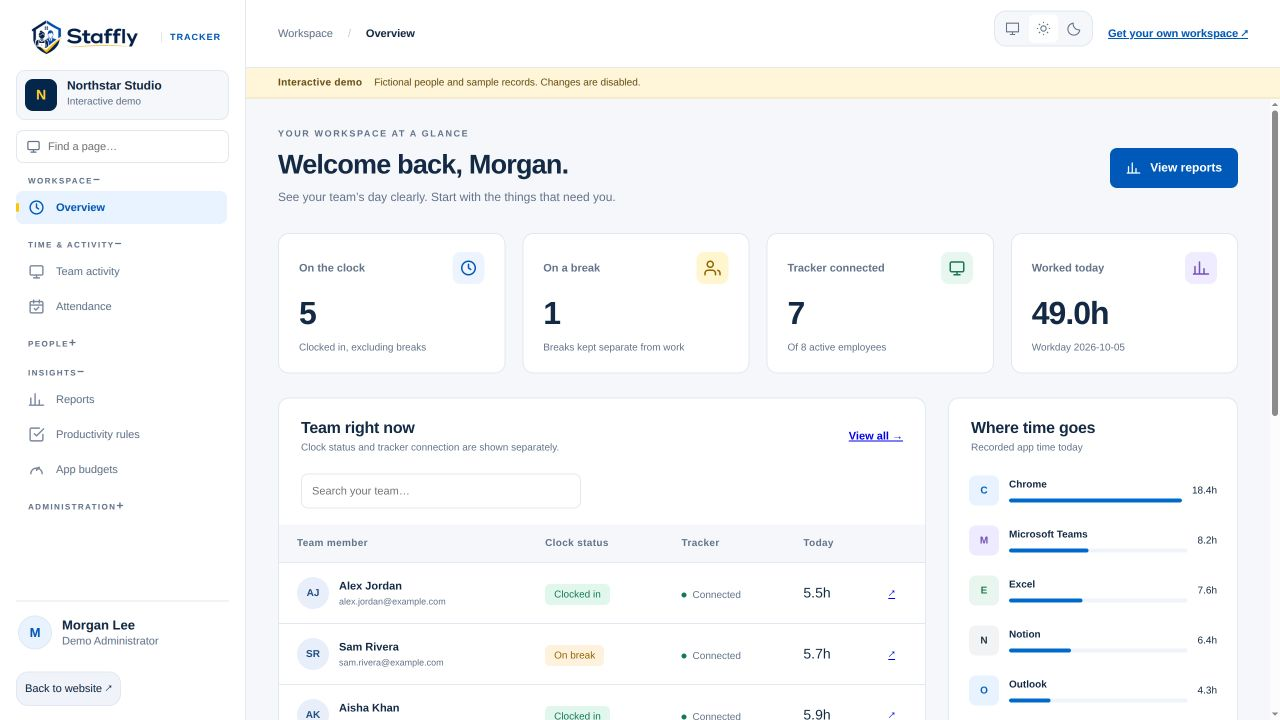
A distributed team needs a reliable way to understand recorded work without turning every check-in into a status chase. StafflyTracker brings time, attendance and activity into a shared company workspace.
Start with availability, not assumptions
Clocked in and connected are different states. Use the overview to see each one, then check an employee’s schedule before interpreting an offline tracker. Remote work can involve different hours, breaks and connectivity conditions. Make those expectations explicit during setup.
Keep workday boundaries clear
A person’s local date may differ from the company workday used for reporting. Agree on time zones and schedules, then verify a representative overnight or cross-location shift. Consistent boundaries make team reports easier to compare and reduce confusion at month end.
Use records to support asynchronous conversations
Open the relevant day before asking about a gap or unusual pattern. Bring the session, break and activity context into the discussion. A specific question about a recorded interval is more useful than a broad judgement based on a score.
Roll out with a written explanation
Tell employees what the tracker collects, who can access it and how it will be used. Share a point of contact and a correction process. Revisit the policy as responsibilities change, and make sure new team members receive the same explanation.
See the workflow in the product.
Explore the same admin interface your company would use, with fictional demo records. Bring your team’s questions to a personal walkthrough.