
THE PRODUCT HANDBOOK
Know the product.
Understand the records.
Practical documentation for company administrators, managers and employees. Start with setup, then learn what the dashboard shows and how to interpret it.
Browse all guides below.
Get started with StafflyTracker
Set up a company workspace, install the Windows tracker, and check your first working day.
Read more →READ THE GUIDEInstall, update and remove the Windows tracker
A practical guide to the StafflyTracker Windows installer, company setup, updates and uninstalling.
Read more →READ THE GUIDEWhat appears in the admin dashboard
Understand the records that StafflyTracker administrators and managers can review, and what each record means.
Read more →READ THE GUIDEData collection: records and limits
A plain-language inventory of desktop tracking, software metadata, diagnostic records and collection limitations.
Read more →READ THE GUIDEAttendance, overnight shifts and timezones
Read working time, breaks, coverage, company days and display timestamps without double counting.
Read more →READ THE GUIDEDepartment rules and activity budgets
Set app classifications and time budgets that reflect the actual work of different departments.
Read more →READ THE GUIDERoles and access in StafflyTracker
Separate platform-owner access, company administration, manager review and employee tracking.
Read more →READ THE GUIDEScreenshots and retention settings
Understand capture intervals, screenshot review, deletion settings and missing-capture troubleshooting.
Read more →READ THE GUIDETracker connection and installation troubleshooting
Use separate checks for clock status, tracker connection, screenshots, updates and company setup.
Read more →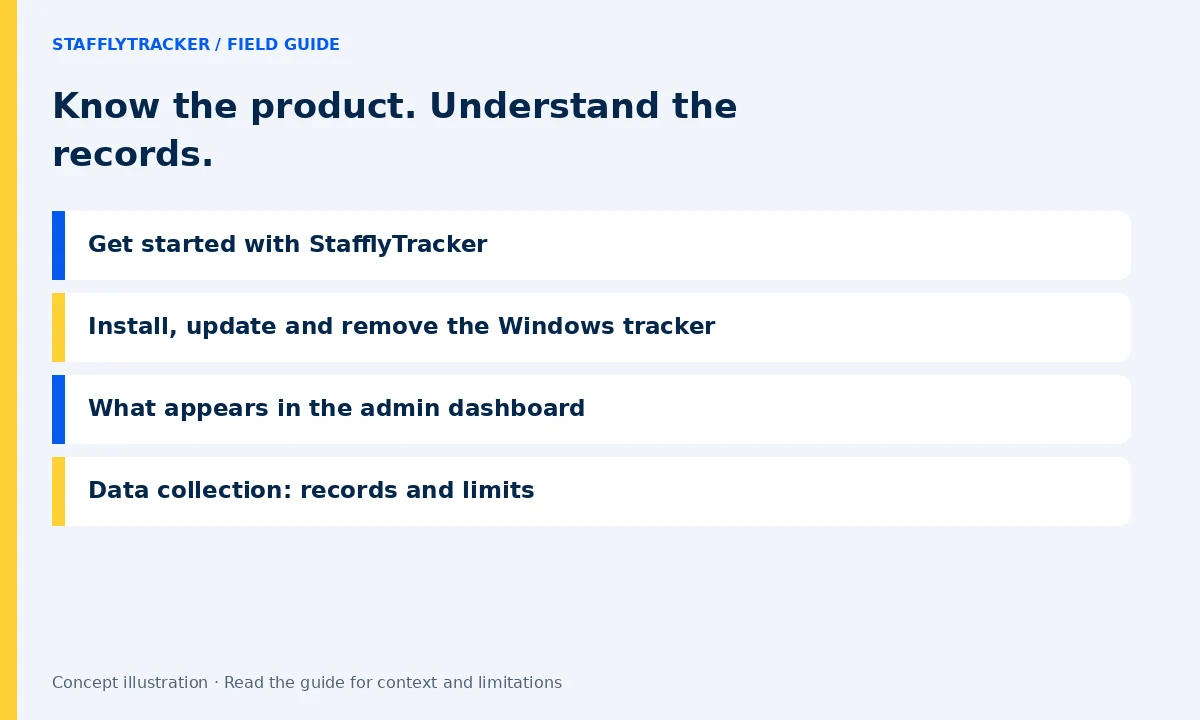
LET’S MAKE WORK A LITTLE CLEARER
Your next chapter
starts with a conversation.
Show us how your team works. We’ll show you where StafflyTracker fits.
Read as MarkdownUpdated 2026-10-07Editorial policy