
PRODUCT DOCUMENTATION
Roles and access in StafflyTracker
Separate platform-owner access, company administration, manager review and employee tracking.
Platform owner
The platform owner manages company workspaces, availability and enquiries through admin.stafflytracker.com. This is a separate login from a company workspace. Public pages name Syed Toheed Shah as the product owner and developer; that public attribution does not grant a visitor any platform access.
Company administrators
Admins manage company users, configuration, departments, productivity rules and diagnostic access. Company-owner protections restrict certain account changes. Use individual administrator accounts and review who has access to screenshots and exports.
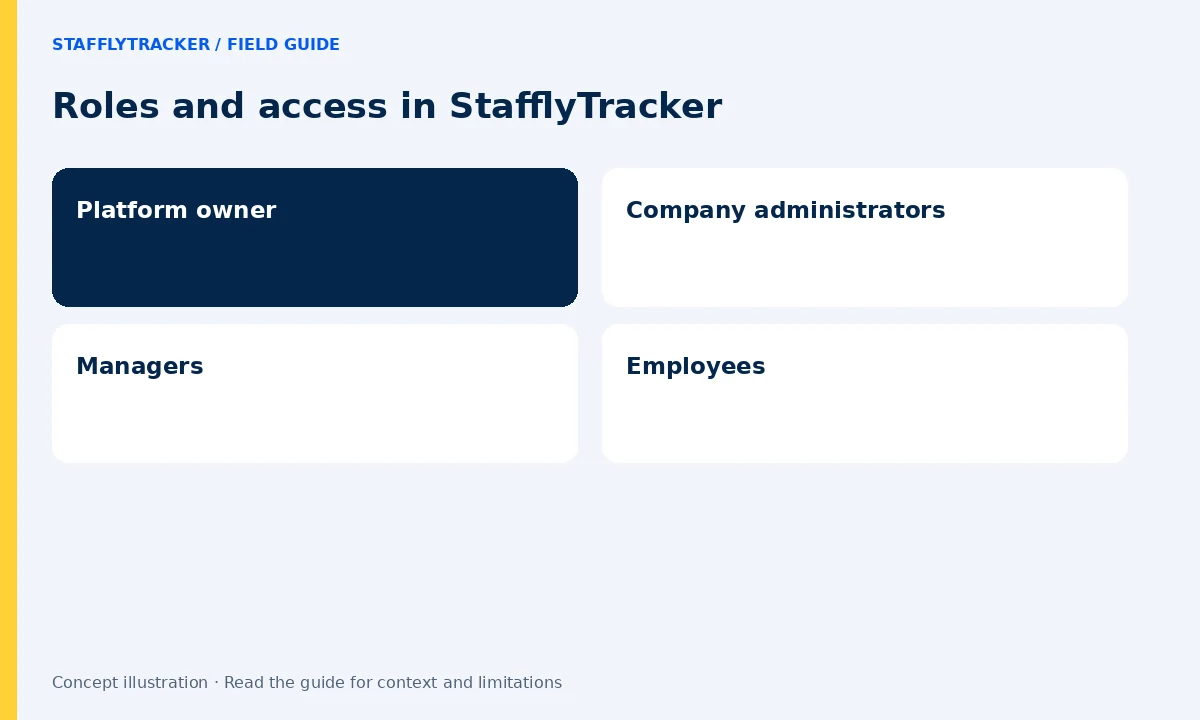
Managers
Managers can review team tracking and reports and use supported attendance workflows. They do not have the same settings access as administrators. The current implementation does not restrict managers to their own department, so do not assume department assignment is an access boundary.
Employees
Employees use the desktop tracker for their work account. The employee role is tracked; the manager and admin roles are not treated as tracked employees. Employees do not receive the company’s team-review dashboard or a personal screenshot browsing view through this role.
Passwords and account changes
My account provides a password-change option independent of the admin Settings page. Deactivate access when a person leaves, and review role changes deliberately. Changing a role affects permissions; it is not a way to preserve a second hidden access profile.