MONTHLY
$4 /employee/month
Minimum 10 tracked employees: $40/month.
Monthly billing. Arrange your workspace and invoice with us.
Try the demo →
CLEAR PRICES. DEFINED LIMITS.
Pay for tracked employees. Choose monthly flexibility or annual value. Company admins and managers who are not tracked are included.
MONTHLY
Minimum 10 tracked employees: $40/month.
Monthly billing. Arrange your workspace and invoice with us.
Try the demo →ANNUAL · SAVE 25%
$36 per employee billed annually. Minimum 10: $360/year.
Review the product and agree to a written order before paying.
Request annual plan →USD. Applicable taxes extra. This is an estimate, not a checkout or capacity guarantee.
Windows tracking, clock-ins and breaks, attendance, leave and holidays, reviewed time corrections, screenshot timelines, department productivity rules, budgets, software inventory, activity review signals and payroll calculation/export. Untracked admin and manager accounts are included. The browser dashboard works on modern desktop and mobile browsers; the recording agent is Windows 10/11 x64 only.
Standard onboarding uses a minimum five-minute capture interval and up to 14 days of screenshot retention. Workspace screenshot storage is capped at 10 GB. Multiple monitors use more storage. At the storage cap, new screenshots pause until retention cleanup frees space or support adjusts capacity; attendance is a separate record. More frequent capture, longer retention and larger storage need a separate quote.
We confirm team size and expected capture volume before creating a workspace. Large teams and high-volume setups require a capacity review. There is no promise of unlimited storage, unlimited companies or immediate automatic provisioning. The demo has no real employee data and does not consume a paid workspace.
Subscriptions are arranged by written order and invoice. Confirm seat count, start date, taxes, renewal and cancellation terms before payment. Annual pricing requires an annual commitment; it is not a month-to-month $3 plan. Payroll features calculate and export records; they do not transfer wages or provide tax filing. No payment card is needed for the interactive demo.
See our dated comparison and test your own workflow. A lower price is useful only if the tool fits your operating system, reporting and integration requirements.
PRACTICAL WORKFLOWS
Useful records become better decisions when the review has a clear purpose.
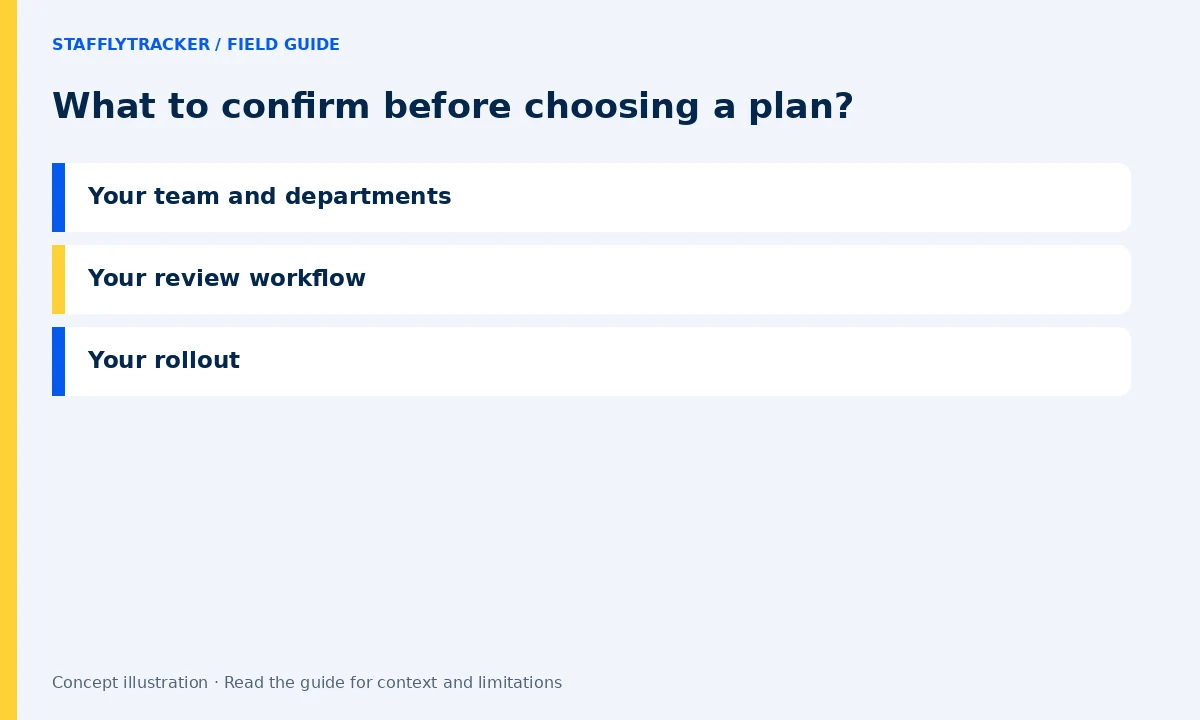
Bring an approximate employee count and the number of managers who need access. Describe how departments work differently.
Tell us whether attendance, screenshots, application reporting or payroll preparation is the main reason you are evaluating the product.
Discuss supported Windows devices, onboarding, policy and support expectations. Confirm the scope in your quote before making a commitment.
LET’S MAKE WORK A LITTLE CLEARER
Show us how your team works. We’ll show you where StafflyTracker fits.
Read as MarkdownUpdated 2026-10-07Editorial policy