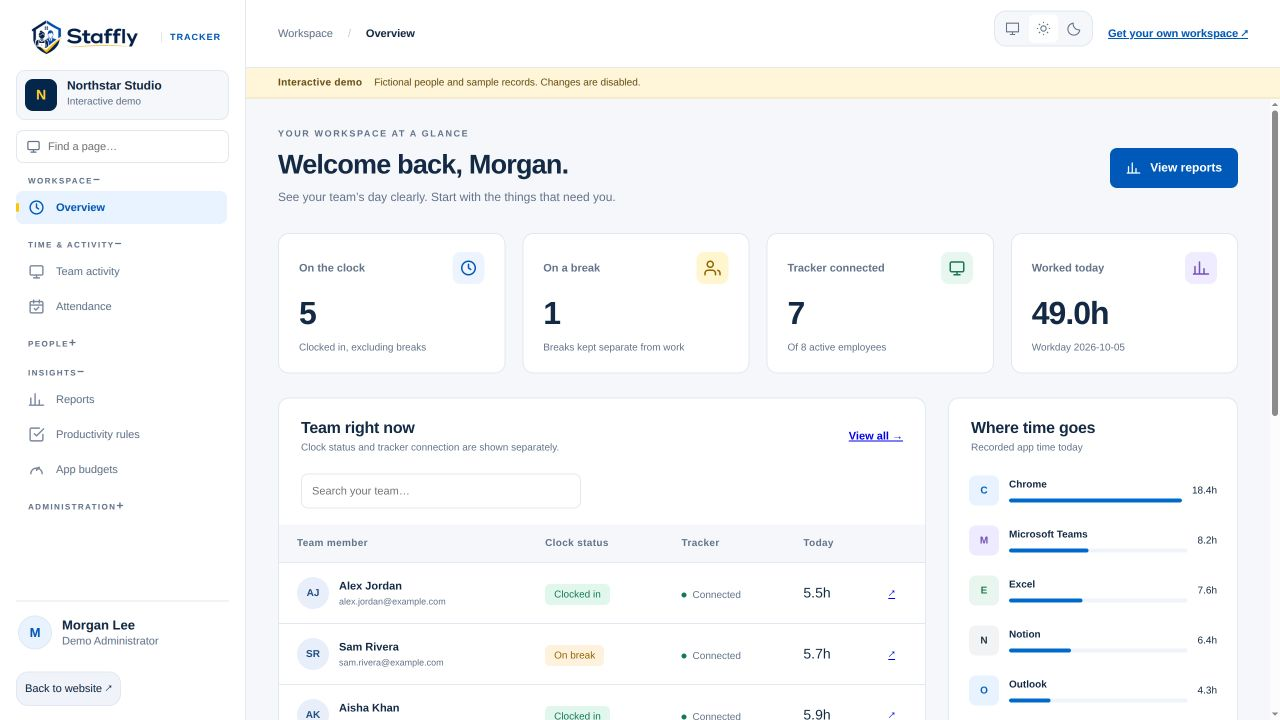
A support team’s work is not limited to typing. Calls, listening, reading and case follow-up all matter. Use StafflyTracker to organise time records while keeping those responsibilities in view.
Look beyond keyboard and mouse input
An employee on a customer call may be actively working without moving the mouse. Configure applicable rules carefully and compare tracker information with the support outcomes your team already reviews. Input activity alone cannot measure the quality of a conversation.
Separate breaks from tracker interruptions
A deliberate break and an unexpected disconnection are different events. Review the break record and connection status before asking about a gap. When the data is incomplete, keep that limitation visible instead of treating the missing interval as proven inactivity.
Make team reviews specific
A useful review starts with a period and a question. Open the relevant employee timeline, inspect the intervals and check the circumstances with the person. Unusual patterns can be worth discussing without turning a notification into an accusation.
Use a pilot to test the workflow
Choose a small representative group and review a few ordinary shifts, a call-heavy day and a connection interruption. Check how the reports reflect those cases, agree on corrections and then expand the rollout. A demo can help identify which scenarios to test first.
See the workflow in the product.
Explore the same admin interface your company would use, with fictional demo records. Bring your team’s questions to a personal walkthrough.