Meet your workspace
Explore the demo, tell us about your team and get a quote around your needs.
THE STAFFLYTRACKER PLATFORM
StafflyTracker brings employee time tracking, attendance and computer activity together so company administrators can find useful context without switching between separate tools.
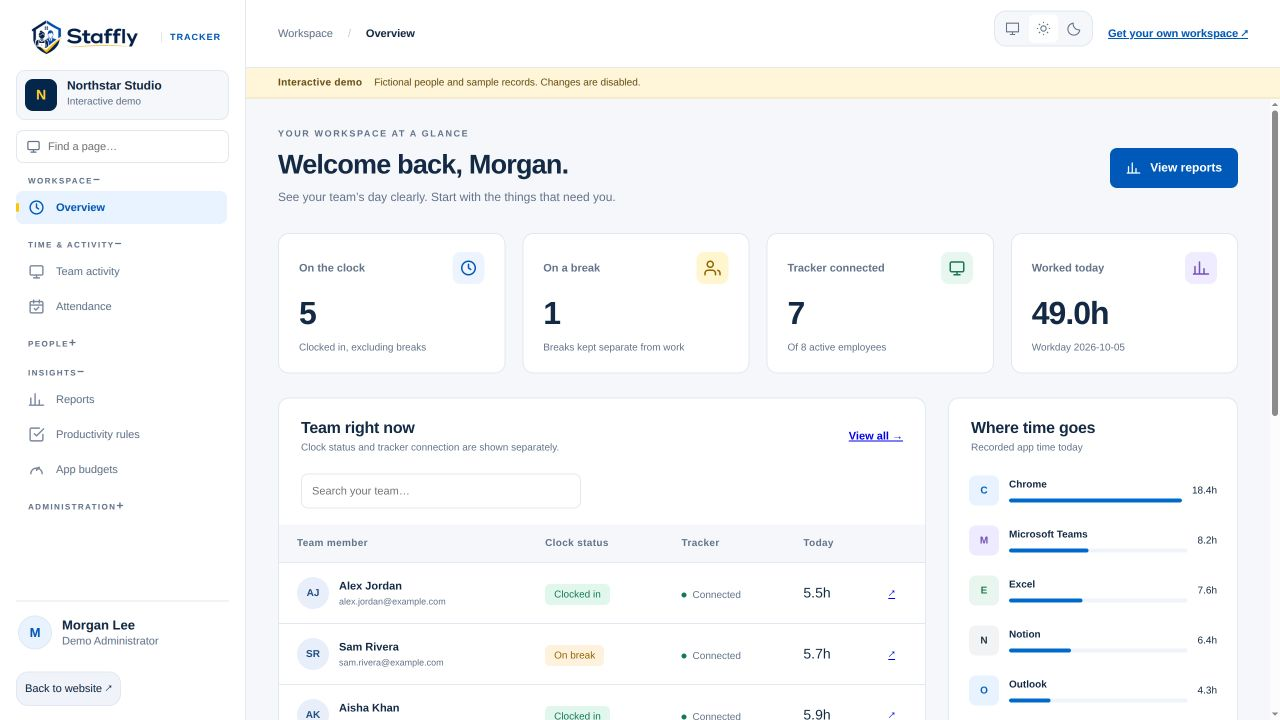
Start with an overview, then move into the detail that answers your question. The navigation groups daily work, people, reports and administration.
Clock-ins, breaks and working time. Explore how it works for your company.
Explore feature ↗See the context behind a workday. Explore how it works for your company.
Explore feature ↗Keep schedules and records together. Explore how it works for your company.
Explore feature ↗Rules that reflect different roles. Explore how it works for your company.
Explore feature ↗Turn recorded time into useful reports. Explore how it works for your company.
Explore feature ↗HOW THE PARTS FIT
The Windows tracker records clock-in sessions, breaks, supported application activity and configured screenshots. Your company workspace brings those records together in views for administrators and managers.
Clock status and tracker connection are distinct. An open session does not prove that a computer is currently reporting. The overview shows both signals, helping you notice missing context before you rely on a report.
Each company has its own workspace, database and tracking storage folders. Access inside the workspace follows the account’s role. Administrators can manage company configuration; managers have access to the work views their role permits.
Understand the time record →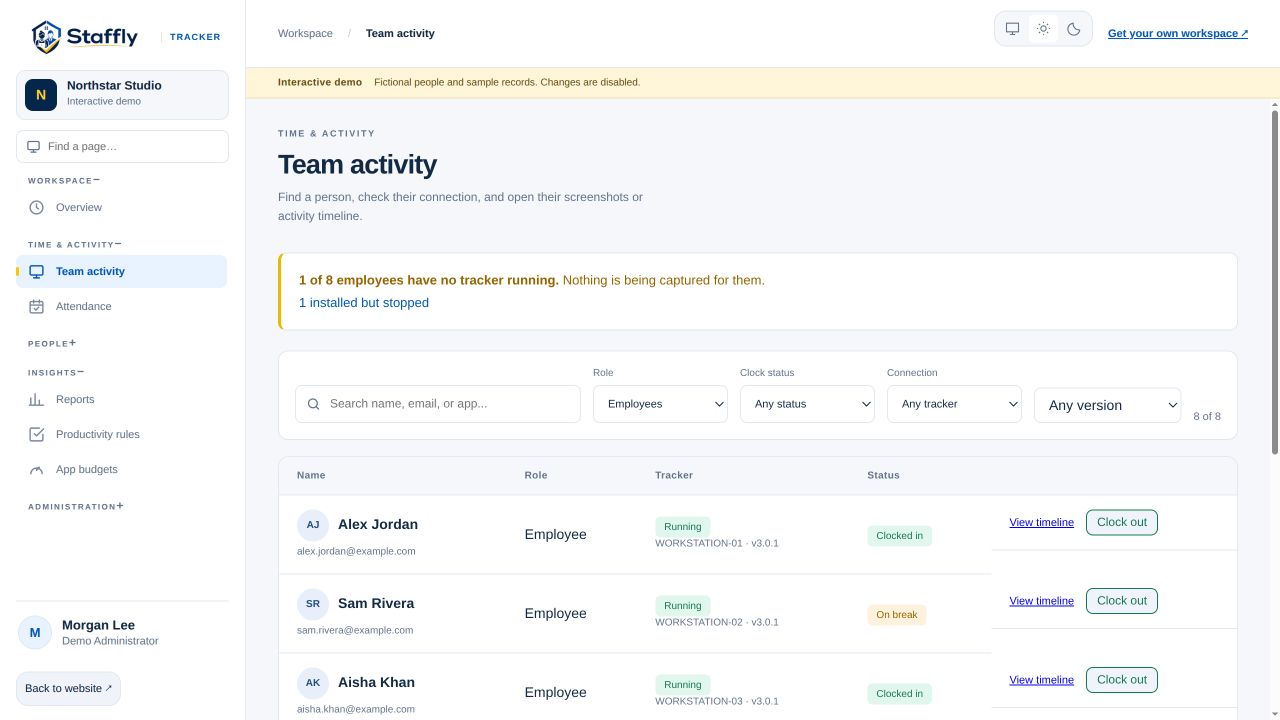
DESIGNED FOR A CONSIDERED ROLLOUT
Configure work schedules, departments and productivity classifications around actual responsibilities. Discuss collection, access and retention with your team before deployment. Use corrections with reasons when a record needs adjustment.
Explore the demo, tell us about your team and get a quote around your needs.
Add employees, define departments and explain your tracking policies before rollout.
Use time, attendance and activity together to support clearer team conversations.
Windows tracking, browser-based management and custom quotes. A demo is the right place to check the details of your rollout.
StafflyTracker is workforce time-tracking software that combines clock-ins, breaks, screenshots, application activity, attendance, leave records and reporting in a company workspace. It is built for administrators and managers who need to understand recorded work with context.
Employees use the Windows 10 or Windows 11 desktop tracker on 64-bit computers. Administrators and managers use the web dashboard. A native Mac or Linux tracker is not currently available.
Yes. Our interactive demo uses the actual web app with fictional team records. It is read-only and does not connect to a customer workspace. Book a personal demo to discuss your own workflows and requirements.
Yes. Department-specific rules let you classify apps and website window titles differently depending on the team. A social platform used for marketing does not need the same classification as it has for billing.
LET’S MAKE WORK A LITTLE CLEARER
Show us how your team works. We’ll show you where StafflyTracker fits.