
INDUSTRY GUIDE · FIELD NOTES
Time Tracking for Engineering Teams
Review engineering attendance without confusing design, reading or test waits with inactivity. Includes a pilot checklist and practical evidence guide.
StafflyTracker editorial · Product by Syed Toheed Shah

Time tracking for engineering teams works best when it explains attendance and working context without trying to score technical quality from input activity. StafflyTracker supports Windows-based teams with recorded sessions, breaks, application activity and reviewable timelines. Design approvals, issue completion and engineering sign-off belong in your engineering workflow.
Account for thinking, testing and waiting
Engineering work includes focused input, long reading intervals, design reviews and processes that run without constant interaction. A simulation may occupy a workstation while an engineer reviews a printout. A build may run while a developer investigates an issue elsewhere. The foreground application cannot describe that entire sequence.
Set expectations around the work being reviewed. For attendance, ask whether a session and its exceptions are recorded. For delivery, consult the design or issue record. For resource planning, discuss the actual bottleneck: waiting for a result is different from waiting for an assignment. Do not use mouse movement as a substitute for those distinctions.
Create a department rule set
Inventory the tools used by the engineering group: CAD, IDEs, documentation sites, test consoles and collaboration software. Review department rules against real application names and browser titles. A rule for a documentation site should not accidentally classify an unrelated tab because it shares a short word.
Include a small set of test cases with expected categories. Keep the examples free of proprietary design details. Test ambiguous matches explicitly and review uncategorized time before creating broader rules. Classification explains your chosen definition; it does not validate the technical work.
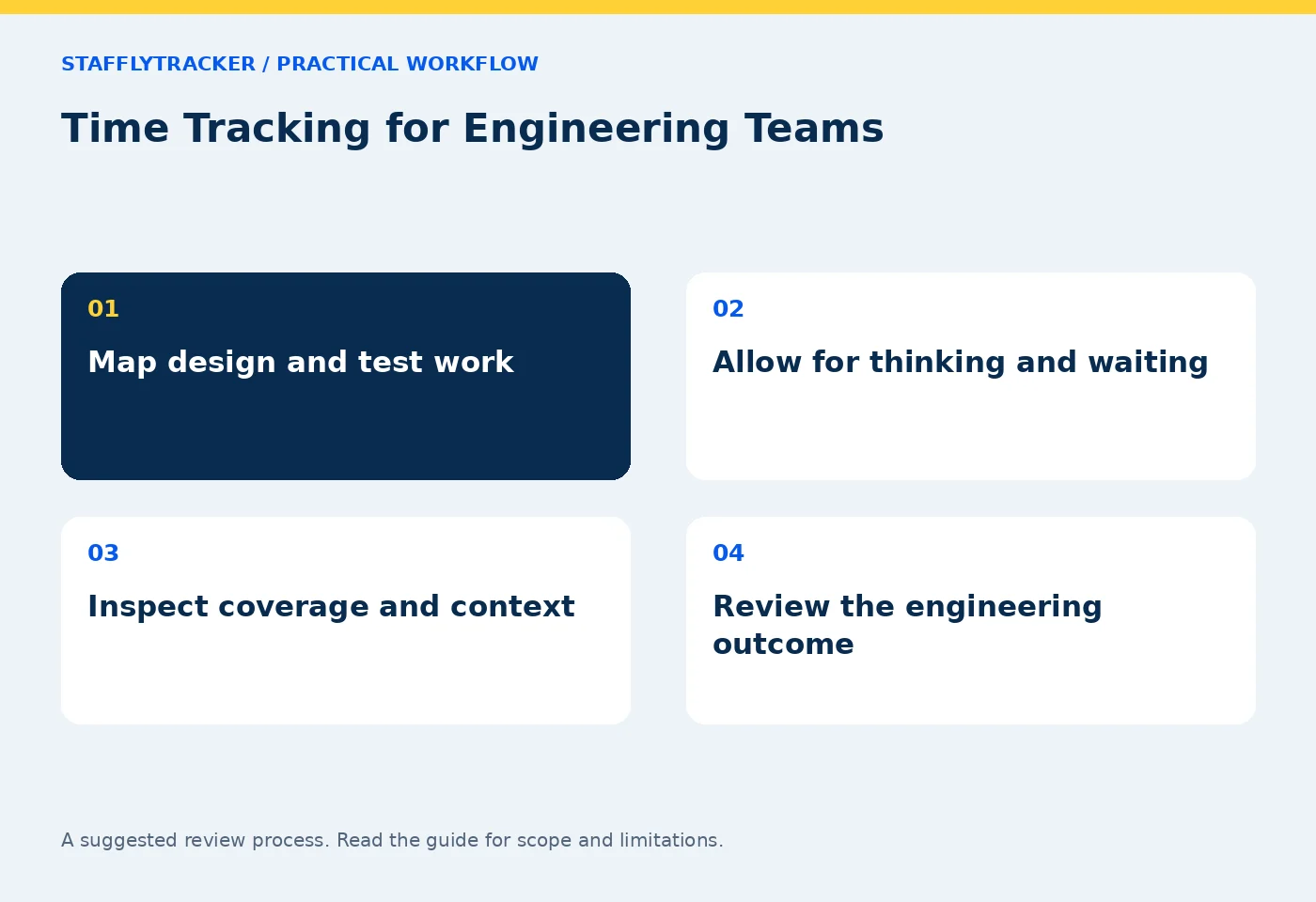
An engineering-specific pilot
Use an ordinary design session, a document-reading interval, a team call and a long-running calculation. For each, compare the attendance record, tracker coverage and expected application context. Test a workstation restart and a short connection interruption as well.
During the pilot, ask engineers to flag misleading interpretations. If a call looks inactive, record that limitation and agree a review method. Avoid promising automatic recognition of every conference application: StafflyTracker does not claim universal call detection. See call-heavy work.
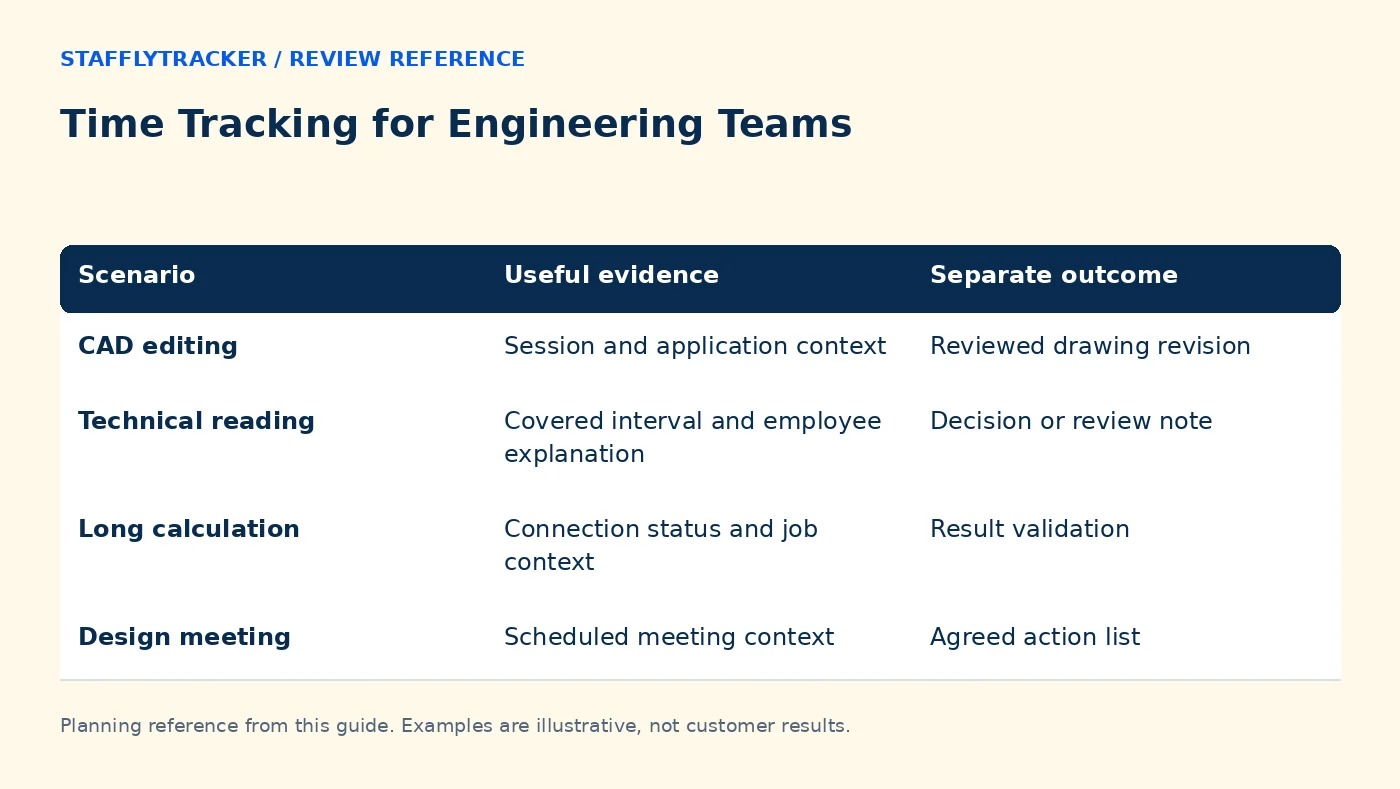
| Scenario | Useful evidence | Separate outcome |
|---|---|---|
| CAD editing | Session and application context | Reviewed drawing revision |
| Technical reading | Covered interval and employee explanation | Decision or review note |
| Long calculation | Connection status and job context | Result validation |
| Design meeting | Scheduled meeting context | Agreed action list |
Example: a calculation is running
An illustrative engineer starts a calculation at 11:10, reads a printed specification until 11:35 and then reviews the result. The screen may remain almost unchanged during the calculation. A screenshot sequence can explain which screen was visible, but it cannot establish that the specification was ignored.
A useful supervisor question is: what decision followed the calculation? A completed check or design note gives more context than a demand for constant keyboard activity. If the tracking interval is missing entirely, distinguish that technical gap from the engineer's account of the work.
Keep intellectual property in mind
Use sample projects when exploring screenshots. Decide which kinds of screen content are appropriate to collect before running the tracker alongside real designs. Set access and retention deliberately, and explain them to the team. More frequent screenshots are not automatically better engineering evidence.
StafflyTracker currently uses company-wide manager review access. A department is a classification group rather than an intellectual-property isolation boundary. Confirm roles and access before introducing the product to teams with separate client or project restrictions.
Make weekly reviews short and specific
Select a period, review attendance exceptions, identify recording gaps and choose a small number of intervals that actually need explanation. Bring the related engineering task record to the conversation. Avoid a leaderboard that ranks different engineering disciplines by a single activity percentage.
Keep reviewed time corrections distinct from the original record. If a restart caused missing telemetry, a supervisor may approve an explained attendance adjustment, but the correction does not recreate screenshots. The time correction workflow describes that separation.
Where StafflyTracker fits
The employee agent is Windows 10/11 x64. Engineering groups using Linux workstations or Macs need to evaluate that limitation before price. StafflyTracker is not an issue tracker, source-code analysis tool or engineering project-costing system. Use product status as the current capability checklist.
If comparing Time Doctor, use the same calculation-and-reading test and ask about the integrations your team requires. Try the StafflyTracker demo to assess the review interface, then discuss fleet size and capture limits using pricing.
Questions from engineering leads
Can this measure code or design quality?
No. Recorded time and application activity do not measure correctness, maintainability or design quality.
Should a long simulation count as idle work?
Do not decide from the screen alone. Review the person's responsibilities during the interval and the applicable attendance policy.
Can a Linux workstation run the Windows agent?
There is no native Linux recording agent in the current offering. A browser dashboard on Linux is not a replacement for a supported employee agent.
KEEP EXPLORING
Make the next decision clearer.
Time Tracking for Recruitment Agencies Time Tracking for Call-Heavy Work Employee Time Tracking Buyer’s ChecklistSEE THE WORKFLOW
Bring your questions.
Try the actual interface.
Explore fictional records, then discuss the requirements that matter to your team. Email required; phone optional.
AI-assisted editorial content and original illustrations. Examples are illustrative, not customer results. Editorial policy · Current product availability · Read as Markdown