
PRACTICAL GUIDE · FIELD NOTES
Time Tracking for Call-Heavy Work
Evaluate call-heavy time tracking with real workflow tests, call context and clear limits on what low mouse activity can tell a manager.
StafflyTracker editorial · Product by Syed Toheed Shah
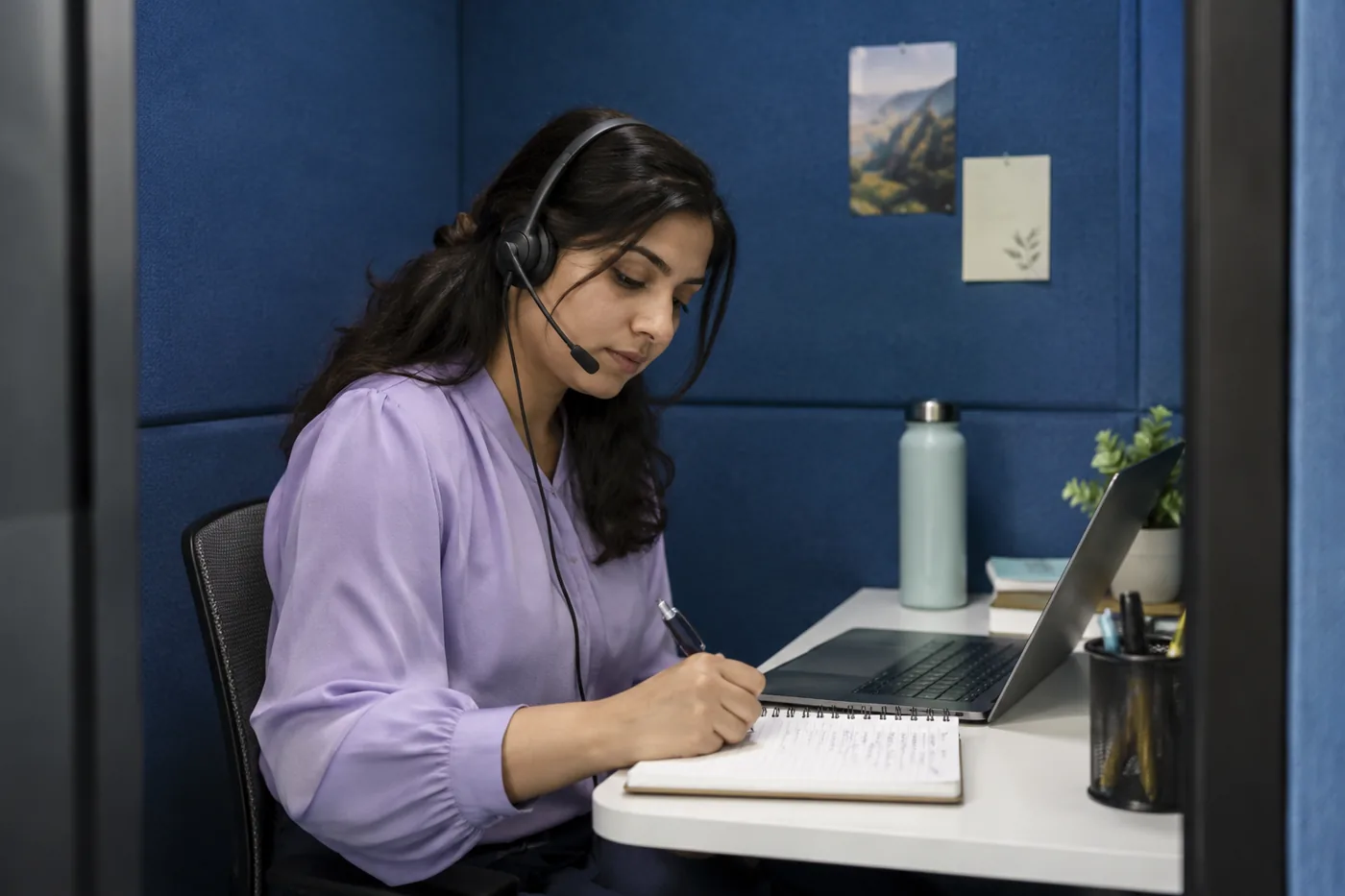
Time tracking for call-heavy work needs a review method that recognizes legitimate work with limited keyboard or mouse input. A support agent can be listening, explaining or taking notes while the screen barely changes. Attendance, tracker coverage and call outcomes should be reviewed separately instead of compressing them into one activity score.
Start with the actual call workflow
List the applications used for calls, notes and follow-up. A team may call in one application while keeping the customer record open in a browser. Another team may use a desk phone that creates no application signal on the laptop. These workflows will not necessarily produce the same tracker evidence.
Write down what a reviewer can reasonably expect to see. If the call system provides an authorized call log, it may help explain timing. Do not assume StafflyTracker imports that log or offers a native integration unless the capability is documented. The tracker does not claim universal call recognition.
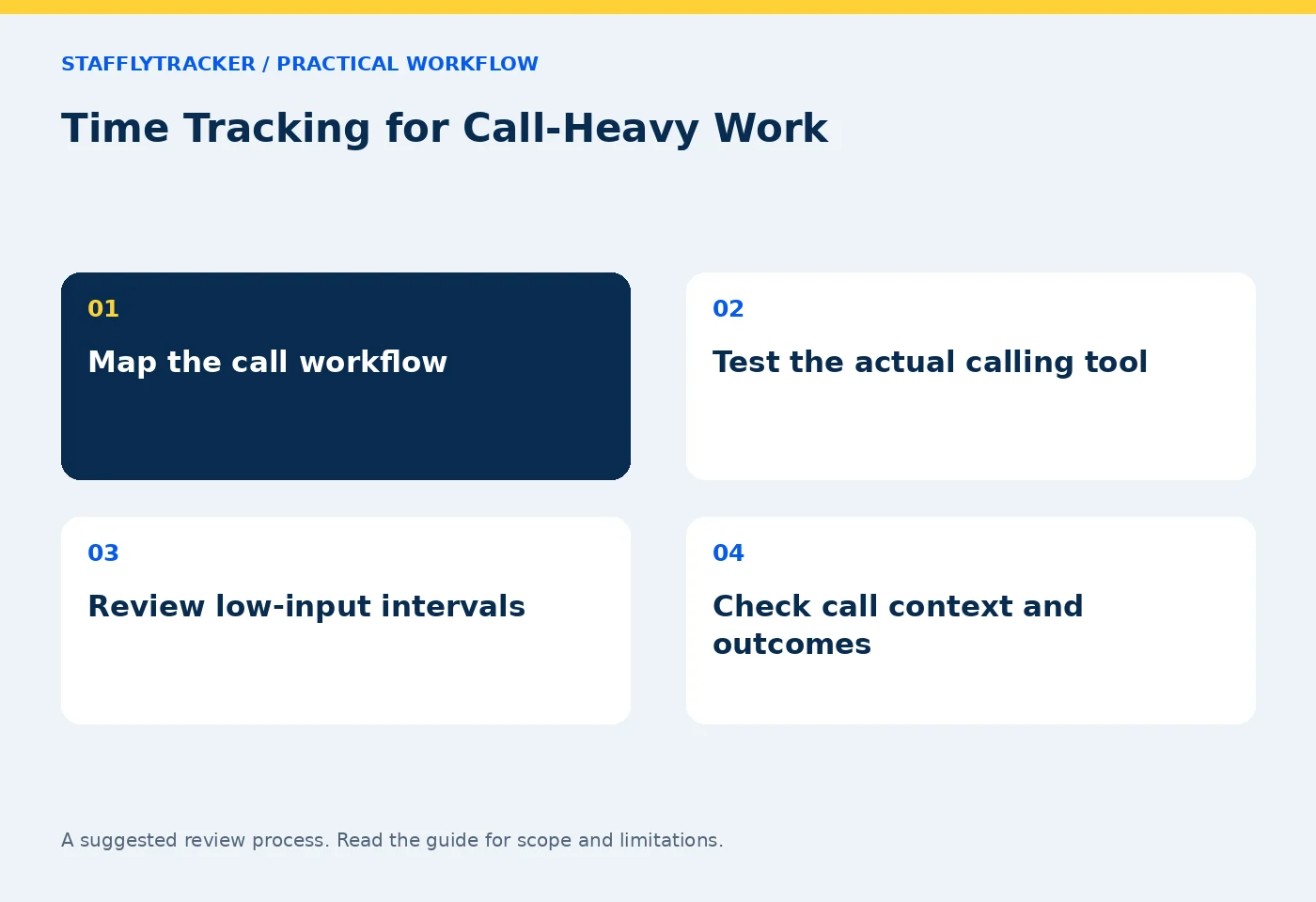
Test four representative intervals
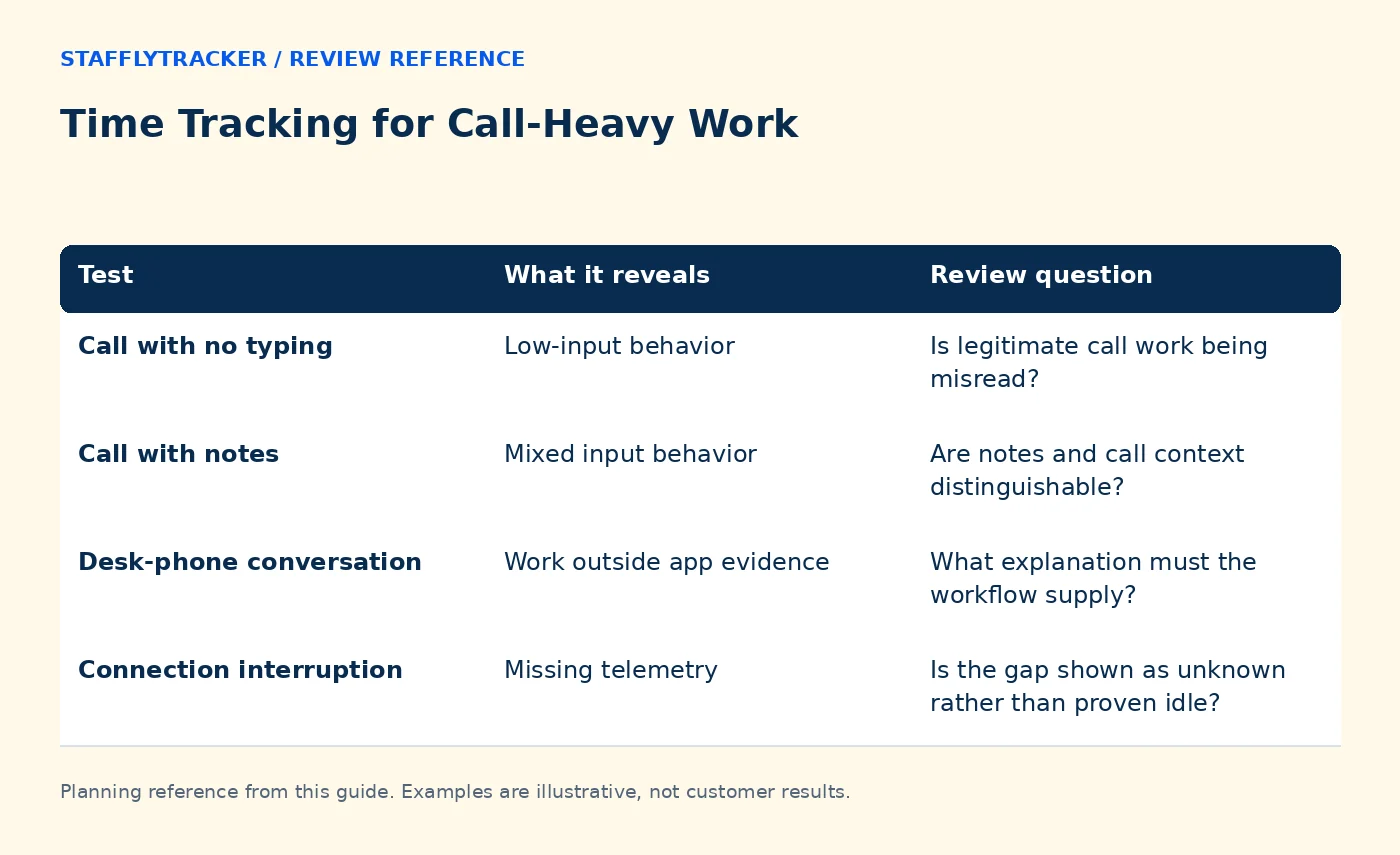
Use a short internal test call with fictional customer information. Record the expected start and finish manually, then inspect the resulting attendance and application timeline. Repeat with a call while reading a document, a call while entering notes and a quiet non-call interval.
| Test | What it reveals | Review question |
|---|---|---|
| Call with no typing | Low-input behavior | Is legitimate call work being misread? |
| Call with notes | Mixed input behavior | Are notes and call context distinguishable? |
| Desk-phone conversation | Work outside app evidence | What explanation must the workflow supply? |
| Connection interruption | Missing telemetry | Is the gap shown as unknown rather than proven idle? |
Use the result to define an internal interpretation, not to tune the system until everyone appears fully active.
Productive category is not the same as active input
A department rule can classify a call application as work-related. That category does not automatically establish that every minute in the app was a call, nor does it necessarily alter the idle calculation. Explain both meanings before changing a rule.
A browser title can also be too broad. Classifying all browser time as productive because calls run in a browser may hide unrelated activity. Use the most specific meaningful match available and document its limits. See department rulebooks.
A worked review conversation
In a fictional example, an agent has a 50-minute interval with limited input. The supervisor asks about the assignment and learns the agent handled two calls and a follow-up explanation. An authorized call record supports the timing, while the case system shows the follow-up.
The correct review distinguishes three facts: the tracker observed little input; the agent supplied call context; and the operational records support the described work. None of those facts needs to erase the others. If an attendance adjustment is approved, record its reason through the correction workflow.
Avoid replacing one misleading metric with another
Call duration is not a complete quality score either. A long call may involve a difficult case, a training need or a process delay. Review outcomes appropriate to the role, such as resolution quality or required follow-up, in the existing support system.
Do not require artificial mouse movement to keep a number high. That creates the wrong incentive and weakens the usefulness of activity evidence. The objective is an explainable record, not maximum input.
Make the policy practical for employees
Tell staff which records are collected, how calls will be interpreted and how to report an incorrect day. Give examples of legitimate low-input work. Explain that a missing connection must be reported even if the employee continued working normally.
Set a routine for reviewing exceptions while the details are still fresh. A short specific question about a known interval is more effective than a month-end accusation based on an unexplained percentage.
Evaluate before wider deployment
Use the actual supported Windows devices, headset setup and call software during the pilot. Confirm that microphone issues are investigated separately; a time-tracking metric is not an audio diagnostic. Compare the same call scenarios in Time Doctor or any other shortlisted product rather than assuming equivalent behavior.
Read product status and data collection for StafflyTracker's documented scope. The demo illustrates the review interface with fictional records, but a representative pilot is needed to assess your own call workflow.
Frequently asked questions
Does a static call screen mean the person stopped working?
No. Listening and speaking often involve little screen change.
Will every meeting application be detected automatically?
Do not assume that. Test the actual workflow and check documented support; StafflyTracker does not promise universal call detection.
Should we change past pay based only on a low activity score?
An activity score alone does not establish payable time. Review the records, explanation and applicable pay rules through the responsible process.
KEEP EXPLORING
Make the next decision clearer.
How to Plan Screenshot Retention A Fair Time Correction Workflow Employee Time Tracking Buyer’s ChecklistSEE THE WORKFLOW
Bring your questions.
Try the actual interface.
Explore fictional records, then discuss the requirements that matter to your team. Email required; phone optional.
AI-assisted editorial content and original illustrations. Examples are illustrative, not customer results. Editorial policy · Current product availability · Read as Markdown