
PRACTICAL GUIDE · FIELD NOTES
Build a Department Productivity Rulebook
Build department productivity rules that reflect actual tasks. Includes a rule register, mixed-use example, precedence tests and access boundaries.
StafflyTracker editorial · Product by Syed Toheed Shah

A department productivity rulebook explains why an application or website is relevant to a particular team. It should describe a job-related purpose, an owner and a review process. Classifying an application as productive does not prove that every minute spent in it produced useful work.
The same social platform can support a marketing campaign and distract from an unrelated billing task. A department system lets you explain that difference without inventing a single company-wide definition of a good working day.
Begin with the work, then classify the tools
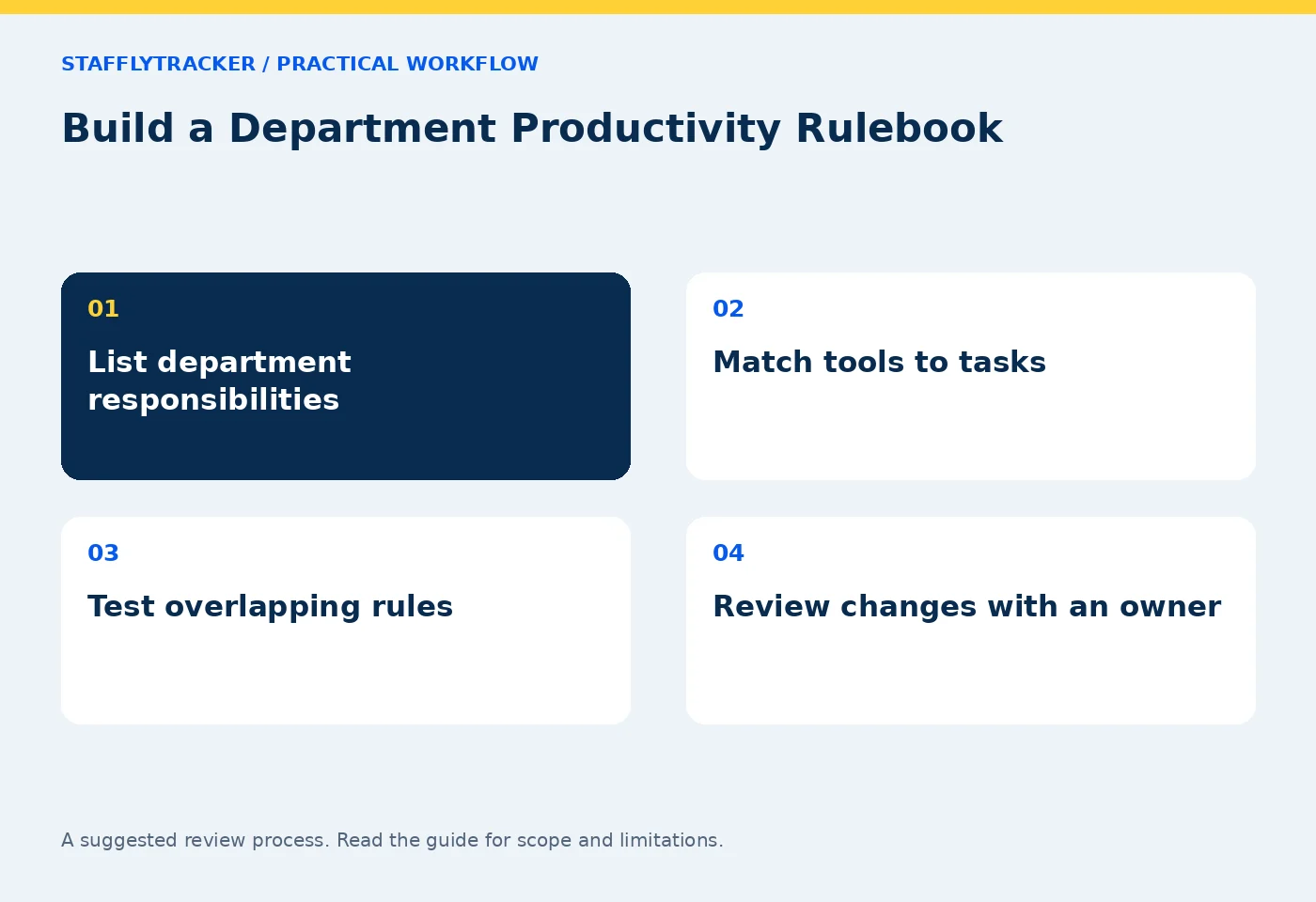
Ask each department for its recurring responsibilities and expected outputs. A recruitment coordinator might schedule interviews, a billing specialist might verify benefits, and a marketing employee might prepare and publish campaigns. Record the tools needed for those tasks before assigning categories.
Avoid starting with a blacklist copied from another company. A browser name alone rarely tells you enough. Chrome can display an approved business system, training material or a personal page. Window titles and available site information offer context, but they can also be incomplete and may contain sensitive information.
Review productivity features alongside the collection scope to understand what evidence the current tracker actually provides.
Use a rule register that can be maintained
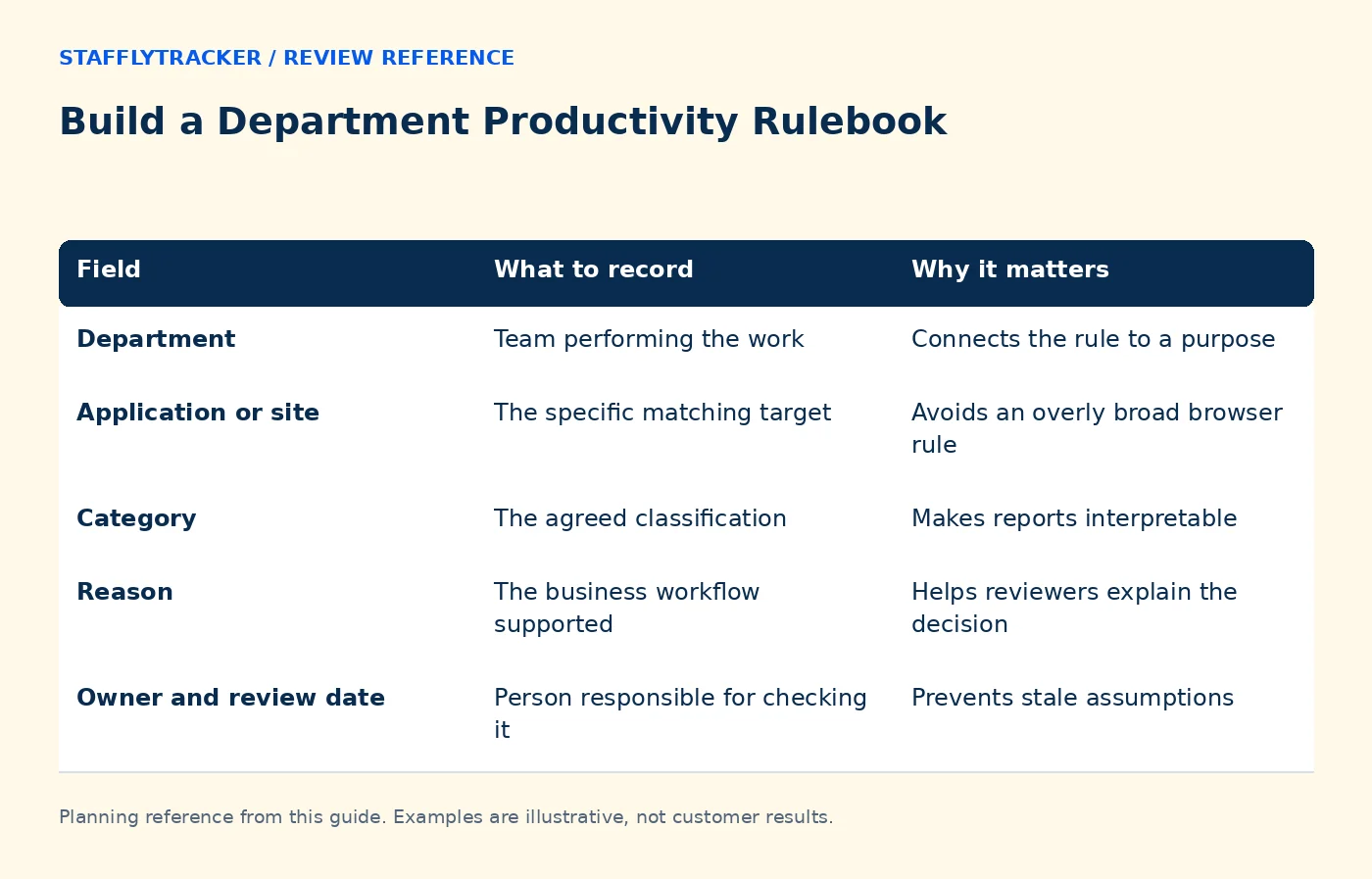
| Field | What to record | Why it matters |
|---|---|---|
| Department | Team performing the work | Connects the rule to a purpose |
| Application or site | The specific matching target | Avoids an overly broad browser rule |
| Category | The agreed classification | Makes reports interpretable |
| Reason | The business workflow supported | Helps reviewers explain the decision |
| Owner and review date | Person responsible for checking it | Prevents stale assumptions |
Keep the register in company documentation even if some fields are not available directly in the product. A configuration screen and a policy register serve different purposes. Do not imply that StafflyTracker automatically records every governance field in this table.
Work through a mixed-use example
Imagine a marketing team uses a social network to publish a campaign and respond to customer messages. Billing employees do not normally need that network, but one person is temporarily helping recruitment. A blanket company-wide classification would lose this context.
The rulebook can define marketing's approved use, describe how a temporary exception is reviewed and identify who can approve a change. The report should then be read alongside the assignment. Do not treat a classification as authorization to ignore the company's security or information-handling rules.
If an employee changes departments, check the assignment and the effective review period. Do not assume that changing a rule today necessarily rewrites every historical report in the way you intend. Test the current behavior with a known sample before using it for a retrospective decision.
Test matching and precedence explicitly
Create a small test set: an exact application match, a website used in a browser, an uncategorized tool and a tool with overlapping rules. Record the expected category and compare it with the report.
When two rules might match, verify the current product's precedence instead of guessing. Broader rules can hide mistakes in specific ones. Keep the number of rules small enough that an administrator can explain each important match.
Uncategorized time deserves a review queue, not an automatic negative label. It may reveal a new legitimate tool or an incomplete rule. Repeatedly adding rules without examining the actual workflow can make reports look precise while making them less meaningful.
Pair budgets with exceptions
A weekly app budget can make a conversation more specific: “We planned two hours for campaign research; what changed?” That is more useful than assuming all research beyond the estimate is wasted.
The app budget guide explains how to set a purpose, period and review threshold. Treat the threshold as a signal to ask about workload or process. A campaign launch, outage or training session may legitimately change the pattern.
Keep permissions separate
Departments organize classification. They should not be assumed to restrict who can see employees. StafflyTracker's currently documented manager review is company-wide; verify administrator visibility before assigning a manager role.
If your organization requires strict departmental access boundaries, discuss that requirement before onboarding. Do not use a productivity rule as a substitute for an access control.
Common questions
Can a productive category override idle time?
Category and input activity answer different questions. Test the actual report and any supported call workflow; do not assume a category proves active input or completed work.
How often should rules be reviewed?
Review them when responsibilities or tools change, and choose a regular owner-led check. The right interval depends on how quickly your workflows change.
Can we see this before buying?
Use the demo and bring two departments with different uses of the same tool. Ask to see the assignment, rule and resulting report together.
KEEP EXPLORING
Make the next decision clearer.
Tracker Off vs Clocked Out: Troubleshooting Plan Screenshot Storage for Multiple Monitors Employee Time Tracking Buyer’s ChecklistSEE THE WORKFLOW
Bring your questions.
Try the actual interface.
Explore fictional records, then discuss the requirements that matter to your team. Email required; phone optional.
AI-assisted editorial content and original illustrations. Examples are illustrative, not customer results. Editorial policy · Current product availability · Read as Markdown