Meet your workspace
Explore the demo, tell us about your team and get a quote around your needs.
TIME TRACKING. WITH THE WHOLE PICTURE.
Know where the time goes, keep attendance in order, and understand the work behind the numbers. All in one company workspace.

ONE WORKSPACE. MUCH LESS GUESSWORK.
Take a closer look →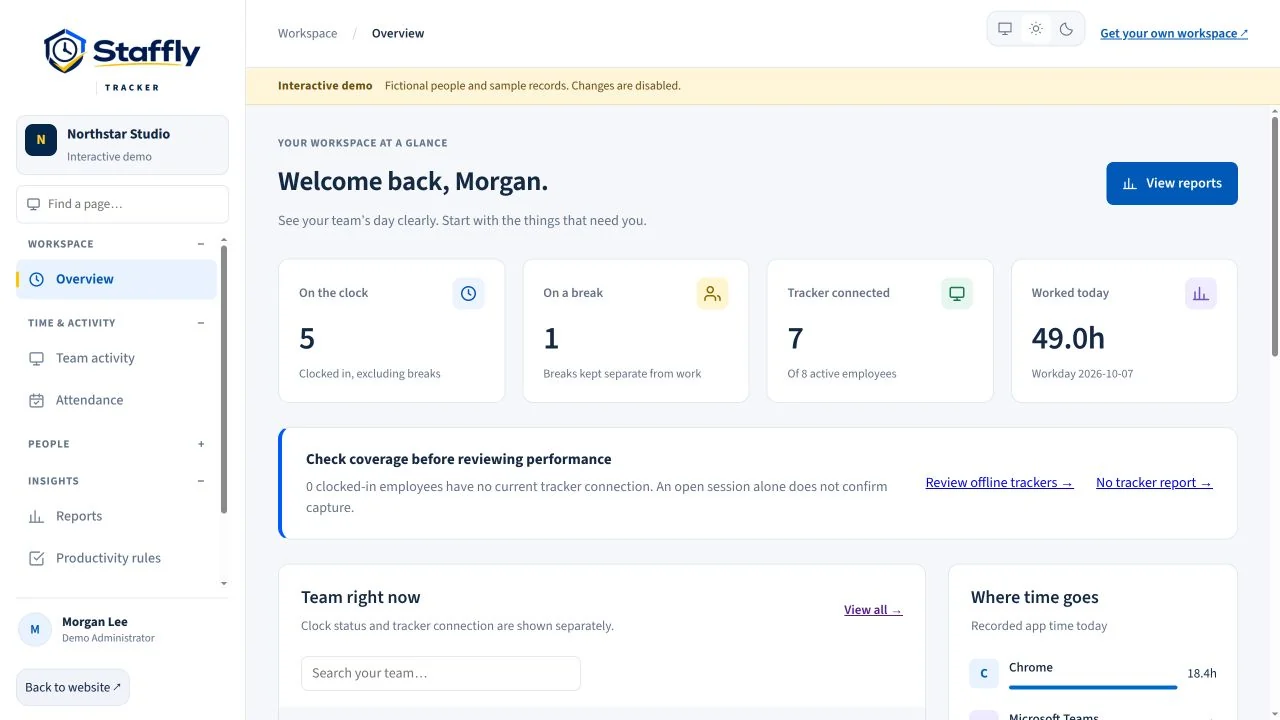
A CONNECTED VIEW OF WORK
Stop piecing together clock-ins, screenshots and spreadsheets. Find the people, records and context you need in one place.
Clock-ins, breaks and working time. Explore how it works for your company.
Explore feature ↗See the context behind a workday. Explore how it works for your company.
Explore feature ↗Keep schedules and records together. Explore how it works for your company.
Explore feature ↗Rules that reflect different roles. Explore how it works for your company.
Explore feature ↗Turn recorded time into useful reports. Explore how it works for your company.
Explore feature ↗FROM CHECKING IN TO UNDERSTANDING
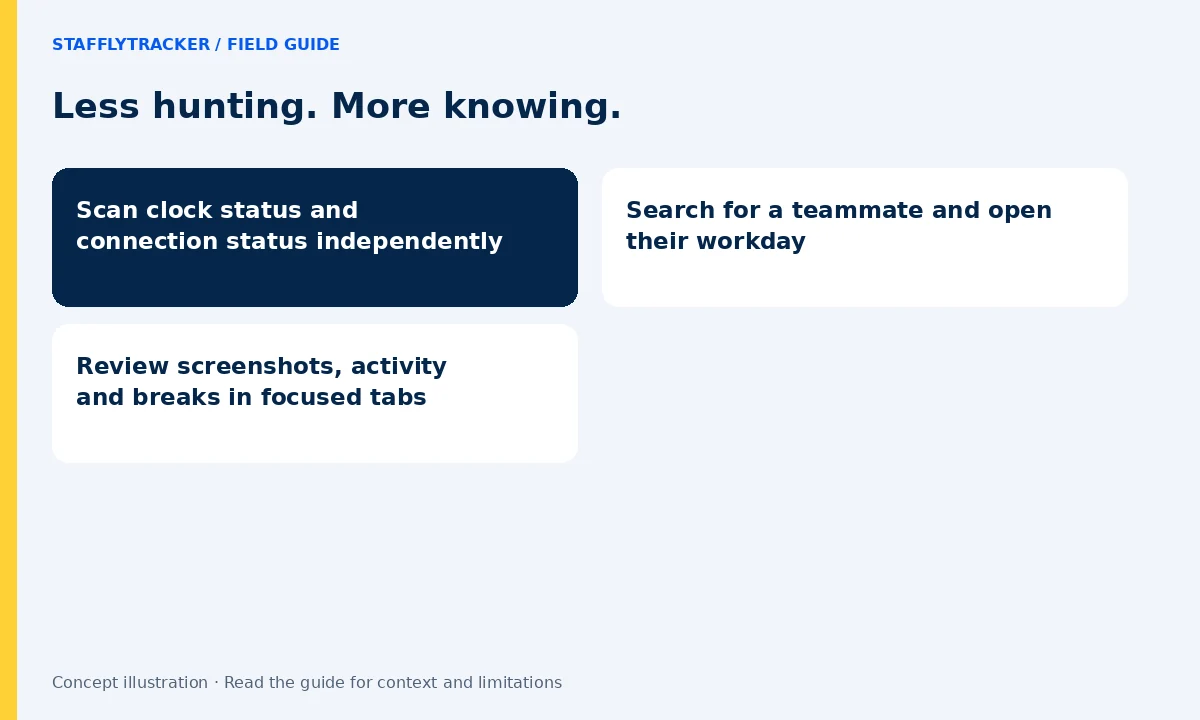
Who is clocked in? Whose tracker is connected? Where did the day’s time go? StafflyTracker keeps those questions separate, and puts their answers within reach.

BUILT AROUND PEOPLE
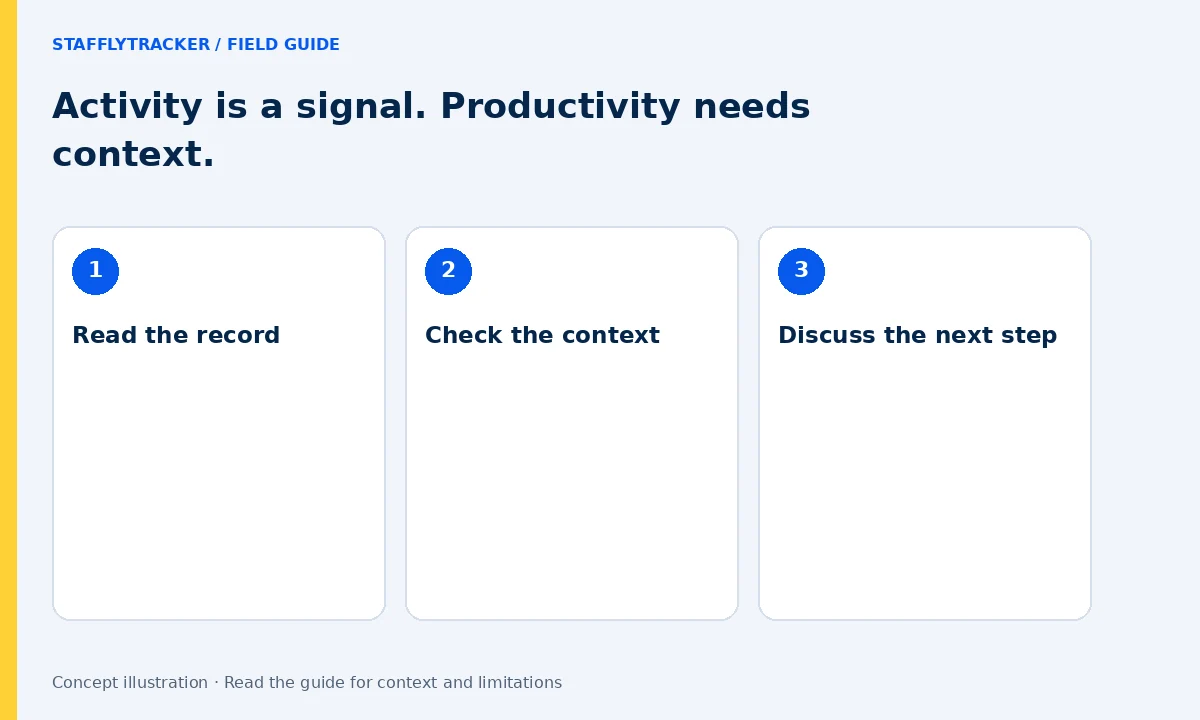
A support call is work. So is reading a complicated case, researching a campaign or reviewing a report. Mouse movement alone cannot explain the value of a day.
Use department rules and activity records as a starting point for a conversation. Look at the context before drawing a conclusion.
See department productivity ↗YOUR INDUSTRY. YOUR WAY OF WORKING.
From distributed teams to busy operations desks, start with the workflow that matters to your business.
Bring working time and availability into a shared view across locations.
Explore this solution ↗02Keep attendance, breaks and work records together for operational review.
Explore this solution ↗03Read activity in the context of conversations and customer support.
Explore this solution ↗04Recognise campaign tools and creative workflows with department rules.
Explore this solution ↗ATTENDANCE THAT MAKES SENSE
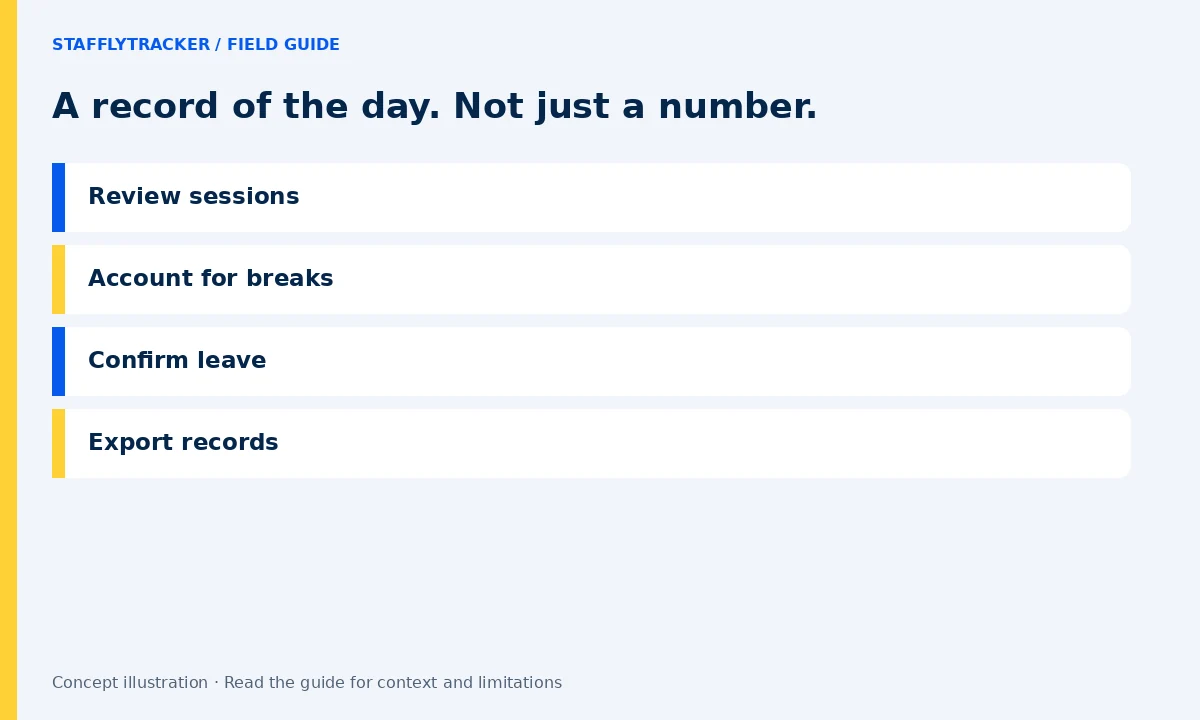
Review working days, approved leave, holidays and corrections together. Export the records you need for your next review.
A THOUGHTFUL START
Explore the demo, tell us about your team and get a quote around your needs.
Add employees, define departments and explain your tracking policies before rollout.
Use time, attendance and activity together to support clearer team conversations.

CLEAR POLICIES. BETTER CONVERSATIONS.
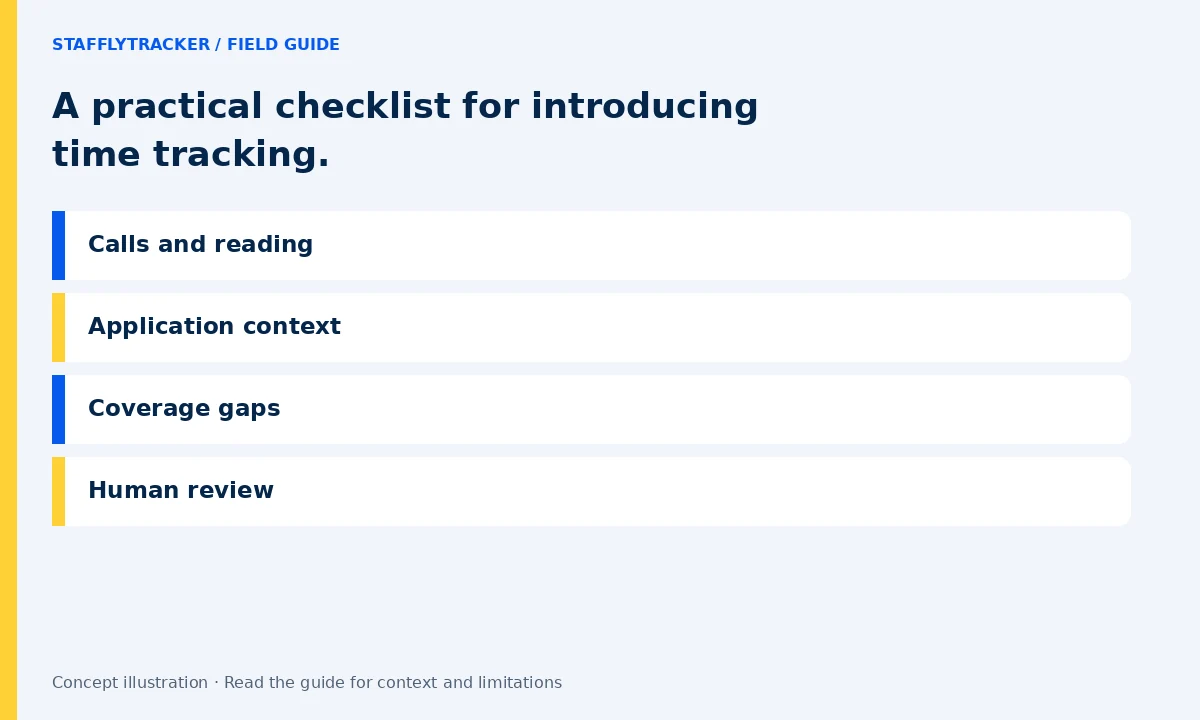
Before introducing tracking, explain what is collected, who can see it and how your company will use it. Give your team a point of contact and a way to raise questions.
Then use the records with care. An alert is an invitation to review, not a judgement on an employee.
Read the rollout checklist →StafflyTracker is workforce time-tracking software that combines clock-ins, breaks, screenshots, application activity, attendance, leave records and reporting in a company workspace. It is built for administrators and managers who need to understand recorded work with context.
Employees use the Windows 10 or Windows 11 desktop tracker on 64-bit computers. Administrators and managers use the web dashboard. A native Mac or Linux tracker is not currently available.
Yes. Enter your email to open our interactive demo; phone is optional. It uses the actual web app with fictional team records. It is read-only and does not connect to a customer workspace. Book a personal demo to discuss your own workflows and requirements.
Yes. Department-specific rules let you classify apps and website window titles differently depending on the team. A social platform used for marketing does not need the same classification as it has for billing.
No. Recorded computer activity is one source of context. It does not establish the quality of work, completed outcomes or intent. Calls, reading, research and offline tasks should be discussed alongside the records.
Plans are $4 per tracked employee monthly or $3/month billed annually, minimum 10 employees. See the pricing page for storage limits. Demo access needs email only; phone is optional.
PRACTICAL IDEAS FOR TEAM LEADERS
PRACTICAL WORKFLOWS
Useful records become better decisions when the review has a clear purpose.
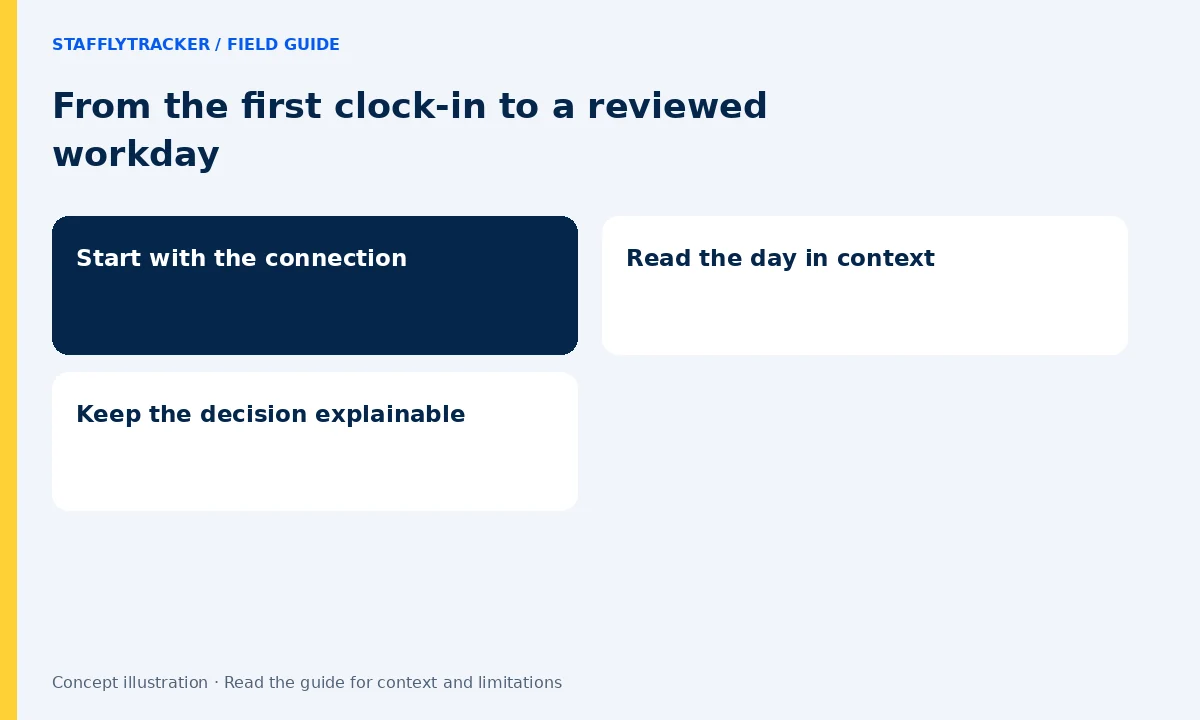
A clocked-in session and a connected tracker answer different questions. Check both before interpreting a missing screenshot or an activity percentage.
Move from a team summary into an employee timeline. Compare sessions, breaks and application activity for the period you are reviewing.
Use a reasoned time correction when a record needs adjustment. Review attendance exceptions before relying on exported hours.
LET’S MAKE WORK A LITTLE CLEARER
Show us how your team works. We’ll show you where StafflyTracker fits.
Read as MarkdownUpdated 2026-10-07Editorial policy