
FEATURE / DEPARTMENT PRODUCTIVITY
Different roles.
The right context.
What counts as relevant computer activity depends on the work someone does. StafflyTracker lets you organise people into departments and classify applications and window titles accordingly.
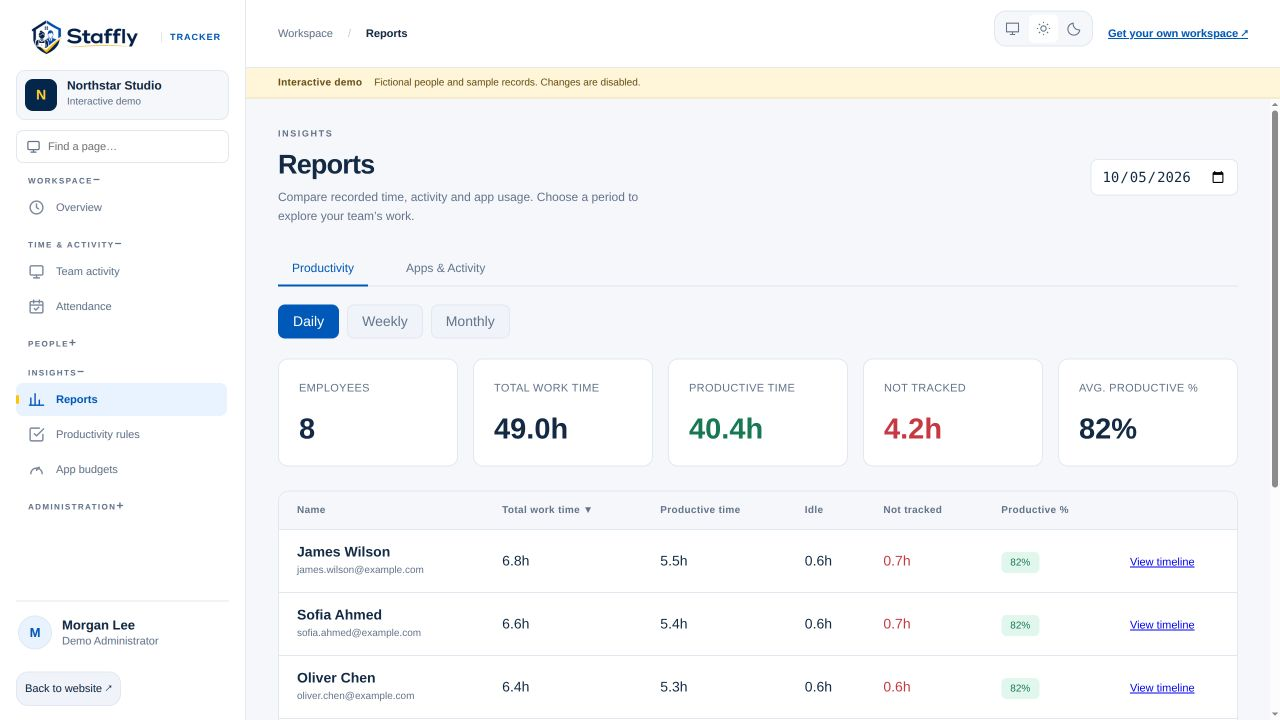
Define useful activity by department
A social media platform can be a core marketing tool and unrelated to another team’s routine work. A spreadsheet may be central to billing, while a support role spends more time in call software. Department-specific rules let you represent these differences. Begin by asking each team which tools are essential to its work, then review the classifications together. A single company-wide label is not always a useful description for every role.
Distinguish activity from output
Recorded application time and keyboard or mouse activity describe computer use. They do not measure the quality of a completed case, a helpful customer conversation or a well-researched decision. Treat the report as a way to find questions worth discussing. Where possible, compare the time record with work outcomes that your team already reviews. A high percentage alone should not become a claim that someone achieved more than a colleague.
Account for calls and reading
Calls and meetings can involve little keyboard or mouse activity. Some work also requires extended reading. Supported app rules can account for appropriate tools, but a broad browser rule can over-credit unrelated browsing. Keep the scope specific, review examples and check how the rule affects the report. StafflyTracker’s signals should be interpreted in the context of the role, especially when low input activity is a normal part of the job.
Use app budgets to start a conversation
App time budgets give a team a reference point for reviewing usage over a period. A budget can make it easier to notice when time in a category deserves discussion, but it does not explain the reason by itself. Campaign planning, training and unusual customer cases can change normal usage. Review the actual intervals and responsibilities before deciding whether a pattern is a problem.
Review unusual patterns fairly
An unusually static screen, repetitive input pattern or software inventory match may merit a closer look. These are review signals, not proof of intentional misuse. Software can be installed without running, and an application name alone can be ambiguous. Combine the relevant time window, activity and business context, then give the employee a chance to explain. Keep any resulting decision grounded in verified facts rather than a single automated flag.
THE DETAILS MATTER
Your questions,
answered.
Can the same app be productive in one department and not another?
Yes. Department-specific productivity rules can classify the same application differently according to the work that department performs.
Is an activity alert proof of cheating?
No. It is a signal for review. Check timing, tracker coverage, application context and the employee’s explanation before drawing a conclusion.
Will a score measure the quality of a customer call?
No. Computer activity metrics cannot determine the quality of a call. Review service outcomes and role context alongside the tracker data.
LET’S MAKE WORK A LITTLE CLEARER
Your next chapter
starts with a conversation.
Show us how your team works. We’ll show you where StafflyTracker fits.