Billing and operations teams move between case systems, spreadsheets, communication tools and calls. Review that work with role-specific context rather than a one-size-fits-all activity label.
Classify the tools that actually matter
Build department rules around your team’s operational applications and window titles. Start with a small reviewed set of tools, inspect sample records and adjust the definitions as workflows change. A process name can be shared by several tasks, so keep the rule scope deliberate.
Treat quiet computer time carefully
Reading a case, checking a complicated record or making a call can produce little mouse movement. Do not treat low input activity as a complete explanation of the work. Combine the recorded interval with the task and the employee’s account before drawing a conclusion.
Keep attendance exceptions documented
Late shifts, approved leave and missing clock-ins need clear treatment. Use the work calendar, leave entries and reasoned corrections together so the monthly view reflects the reviewed record. Check the exported totals before using them in a separate pay process.
Review collection around sensitive work
Screen captures can contain the information displayed in operational systems. Assess your organisation’s requirements and configure collection, access and retention accordingly before rollout. Do not assume that a monitoring feature or this website constitutes a regulatory compliance certification.
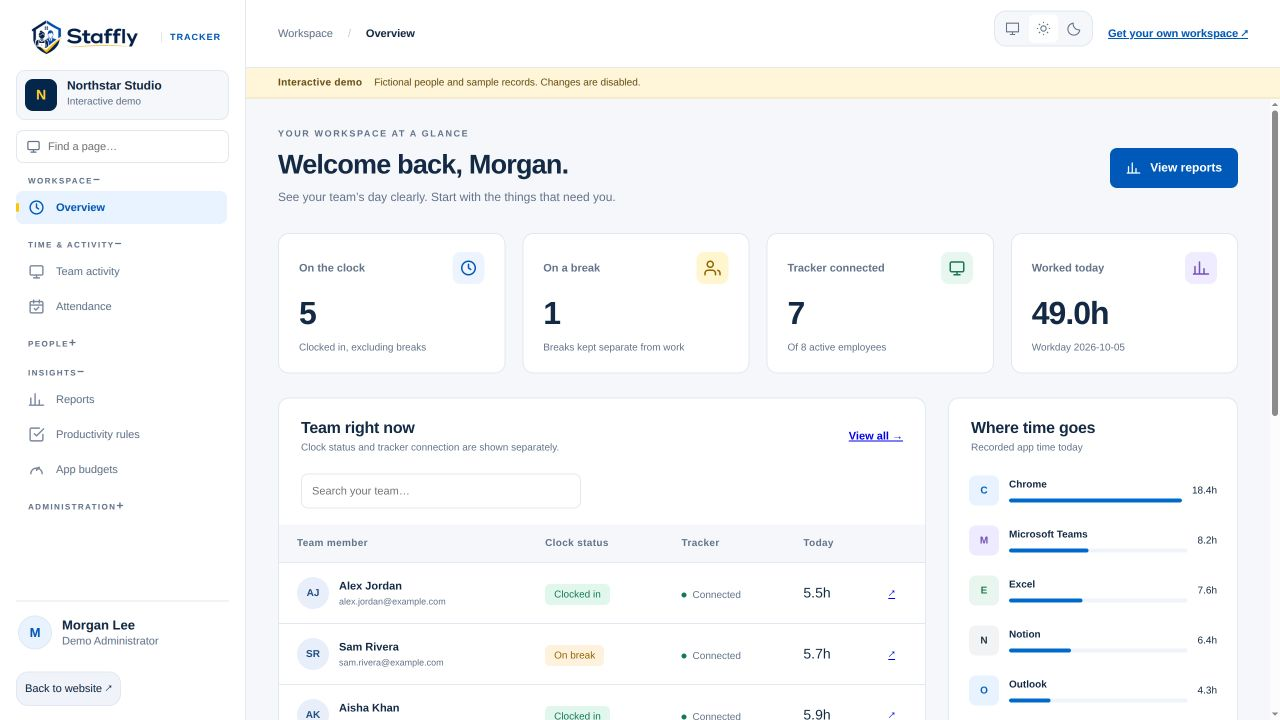
See the workflow in the product.
Explore the same admin interface your company would use, with fictional demo records. Bring your team’s questions to a personal walkthrough.