Social media can be work
A campaign manager may spend legitimate time on a social platform. Classify that activity within the marketing department instead of applying the same rule to every employee.

STAFFLYTRACKER GUIDE
Use department-specific productivity rules to recognise campaign tools and social platforms as part of a marketing team’s work.

A campaign manager may spend legitimate time on a social platform. Classify that activity within the marketing department instead of applying the same rule to every employee.
Review the app and window-title records your team actually generates. A broad browser rule may cover both useful work and unrelated activity. Check sample matches before relying on category totals.
Creative research and planning can be quiet periods at the keyboard. Combine recorded time with campaign delivery and agreed responsibilities; activity does not measure creative quality.
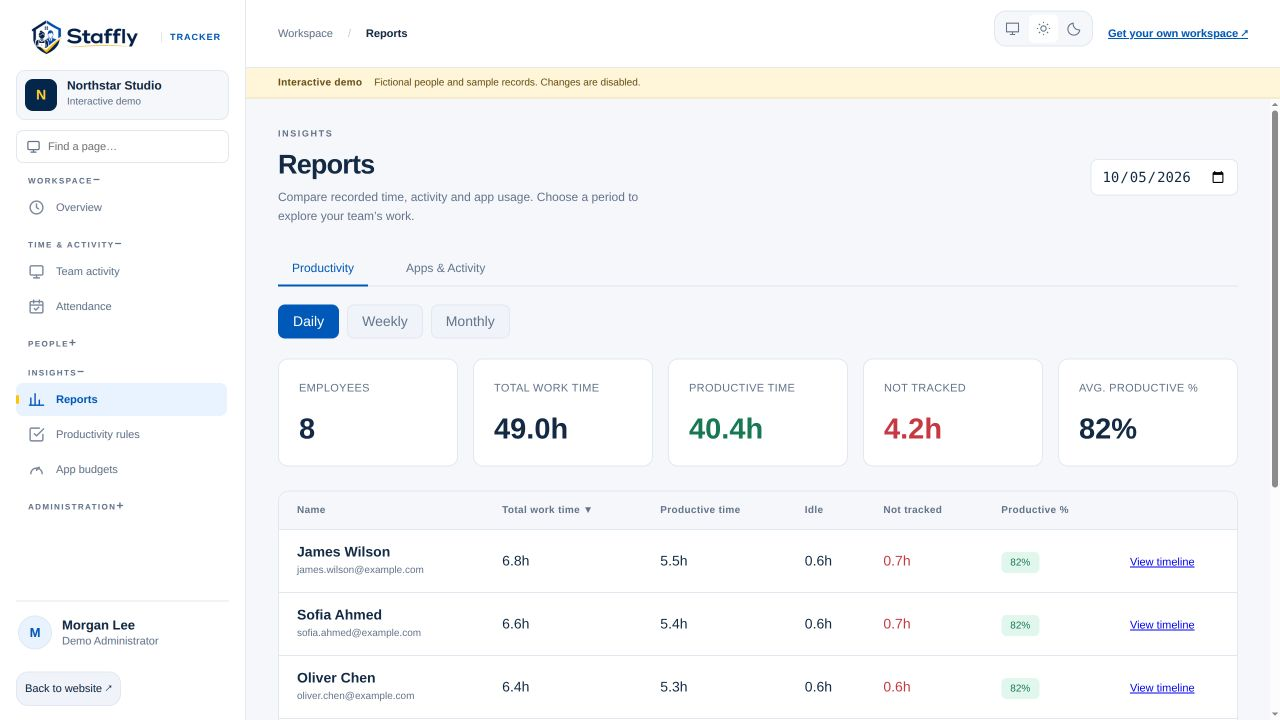
Create the department, assign employees, agree the relevant tools, review a sample week, then adjust classifications with the team. Keep your screenshot policy explicit and check attendance separately from productivity categories.
Explore department productivity rules →LET’S MAKE WORK A LITTLE CLEARER
Show us how your team works. We’ll show you where StafflyTracker fits.