
PRODUCT DOCUMENTATION
Data collection: records and limits
A plain-language inventory of desktop tracking, software metadata, diagnostic records and collection limitations.
Working-session records
The tracker records clock-in, clock-out and break events, connection heartbeats and application activity. Screenshot capture is tied to the tracking workflow and company settings. A screen capture can include documents, messages or images visible on the display. A claim that screenshots cannot contain sensitive information would be inaccurate.
Input and application signals
The app uses foreground application and window-title information, idle timing and aggregate mouse/input signals. These are used for activity summaries and review flags. It does not record the text of typed keystrokes, microphone audio or webcam video. Aggregate input counts cannot tell a reviewer what was said in a call or whether a task was completed well.
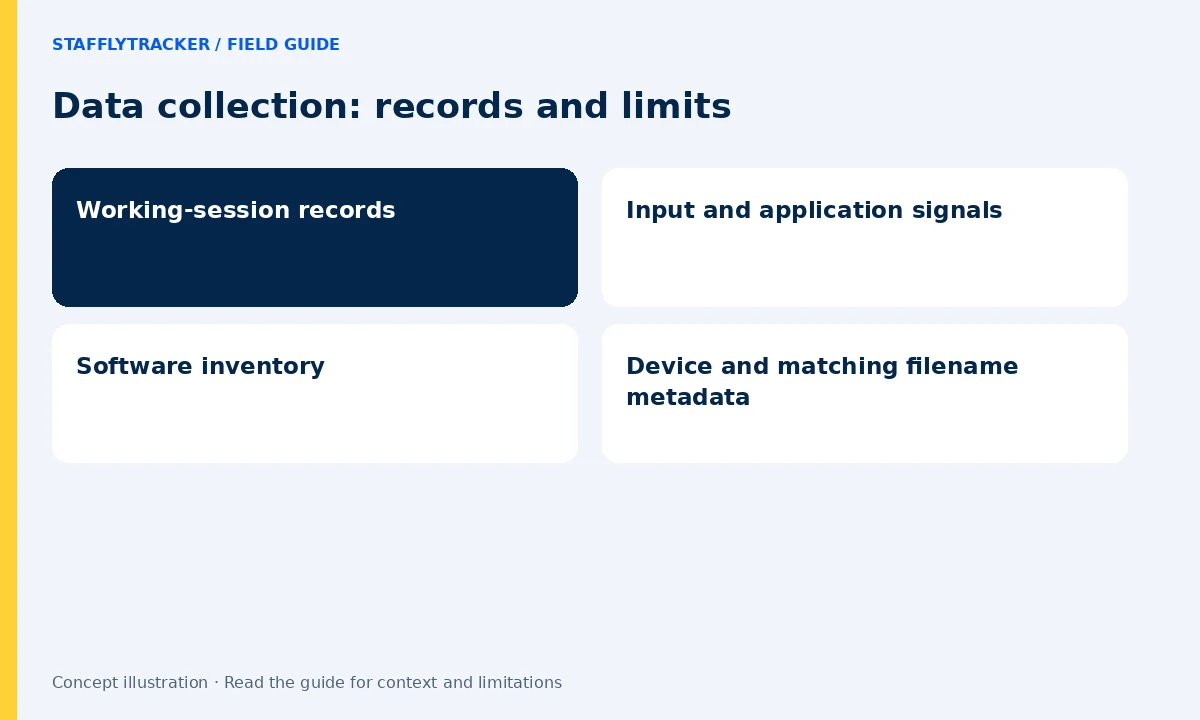
Software inventory
The app reads Windows sources for installed programs, Store applications, startup entries and available launch-history metadata. Portable software may not appear in an installed-program registry. Coverage varies with the Windows account, application packaging and available history. A software inventory should not be described as a complete list of everything on a computer.
Device and matching filename metadata
The app also reports USB device metadata and searches selected locations for filenames matching known activity-tool patterns. The scan is bounded by time, depth and match limits. Matching records can include the path, filename, size and timestamps. This is not an upload of every file’s contents, a photo library viewer, a full disk inventory or a record of what was copied onto a USB drive. A remembered USB device is not proof of a recent connection or a transfer.
Diagnostics and timing
Diagnostic logs help investigate connection, update and capture problems. Software and device scans run periodically and may occur while a user is signed in outside an active work session. Do not assume that stopping screenshot capture also stops every diagnostic or inventory function. Administrators should explain the complete collection scope before installation.
Access and retention
Screenshots and telemetry belong to the company workspace. Role checks limit access, but administrators must still assign accounts carefully. Screenshot retention is configurable and applies to stored captures; it is not a universal deletion setting for all record types. Ask the company administrator about access, correction and deletion requests.