
BUYING GUIDE · FIELD NOTES
Employee Time Tracking Buyer’s Checklist
Use a practical employee time tracking buyer checklist to compare demos, permissions, payroll exports, supported devices, storage limits and total cost.
StafflyTracker editorial · Product by Syed Toheed Shah

A useful employee time tracking buyer's checklist turns a sales demonstration into a repeatable test. Start with your devices, attendance rules, access requirements and export needs. Then ask each vendor to demonstrate the same scenarios. A feature name or a low per-seat price is not enough to establish that a product fits your team.
Write your non-negotiables first
List the operating systems that must be recorded, the number of tracked employees and the people who only review reports. Note whether you need project billing, mobile attendance, SSO, restricted manager access or integrations. Mark each requirement as essential, useful or optional before a vendor demonstration influences the list.
StafflyTracker currently records on Windows 10/11 x64 and offers browser dashboards. It does not offer native Mac/Linux recording, SSO/SCIM or a public integration marketplace. These limitations belong near the top of the decision, not in a footnote after the price comparison.
Use one scorecard for every vendor
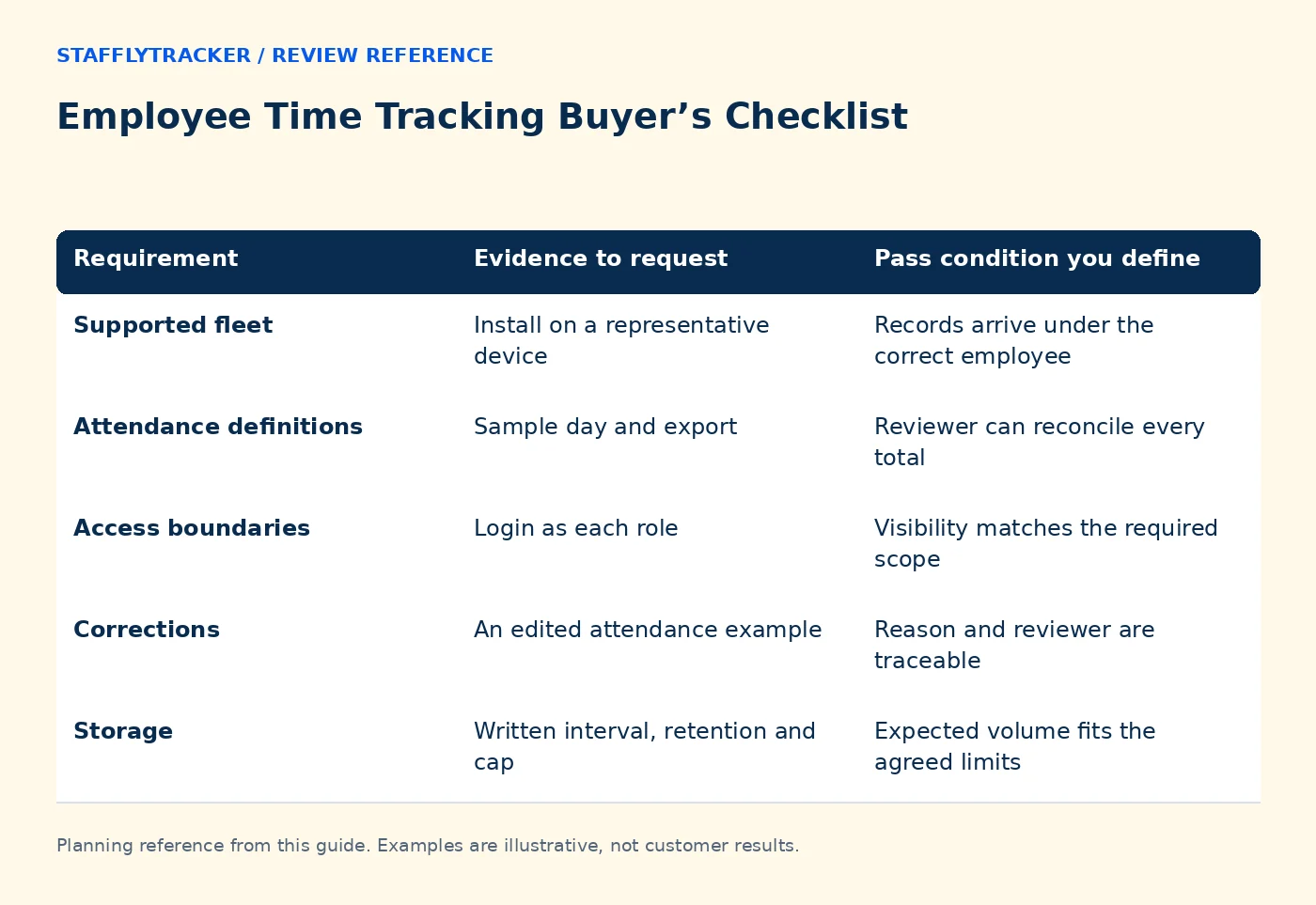
Create a row for each requirement and record the demonstrated result, relevant plan, source and unresolved question. Use four outcomes: demonstrated, documented but untested, unavailable, or unclear. Do not give an unclear feature full marks because a sales representative expects it to arrive later.
| Requirement | Evidence to request | Pass condition you define |
|---|---|---|
| Supported fleet | Install on a representative device | Records arrive under the correct employee |
| Attendance definitions | Sample day and export | Reviewer can reconcile every total |
| Access boundaries | Login as each role | Visibility matches the required scope |
| Corrections | An edited attendance example | Reason and reviewer are traceable |
| Storage | Written interval, retention and cap | Expected volume fits the agreed limits |
| Commercial terms | Written quote or order | Seats, term and renewal are clear |
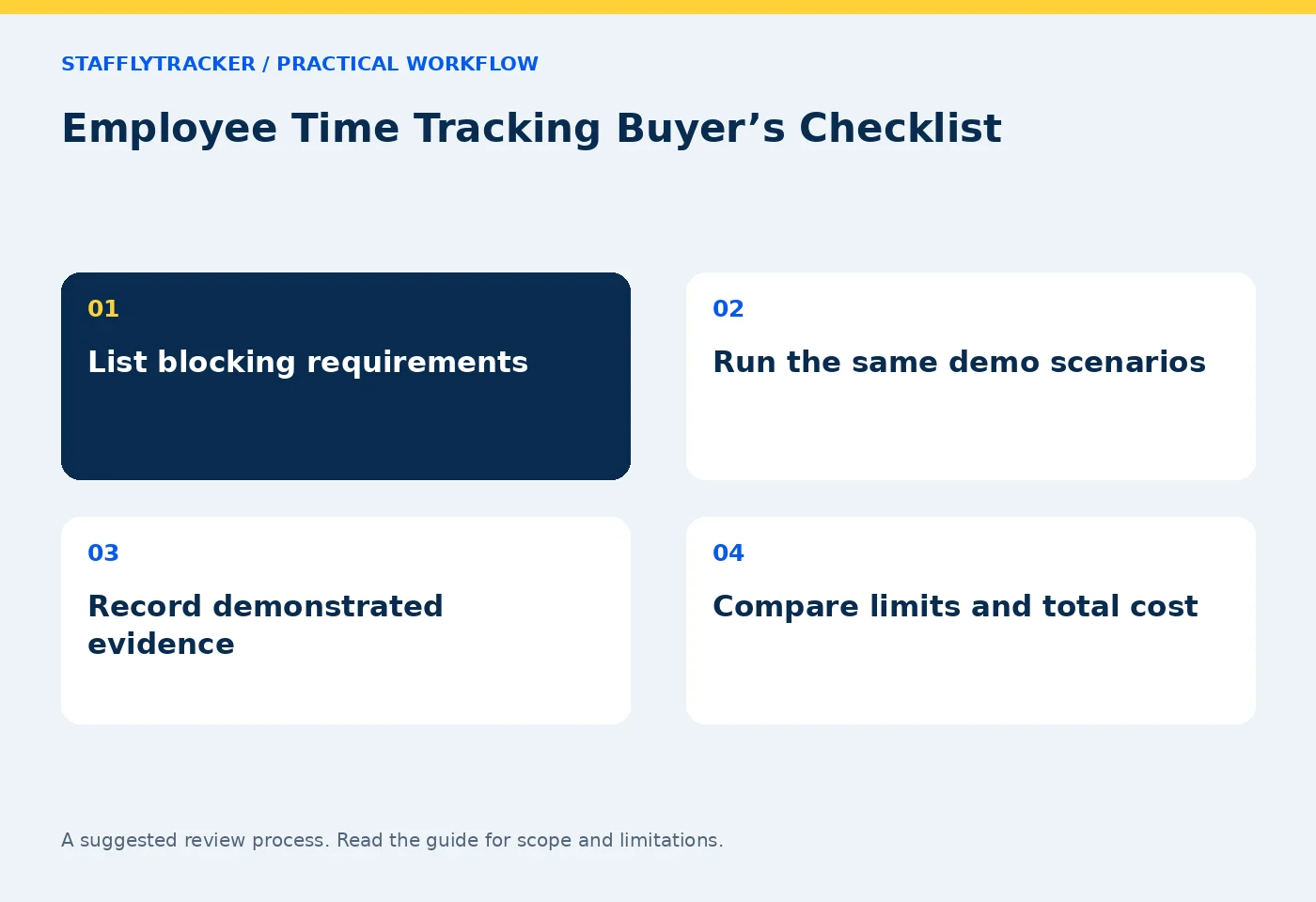
Run five practical scenarios
First, record an ordinary work interval with a break. Second, include a legitimate reading or call period with limited input. Third, interrupt the network briefly. Fourth, test a shift that finishes after midnight. Fifth, correct an intentionally missed clock event using the approved workflow.
For every scenario, ask the reviewer to explain what the record proves and what remains unknown. The most useful product is one whose definitions survive those questions. A visually impressive dashboard that labels missing telemetry as definite inactivity can lead to poor decisions.
Evaluate screenshots as a separate choice
Ask when capture occurs, how multiple monitors are handled, where retention is configured and what happens at the storage cap. Test with fictional content. Explain the collection to staff before a pilot, and decide whether screenshots are appropriate for the work involved.
Do not infer that screenshot capture means video recording, full filesystem browsing or complete visibility into every action. Review the vendor's actual collection description. StafflyTracker documents what administrators see and collection limits.
Compare Time Doctor using current evidence
Time Doctor's official feature page describes time tracking and workforce analytics. Its packaging may include capabilities beyond StafflyTracker's current scope, so inspect the plan and add-ons that match your requirements. Use the official Time Doctor features page and pricing page as the source for current offers.
Do not award StafflyTracker a feature because another tracking product has it. Our product status page separates current availability from missing capabilities. Run the same practical tests in both products and record the date of the comparison.
Calculate the actual cost
Include minimum seats, billing term, storage or capture upgrades, taxes and the time spent reviewing records. Annual per-month equivalents are not the same as a monthly subscription. A lower software bill can still be a poor fit if the team needs a separate unsupported workflow.
StafflyTracker's published monthly price is $4 per tracked employee with a ten-person minimum. Annual pricing is $36 per employee per year, equivalent to $3 per month. Check pricing for current limits and confirm a written order before paying. Do not treat the public demo as a promise of automatic production provisioning.
Ask who resolves exceptions
Before choosing a product, decide who reviews missing records, who approves corrections and how employees can explain a misleading interval. A time tracker does not eliminate management judgment. It should make the source records and the explanation easier to connect.
Ask for an export sample that your attendance or payroll reviewer can interpret independently. Verify whether payroll means calculations, exports or actual money movement. StafflyTracker provides calculations and exports, not wage transfers or tax filing.
Finish with a written decision
Record why the chosen product meets the essential requirements, which limitations were accepted and what the pilot still needs to test. Include an owner for each unresolved item. A clear no-go decision is better than silently assuming a roadmap feature exists.
Use the two-week pilot plan after shortlisting. The StafflyTracker demo is read-only and uses fictional records, so you can inspect the review experience without installing an employee agent.
Buying questions
What is the most important test?
Ask a reviewer to reconcile a day containing a break, a quiet work interval and a connection gap. This reveals whether the definitions are usable.
Should we choose the lowest price?
Only after essential requirements pass. Compare the full term, minimum seats, limits and operational work involved.
Can a demo prove compliance or perfect detection?
No. Evaluate your specific obligations and review the product's documented limits. No screenshot or activity signal guarantees a conclusion about work quality or intent.
KEEP EXPLORING
Make the next decision clearer.
Attendance Reconciliation Before Payroll Calculate the Total Cost of Time Tracking How to Compare Time Tracking DemosSEE THE WORKFLOW
Bring your questions.
Try the actual interface.
Explore fictional records, then discuss the requirements that matter to your team. Email required; phone optional.
AI-assisted editorial content and original illustrations. Examples are illustrative, not customer results. Editorial policy · Current product availability · Read as Markdown