
PRACTICAL GUIDE · FIELD NOTES
A Two-Week Time Tracking Pilot Plan
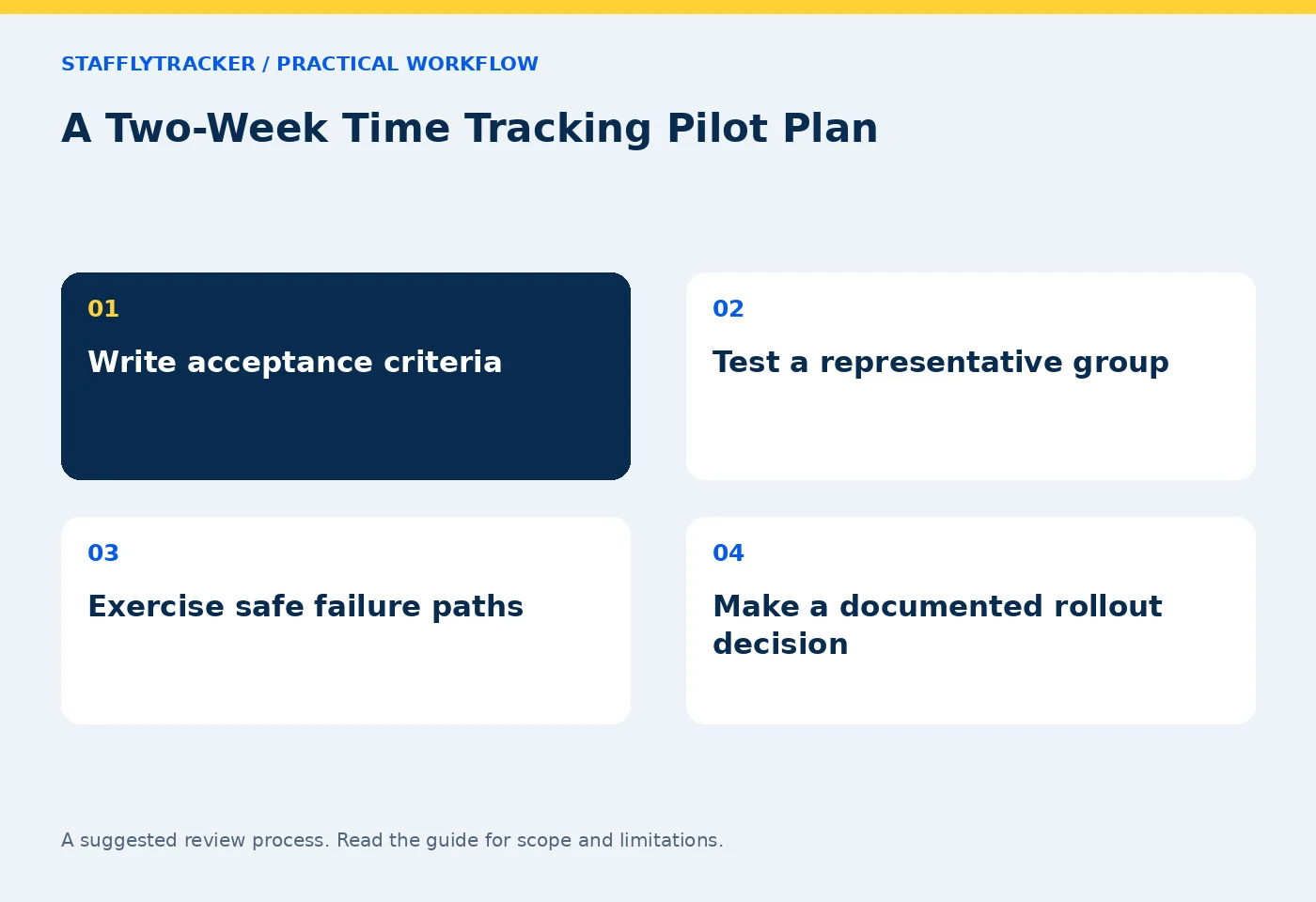
Plan a two-week time tracking pilot with acceptance criteria, representative roles, restart tests, corrections and a documented rollout decision.
StafflyTracker editorial · Product by Syed Toheed Shah

A time tracking pilot should test whether the system can explain real workdays accurately enough for your intended decisions. A two-week trial is useful when it includes different roles, an overnight shift if relevant, a known exception and a clear go-or-no-go review.
Do not begin with a promise to monitor everyone immediately. Define the questions, explain collection to participants and use non-sensitive sample material where possible. A small, representative pilot is easier to diagnose than a rushed company-wide rollout.
Write success criteria before installation
Pick concrete requirements: a supported Windows laptop installs correctly, attendance aligns with the agreed workday, a manager can resolve a missed clock-out, and a screenshot policy matches the information handled by the team. Decide what would prevent deployment.
Also list explicit non-requirements. If you need native macOS recording or project invoice generation, do not assume a responsive browser dashboard provides those features. Read current availability and discuss gaps before spending time on a pilot.
Success should mean the workflow works and is understood. A high activity score during the test is not evidence that the product meets your requirements.
Choose a representative group
Include a routine desk role, a call-heavy role and someone who regularly switches between computer and offline work. Include a manager who will review the reports and the administrator responsible for installation.
Use approved company devices. Record operating system, tracker version, display setup and network conditions. This gives a technical issue a useful context and helps avoid assuming every employee has the same environment.
Participants should know how to report a problem and which information the tracker collects. The notice guide can help organize that explanation.
Follow a two-week test sequence
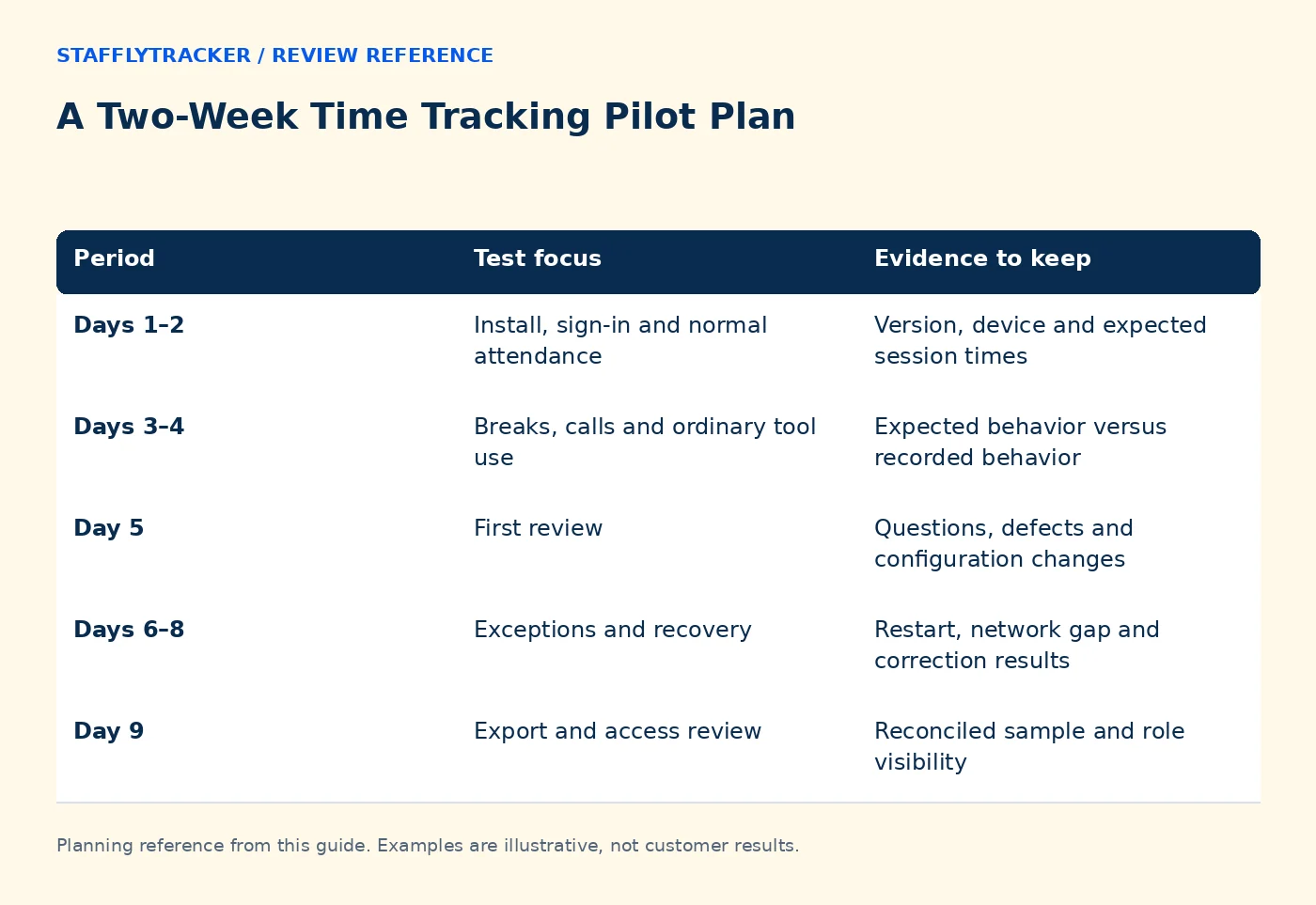
| Period | Test focus | Evidence to keep |
|---|---|---|
| Days 1–2 | Install, sign-in and normal attendance | Version, device and expected session times |
| Days 3–4 | Breaks, calls and ordinary tool use | Expected behavior versus recorded behavior |
| Day 5 | First review | Questions, defects and configuration changes |
| Days 6–8 | Exceptions and recovery | Restart, network gap and correction results |
| Day 9 | Export and access review | Reconciled sample and role visibility |
| Day 10 | Decision | Passed criteria, unresolved gaps and owner |
These are suggested activities, not automatic test scripts. Do not deliberately disrupt live customer service to manufacture an outage. Use a safe test device and agreed times for recovery checks.
Include a known example for each calculation
A fictional nine-hour shift with a one-hour break should produce eight hours of work before any other approved adjustment. If 40 minutes within that work period is idle, it must not be added on top as another 40 minutes of attendance.
For an overnight shift, write the start date, end date and timezone explicitly. Compare the displayed date with the company's workday definition. For leave, include a scheduled day off and an approved leave day so the review distinguishes both from absence.
Use the attendance reconciliation checklist to keep the arithmetic and exceptions in one place.
Test failure paths as carefully as the normal day
Check what a manager sees when tracker information is loading, unavailable or stale. Ask how the application recovers after a restart and what happens if an update cannot complete. An application appearing in a software inventory is not proof that it is currently running.
Review capture limits and retention separately from attendance. Confirm what the dashboard communicates when screenshots are unavailable. Missing evidence should not be presented as measured idle time.
For permissions, sign in with the actual roles you plan to assign. StafflyTracker's documented manager visibility is company-wide; department rules are not a substitute for restricted departmental access.
End with a written decision
Classify each requirement as demonstrated, documented but not tested, unavailable or unresolved. Record who owns each unresolved item and whether it blocks rollout. A vendor promise should remain distinct from a feature you observed working.
If the pilot passes, define a staged installation plan and a first-week support contact. If it does not, preserve the findings and decide whether a configuration change, product change or different tool is needed. A pilot that identifies a mismatch has still served its purpose.
Common questions
Is two weeks always enough?
No. Include the operational cycles relevant to your decision. A monthly payroll workflow may need a later validation checkpoint.
Can we use real employee screenshots?
Only under your approved policy and access process. Prefer non-sensitive sample work for demonstrations and technical tests.
Where do we start?
Request the demo, review the buyer's checklist and bring a short list of must-have workflows.
KEEP EXPLORING
Make the next decision clearer.
Write a Clear Employee Monitoring Notice How to Compare Time Tracking Demos Employee Time Tracking Buyer’s ChecklistSEE THE WORKFLOW
Bring your questions.
Try the actual interface.
Explore fictional records, then discuss the requirements that matter to your team. Email required; phone optional.
AI-assisted editorial content and original illustrations. Examples are illustrative, not customer results. Editorial policy · Current product availability · Read as Markdown