
PRACTICAL GUIDE · FIELD NOTES
Write a Clear Employee Monitoring Notice
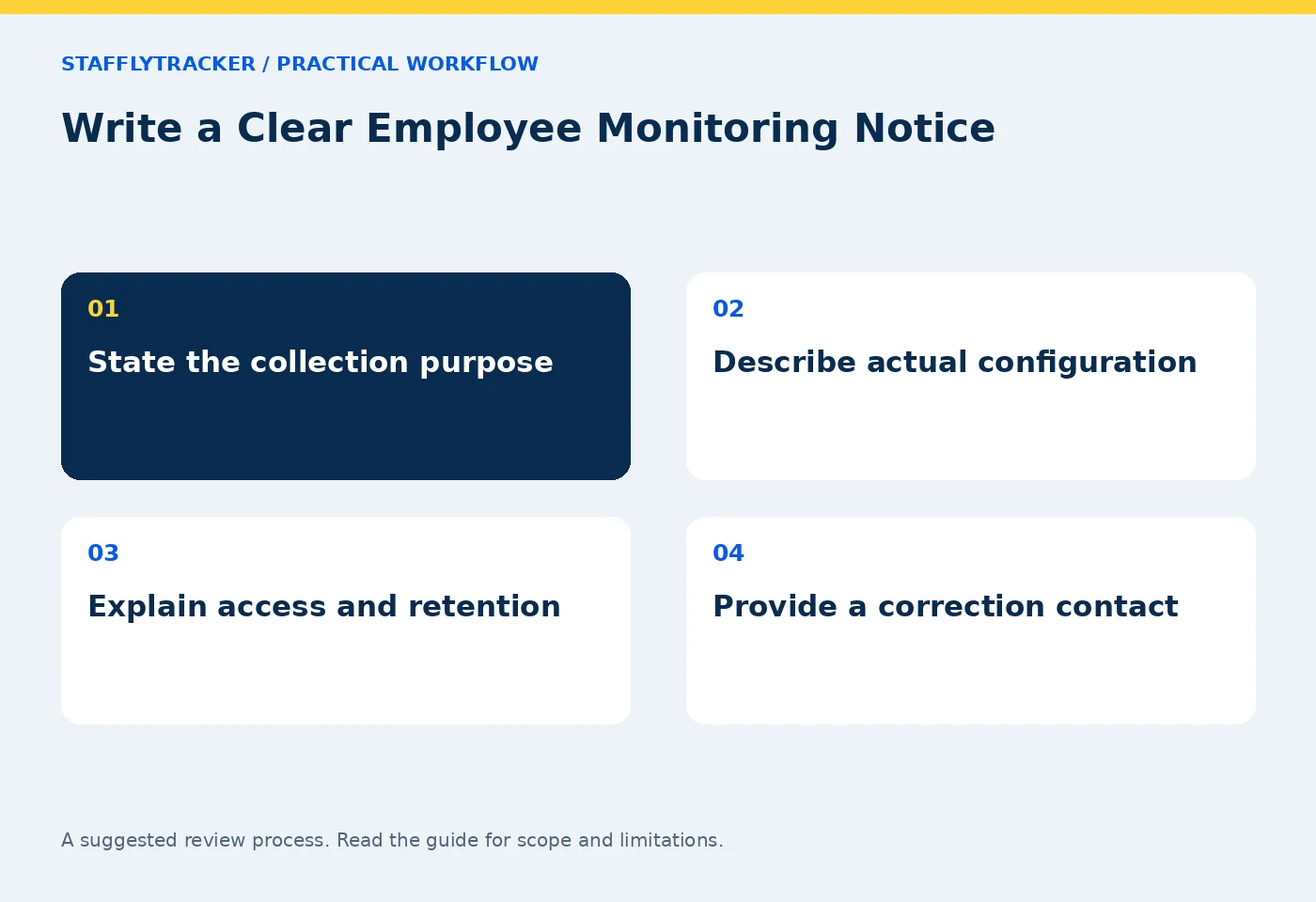
Draft a clear employee monitoring notice covering purpose, collection, access, retention and corrections. A practical outline for company review.
StafflyTracker editorial · Product by Syed Toheed Shah

An employee monitoring notice should explain the collection purpose, the information recorded, who can review it and how someone can question an inaccurate record. It should be specific enough that an employee can understand what will happen on their work computer.
This is a practical drafting outline, not a legal template or assurance of compliance. Employment, privacy and consultation requirements vary. Have the appropriate company adviser review the notice for your location and workforce before using it.
Describe the purpose in ordinary language
Start with the actual business purpose. For example: “We use attendance records to reconcile work sessions and review exceptions before payroll.” If screenshots or application activity support a separate review purpose, explain that separately.
Avoid vague language such as “we collect everything for productivity.” It neither defines a limit nor helps someone understand a report. Also avoid promising that a score objectively measures work quality; input activity and application categories cannot establish that by themselves.
Tie each purpose to a review process. If nobody can explain who uses a record or what decision it supports, revisit whether the collection is necessary for your workflow.
Build a collection table from the real configuration
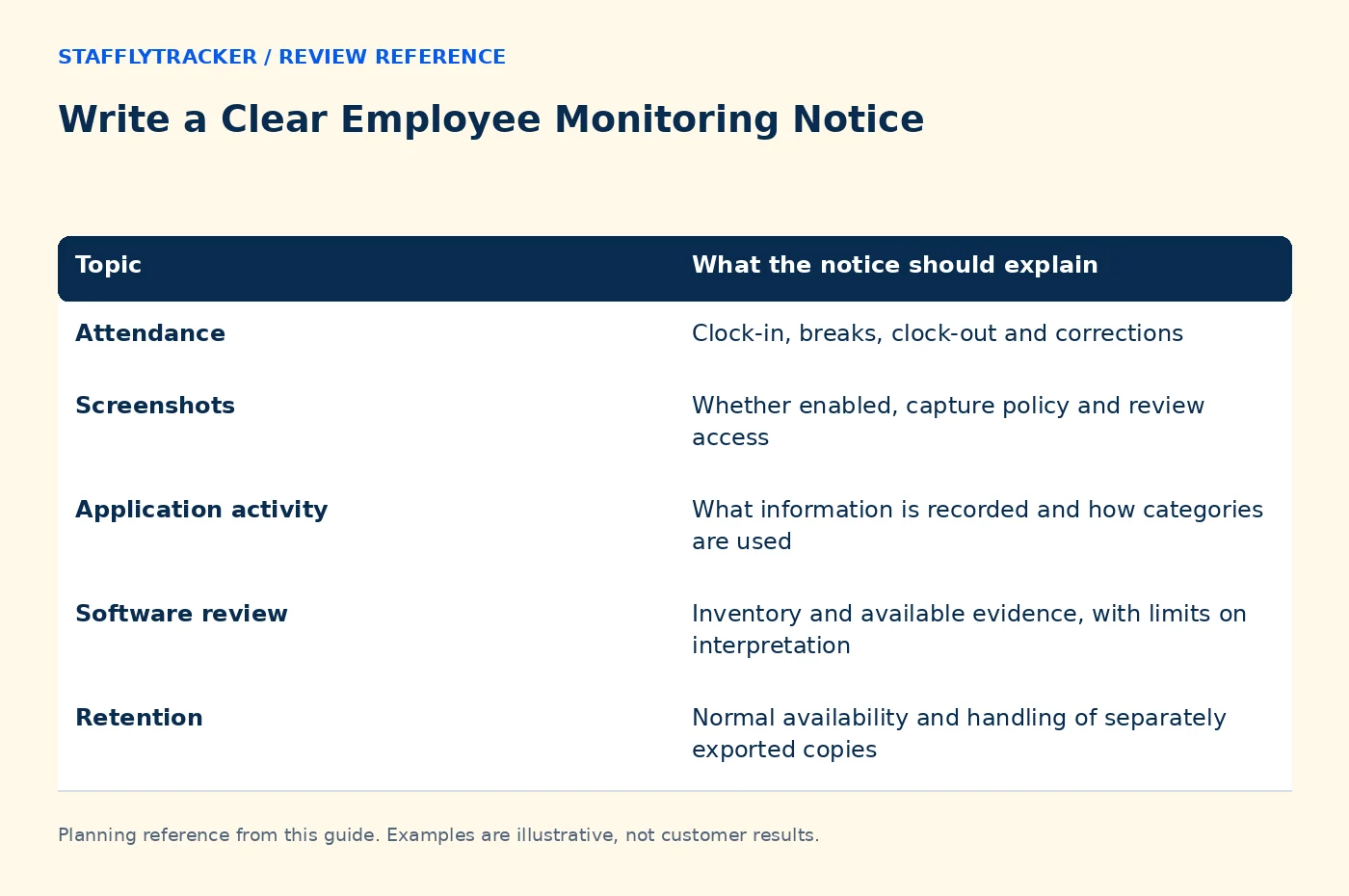
| Topic | What the notice should explain |
|---|---|
| Attendance | Clock-in, breaks, clock-out and corrections |
| Screenshots | Whether enabled, capture policy and review access |
| Application activity | What information is recorded and how categories are used |
| Software review | Inventory and available evidence, with limits on interpretation |
| Retention | Normal availability and handling of separately exported copies |
| Questions | A named contact or company process for review and correction |
Use StafflyTracker's collection documentation as a product reference, then describe your company's choices. Do not copy a list of possible features into a statement that all of them are active if your configuration differs.
Keep the notice aligned with releases and configuration changes. A policy written before a new collection feature is enabled may no longer describe what employees experience.
Explain access without overstating separation
Name the roles that can review records and the organizational scope of that access. In StafflyTracker's documented current model, manager review is company-wide. Department-based productivity rules do not automatically create departmental access restrictions.
If your policy requires a narrower boundary, resolve that requirement before assigning roles. Avoid writing “only your direct manager can see this” unless the actual permissions enforce it.
Explain whether records may be exported and how those copies are controlled. Application permissions alone do not govern a file someone downloads and shares elsewhere.
Explain what the metrics do not prove
An idle interval may occur while someone reads, thinks, takes a call or works away from the keyboard. A screenshot shows a sampled screen, not the entirety of the work performed. An installed program does not prove it was used during a disputed interval.
State that unusual patterns lead to review and an opportunity for context. If monitoring data informs pay or performance decisions, explain how records are checked and corrected before a decision is finalized.
The context-before-scores guide and correction workflow can help turn that commitment into an operational process.
Include a clear employee-facing sequence
A useful notice answers: When should I sign in? How do breaks work? What should I do if the tracker fails? Who reviews a missed clock-out? How can I report a record that is wrong?
Use the actual company workflow rather than inventing product controls. If employees cannot see their own tracking timeline in your configuration, do not promise self-service access. Describe the route through the designated manager or administrator instead.
For technical problems, ask employees to report the time, device and visible error through the approved channel. Do not ask them to send confidential screenshots into an unrestricted chat.
Maintain the notice as a living document
Give the notice a version, effective date and owner. Keep a record of how it was communicated, in the form appropriate to your organization. Acknowledgement of receipt and legal consent are not automatically the same thing; obtain relevant advice about your obligations.
Review the notice when collection, access, retention or decision-making changes. Keep old versions so a question about a past period can be answered using the policy that applied then.
Common questions
Can a product notice replace our company policy?
No. Product documentation explains software behavior; the company must explain its purposes, choices and responsibilities.
Should the notice mention limitations?
Yes. Explaining missing coverage, sampling and review context helps avoid misleading expectations.
Can we demonstrate the interface before rollout?
Use the fictional-data demo and then verify your own configuration. Demonstration images should not expose employee or customer records.
KEEP EXPLORING
Make the next decision clearer.
Calculate the Total Cost of Time Tracking Leave, Holidays and Attendance Exceptions Employee Time Tracking Buyer’s ChecklistSEE THE WORKFLOW
Bring your questions.
Try the actual interface.
Explore fictional records, then discuss the requirements that matter to your team. Email required; phone optional.
AI-assisted editorial content and original illustrations. Examples are illustrative, not customer results. Editorial policy · Current product availability · Read as Markdown