
PRACTICAL GUIDE · FIELD NOTES
Leave, Holidays and Attendance Exceptions
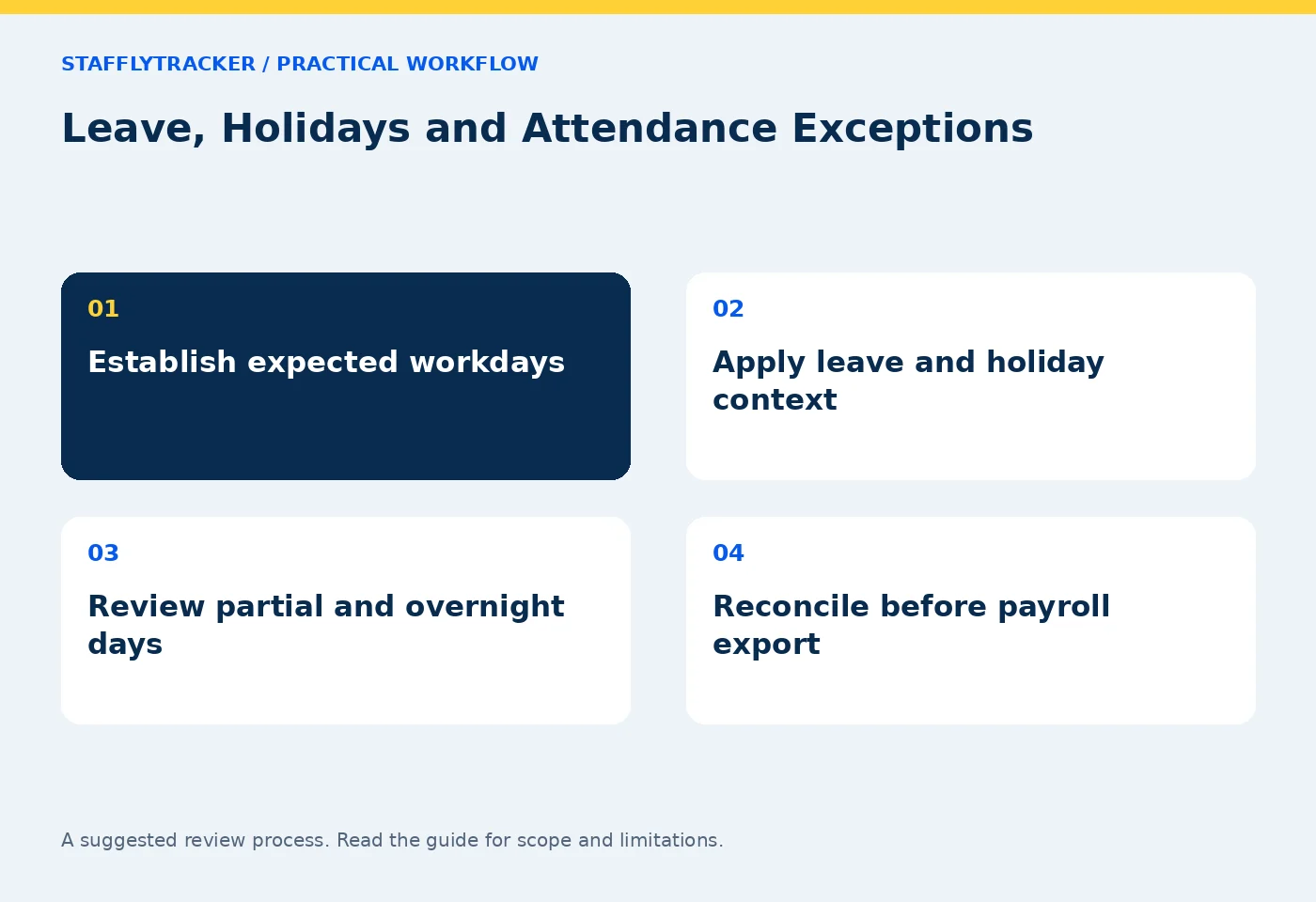
Reconcile leave, holidays and weekly days off before counting absences. Includes a worked week, partial-day checks and overnight shift considerations.
StafflyTracker editorial · Product by Syed Toheed Shah

An attendance report should distinguish scheduled work, weekly days off, approved leave and holidays before counting absences. An employee who was not expected to work should not be treated as absent simply because there is no clock-in record.
The exact entitlement and pay treatment depend on company policy and applicable requirements. This guide explains a reconciliation workflow, not a universal leave or holiday rule.
Establish the expected work calendar
Record which days are normally scheduled for the team. A Monday-to-Friday office and a rotating support team do not share the same expected calendar. Do not automatically treat every Saturday or Sunday as either an absence or a day off for all organizations.
Then identify the holiday calendar and how approved leave is recorded. Keep the effective dates clear. A new schedule should not accidentally change the interpretation of an earlier period without review.
Check attendance documentation and the current configuration before using an absence total for payroll or management decisions.
Distinguish the day types
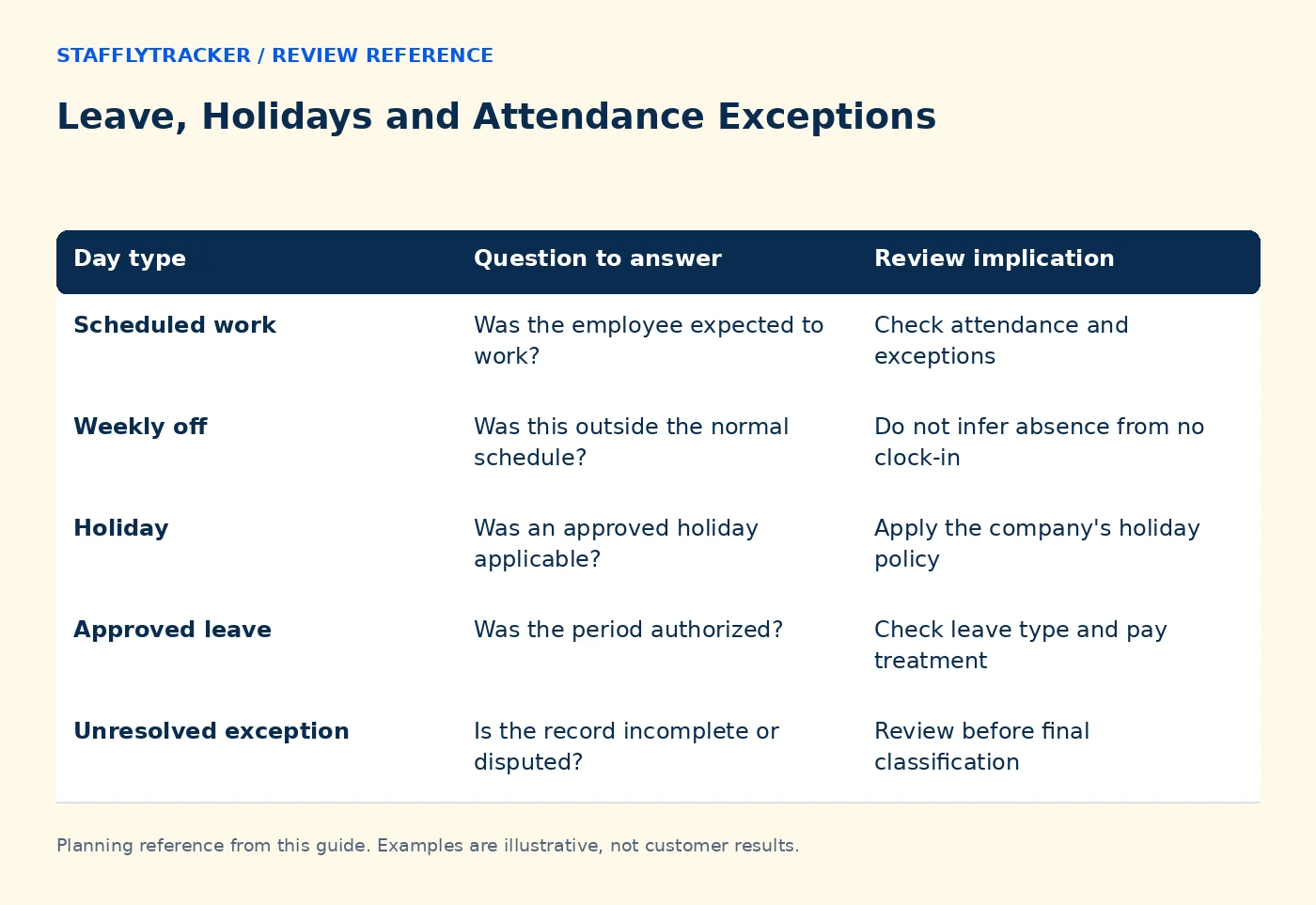
| Day type | Question to answer | Review implication |
|---|---|---|
| Scheduled work | Was the employee expected to work? | Check attendance and exceptions |
| Weekly off | Was this outside the normal schedule? | Do not infer absence from no clock-in |
| Holiday | Was an approved holiday applicable? | Apply the company's holiday policy |
| Approved leave | Was the period authorized? | Check leave type and pay treatment |
| Unresolved exception | Is the record incomplete or disputed? | Review before final classification |
The table describes a review model. Verify the exact labels and precedence used by your current software. A person can also work on a nominal day off, which needs its own interpretation rather than being discarded because the calendar says “off.”
Handle partial days explicitly
A half-day leave request and a full-day absence are different. Record the relevant dates and duration through the supported workflow. If the product's available leave controls do not represent your policy precisely, resolve that gap before relying on an improvised spreadsheet formula.
Likewise, a late clock-in might reflect approved morning leave, a missed clock-in or actual lateness. The attendance timestamp alone does not identify which explanation applies.
Keep the approval reference and any correction together so the final report can be understood by someone who was not part of the original conversation.
Work through a fictional week
Imagine a five-day office schedule. An employee works Monday, Tuesday and Thursday, has approved leave Wednesday and a company holiday Friday. Saturday and Sunday are weekly days off.
A naive “seven days minus three clock-ins” calculation would report four absences. The expected-work calendar explains why that conclusion is wrong. Pay treatment still requires the company's rules for the approved leave and holiday; the calendar classification alone does not determine every payment detail.
If the employee also works two hours on Saturday, preserve that work record and apply the relevant policy. Do not erase it merely because Saturday is normally off.
Review overnight and boundary cases
A shift that starts before midnight and ends the next morning can cross a leave or holiday boundary. Decide which workday policy applies and test the actual report. Display timezone and attendance grouping are separate concerns.
For a concrete calculation, see the overnight shift example. Write full dates in review notes so a clock-out at 02:00 is not mistaken for the start day's early morning.
If an employee transfers between schedules or departments, check the effective date and any historical interpretation. Avoid silently applying today's calendar to every past record.
Reconcile before export
Review pending leave approvals, holidays, corrections and unresolved tracker incidents before finalizing the period. A tracker outage should not automatically become an absence when attendance or other approved context supports the work.
Keep a record of the report period, timezone and export date. If an approval arrives after payroll is finalized, follow the company's adjustment process and preserve the reason for the difference.
StafflyTracker payroll features support calculation and export; they do not replace your payroll policy, salary transfer process or statutory review.
Common questions
Should weekends always be excluded from absence?
Only when they are days off under the employee's applicable schedule. A weekend support shift may be a scheduled workday.
Does approved leave always mean paid leave?
No. Approval and pay treatment are separate policy questions. Record the relevant leave type and review the applicable rules.
What should we test in a demo?
Bring a weekly off, a holiday, approved leave and work on an off day. Ask how each appears in the demo or an approved pilot, and reconcile the resulting export.
KEEP EXPLORING
Make the next decision clearer.
Review Context Before Productivity Scores Time Tracking for Insurance Operations Employee Time Tracking Buyer’s ChecklistSEE THE WORKFLOW
Bring your questions.
Try the actual interface.
Explore fictional records, then discuss the requirements that matter to your team. Email required; phone optional.
AI-assisted editorial content and original illustrations. Examples are illustrative, not customer results. Editorial policy · Current product availability · Read as Markdown