
PRACTICAL GUIDE · FIELD NOTES
Overnight Shift Hours: A Worked Example
Calculate overnight shift hours with full dates, breaks and decimal-hour examples. Keep workday grouping, display timezone and idle time separate.
StafflyTracker editorial · Product by Syed Toheed Shah

To calculate an overnight shift, use the full start and end dates in a consistent timezone, subtract approved breaks and assign the shift to the company's defined workday. Do not subtract clock-face times as though 02:00 happened before 17:00 on the same date.
The worked example below uses Pakistan time and a fictional shift. It explains the arithmetic, not a legal overtime entitlement. Overtime thresholds, paid breaks and other pay rules must follow your company's applicable policy and obligations.
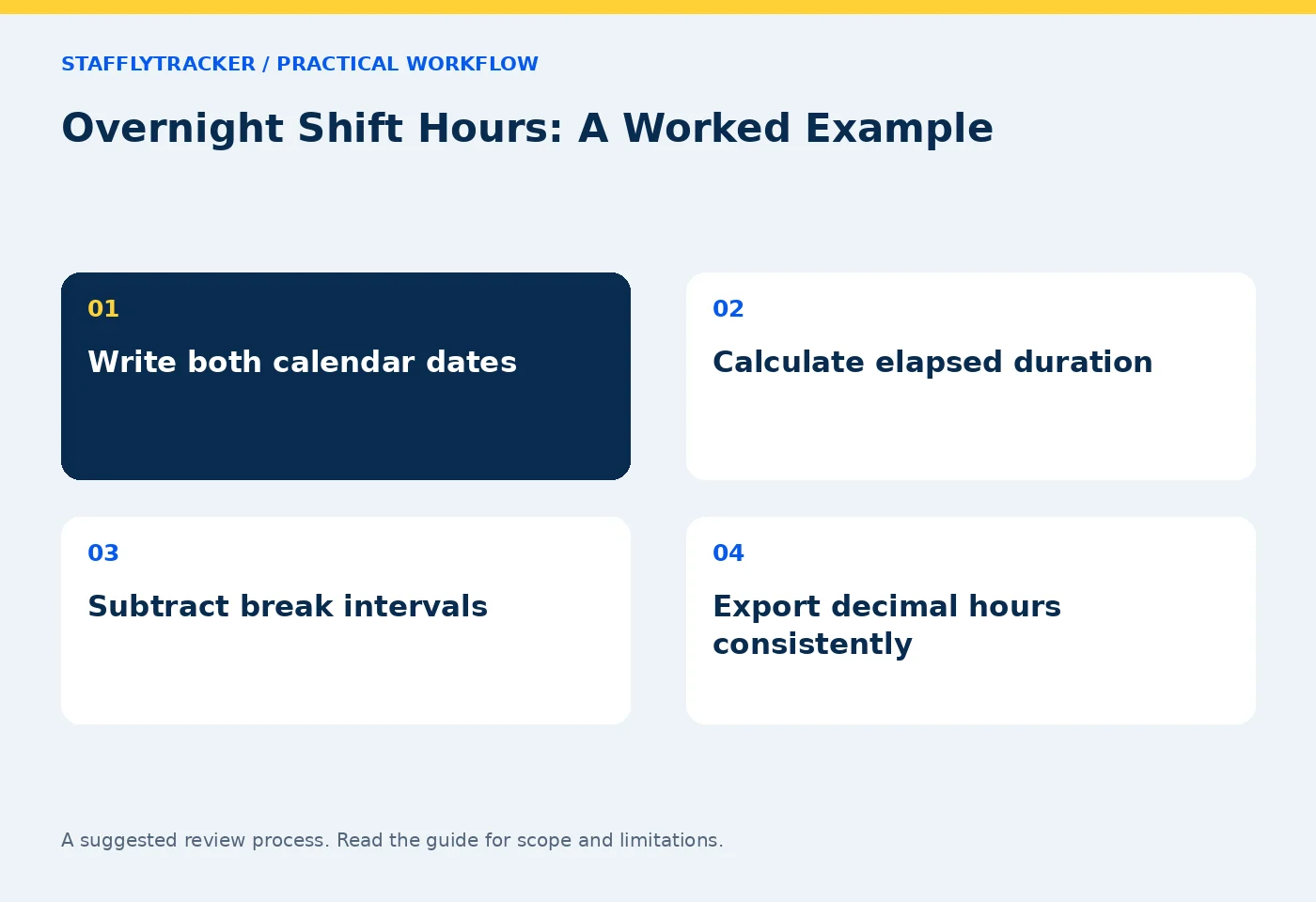
Write the dates before calculating
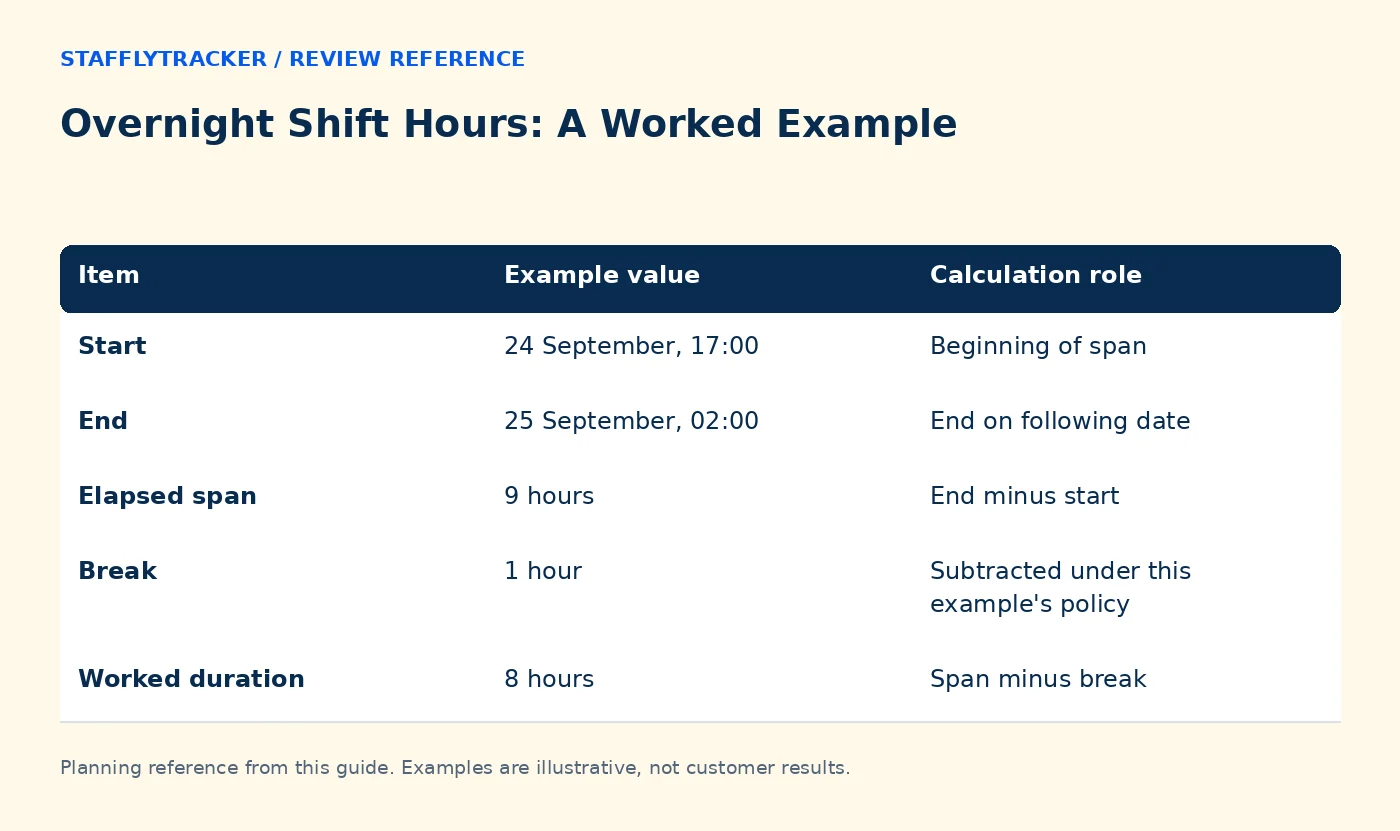
Suppose an employee clocks in at 17:00 on 24 September and clocks out at 02:00 on 25 September, both in Asia/Karachi. The elapsed span is nine hours. Midnight changes the calendar date; it does not make the duration negative.
If the employee takes a one-hour unpaid break, the worked duration is eight hours. If the tracker reports 45 minutes of idle time within those eight hours, that idle time is already inside the worked interval. Adding it again would inflate the total.
| Item | Example value | Calculation role |
|---|---|---|
| Start | 24 September, 17:00 | Beginning of span |
| End | 25 September, 02:00 | End on following date |
| Elapsed span | 9 hours | End minus start |
| Break | 1 hour | Subtracted under this example's policy |
| Worked duration | 8 hours | Span minus break |
| Idle within work | 45 minutes | A component, not extra attendance |
The table assumes one non-overlapping break and no other corrections. Real records may require merging overlapping intervals or reviewing a missing clock-out before applying the formula.
Separate display timezone from workday policy
A company can display timestamps in Pakistan time while using a different workday boundary to group records. Those are separate choices. The visible date should be understandable to the manager preparing payroll.
For a business that wants an evening shift grouped under its clock-in date, confirm that the attendance report and export follow that policy. A calendar-day screenshot view may still need careful interpretation around midnight. Test a known shift rather than assuming every screen groups data identically.
StafflyTracker supports workday and display settings described in its attendance documentation. Verify the active configuration and export behavior for your workspace before closing a pay period.
Check breaks as intervals
A break from 23:30 to 00:15 lasts 45 minutes even though it crosses midnight. Record both dates. If two break records overlap because of retries or corrections, summing their displayed durations independently can double count the overlap.
The correct review considers the actual covered intervals. A very short break shown as zero minutes may be a display-rounding issue rather than literally zero seconds. Keep enough precision to reconcile the final total, then apply the company's agreed rounding policy consistently.
Do not use a screenshot gap as a substitute for a recorded break. The gap might be a network or capture issue.
Convert to decimal hours correctly
Eight hours and 30 minutes is 8.5 decimal hours, not 8.30. Divide minutes by 60. For example, 7 hours and 6 minutes becomes 7.1 hours.
If the hypothetical hourly rate is $4, 8.5 hours would produce $34 before any other rules or adjustments. This is arithmetic only. It does not establish a recommended wage, tax treatment or overtime policy.
Check the exported column's format before multiplying it. A spreadsheet time value, text such as “8h 30m” and a decimal number are different data types.
Reconcile the workday before payroll
Confirm the employee, shift date, timezone, breaks, approved leave and corrections. Review missing tracker coverage separately from attendance. If the laptop stopped reporting for 15 minutes but the work session remained open, do not automatically subtract or add those minutes twice.
Keep a sample export with the review notes and explain any next-day marker on clock-out. Someone reading the file later should not need to guess whether 02:00 refers to the same morning or the following one.
Use the reconciliation checklist for the final review and the correction workflow for unresolved discrepancies.
Common questions
Which date should own the shift?
Use the company's documented workday policy. If the intended rule is the clock-in date, test that exact case in the report and export.
Should idle be added to work plus breaks?
Not when idle is already a subset of work. In this example, work plus break equals the nine-hour elapsed span.
What if a location changes its clocks seasonally?
Use timezone-aware timestamps and verify that specific transition. A fixed offset assumption can be wrong for locations that observe daylight saving changes.
KEEP EXPLORING
Make the next decision clearer.
Plan Screenshot Storage for Multiple Monitors Time Tracking for Recruitment Agencies Employee Time Tracking Buyer’s ChecklistSEE THE WORKFLOW
Bring your questions.
Try the actual interface.
Explore fictional records, then discuss the requirements that matter to your team. Email required; phone optional.
AI-assisted editorial content and original illustrations. Examples are illustrative, not customer results. Editorial policy · Current product availability · Read as Markdown