
INDUSTRY GUIDE · FIELD NOTES
Time Tracking for Recruitment Agencies
Match recruiter time tracking to sourcing, interviews and calls. Set department rules and review attendance without mistaking activity for hiring quality.
StafflyTracker editorial · Product by Syed Toheed Shah

Recruitment-agency time tracking should help supervisors understand attendance, interview coordination and desk coverage. StafflyTracker adds Windows session records and application context to that review. It does not replace an applicant tracking system or measure candidate quality, placement success or recruiter judgment.
Recruitment is not one kind of computer work
A sourcer may move quickly between profiles. A recruiter may spend an hour on calls. A coordinator may work through a calendar with few visible changes. These roles should not share an unexplained activity target simply because all three use laptops.
Define the operational problem first. If candidates wait for replies during an evening shift, look at coverage and handoffs. If interviews are being rescheduled, examine scheduling outcomes. If attendance exports need correction every month, focus on the clocking workflow. Choose evidence that addresses the problem instead of collecting more data by default.
Classify channels by purpose
Social networks can be legitimate sourcing channels. For a recruitment department, classify relevant work deliberately rather than copying a billing team's restrictions. Explain how the rule applies to the application or browser title that the tracker can actually observe.
A classification is not a candidate-placement metric. A recruiting site may be open during productive sourcing or while someone waits for a call. Review productivity rules and maintain a short rulebook describing the business reason for each important match.
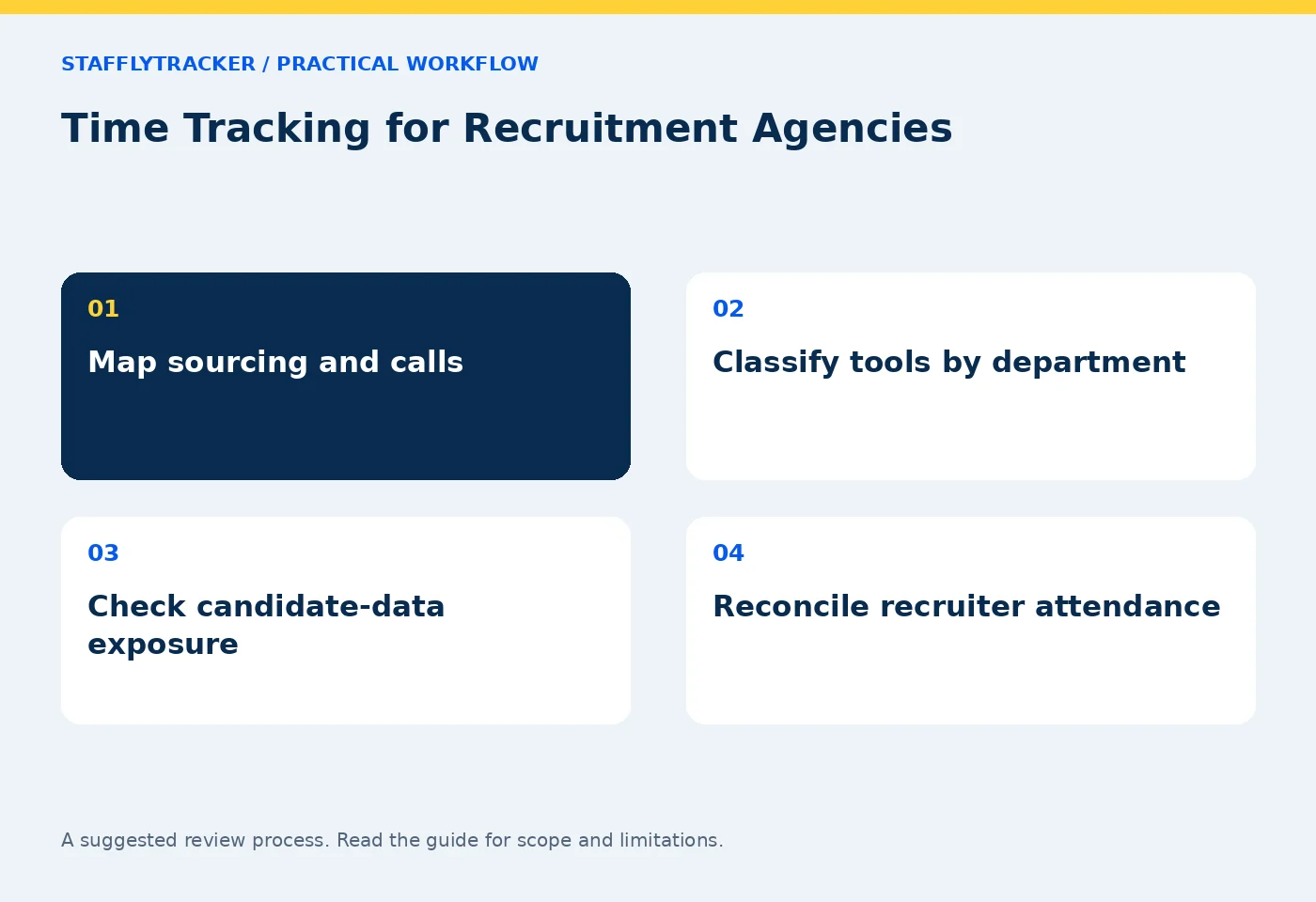
Build a handoff record alongside attendance
At the end of a shift, the team should know which interviews are confirmed, which candidates are awaiting feedback and which client questions remain open. Keep that information in the ATS or coordination system. The tracker can provide attendance context around a handoff, but it cannot infer the status of every candidate.
A practical review sequence is to check the scheduled team, attendance exceptions, connection gaps and then the handoff queue. This makes an investigation narrower. A late response is easier to understand when the reviewer knows whether the assigned coordinator was on leave, on a call or missing a connection.
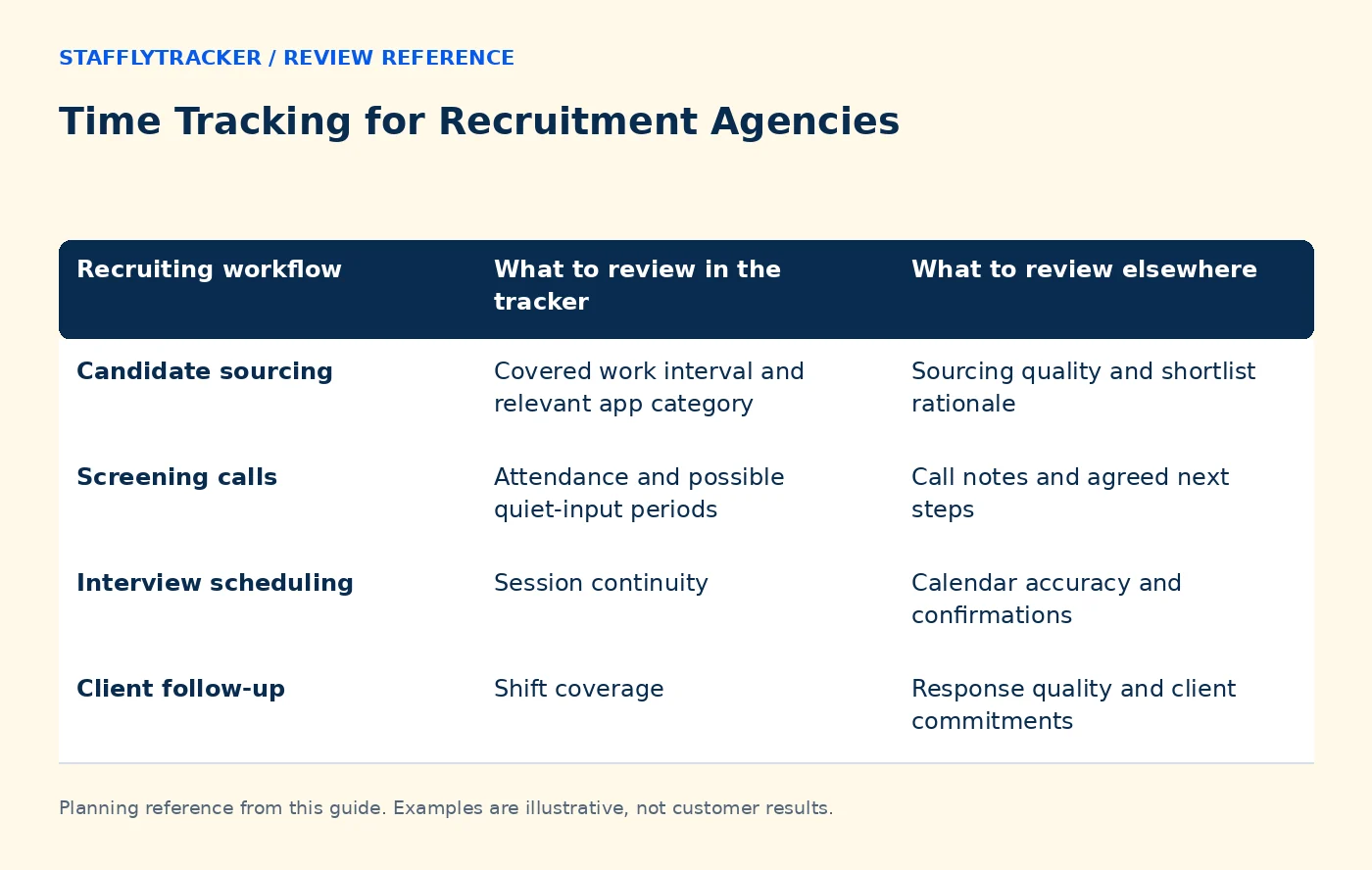
| Recruiting workflow | What to review in the tracker | What to review elsewhere |
|---|---|---|
| Candidate sourcing | Covered work interval and relevant app category | Sourcing quality and shortlist rationale |
| Screening calls | Attendance and possible quiet-input periods | Call notes and agreed next steps |
| Interview scheduling | Session continuity | Calendar accuracy and confirmations |
| Client follow-up | Shift coverage | Response quality and client commitments |
Example: the quiet screening call
A fictional recruiter spends 35 minutes conducting a screening call with a candidate. Their browser stays on the same profile and input is limited. A low activity percentage does not invalidate the call. The relevant operational record is the completed screening note or follow-up action, subject to your normal data-handling rules.
Do not promise the team that every voice application will automatically be counted correctly. Test the tools used in your agency and agree a way to explain call-heavy intervals. Our call-heavy work guide gives a pilot checklist without equating silence at the keyboard with absence.
Handle candidate information deliberately
Recruitment screens can contain contact details, resumes and interview notes. Use fictional candidates when evaluating screenshots. Decide whether collection is appropriate for each workflow, who may see it and how long images should remain available. Do not copy candidate documents into a software demo to prove that a screenshot works.
Read admin visibility before deployment. Manager access is currently company-wide; departments do not create client-by-client permissions. If your agency needs strict separation between recruiting desks, confirm that requirement before ordering.
A sensible first fortnight
Choose a sourcer, a recruiter and a coordinator for a representative pilot. Test the agent on their actual supported Windows devices. Verify company selection, clock-in, break, reconnection and clock-out. Review a sample export with the person who normally approves attendance.
In the second week, review only exceptions and ask staff which labels were confusing. Adjust classification rules where evidence supports it, then record the approved definitions. Keep changes visible to the people who interpret the numbers so a rule change does not look like an unexplained performance jump.
Decide whether the product fits
StafflyTracker is Windows-first and does not provide a native ATS integration marketplace. Its payroll features calculate and export inputs; they do not pay staff. If ATS-linked billable hours or mobile field attendance are essential, include them in your comparison with Time Doctor and other tools.
Review current product limits and plans. Explore the demo before arranging your own workplace setup. A useful buying decision starts with a demonstrated recruiting workflow, not the longest feature list.
Common questions
Can we make sourcing websites productive?
Department rules can classify observed applications or website window titles. Test the match and document the purpose rather than assuming every social-media window is sourcing.
Does StafflyTracker rank recruiters by placement success?
No. Placement outcomes belong in your recruiting workflow. The tracker supplies time and activity context.
Can we use candidate data in the demo?
The public demo uses fictional records. Keep real resumes and candidate details out of an evaluation environment.
KEEP EXPLORING
Make the next decision clearer.
Time Tracking for Ecommerce Operations How to Plan Screenshot Retention Employee Time Tracking Buyer’s ChecklistSEE THE WORKFLOW
Bring your questions.
Try the actual interface.
Explore fictional records, then discuss the requirements that matter to your team. Email required; phone optional.
AI-assisted editorial content and original illustrations. Examples are illustrative, not customer results. Editorial policy · Current product availability · Read as Markdown