
PRODUCT DOCUMENTATION
Department rules and activity budgets
Set app classifications and time budgets that reflect the actual work of different departments.
Classify work by context
Create departments, assign employees and define relevant application or window-title matching rules. The same social platform may support marketing work while being unrelated to a billing workflow. Broad browser-wide classifications are usually less informative than rules tied to the supported application and title context.
Distinguish the score from the outcome
Activity summaries are calculated from available tracking records. A high number does not prove good work, and a low number does not establish poor performance. Calls, reading, research and offline tasks can produce little mouse input. Inspect the underlying period before making a judgment.
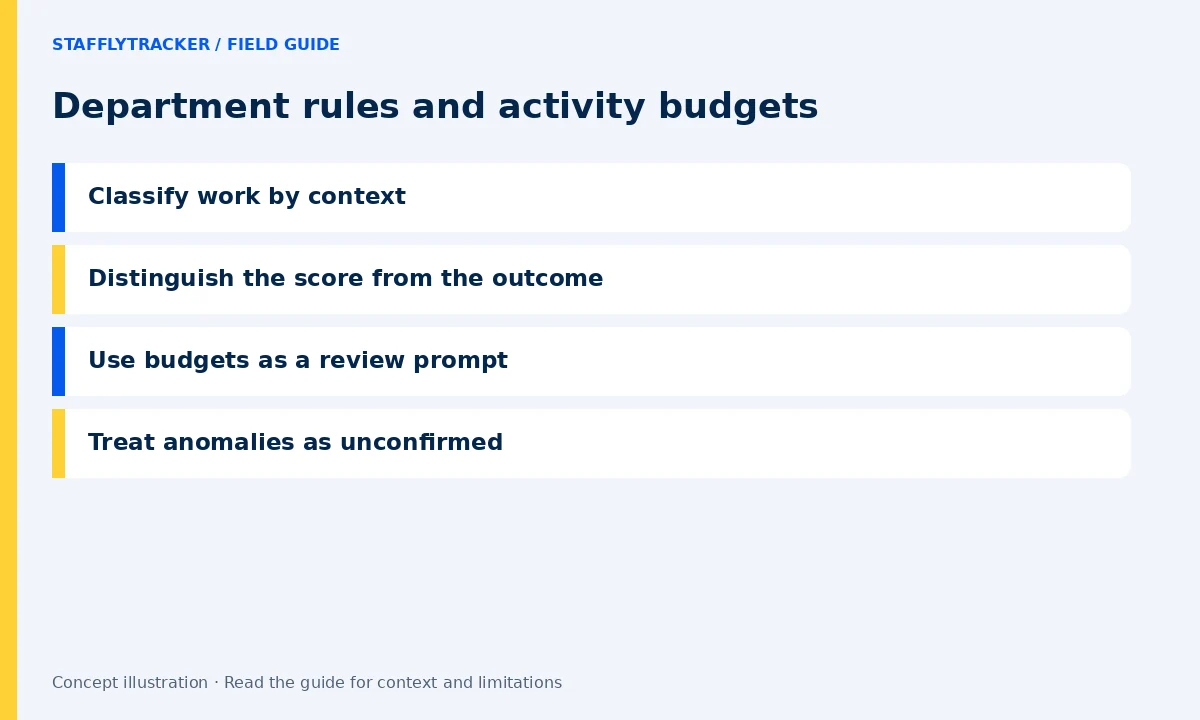
Use budgets as a review prompt
Application time budgets help identify a category or tool that deserves attention over a reporting period. They do not explain why the time was spent. Discuss expectations with the department and compare the reported category with the actual matching rules before changing an allowance.
Treat anomalies as unconfirmed
A repeated mouse pattern, an unchanged screenshot or an activity-tool name match can justify a closer look. It is not an automatic finding of cheating. Review screenshot context, tracker coverage, available launch evidence and the employee’s explanation. Avoid changing pay or applying discipline solely because a heuristic fired.
Maintain a small, explainable rule set
Start with a representative pilot and review misclassifications. Record why important rules exist. Revisit classifications when tools or responsibilities change. Team members should know how their applications are categorized and where to report an incorrect classification.