
INDUSTRY GUIDE · FIELD NOTES
Time Tracking for Ecommerce Operations
Plan time tracking for ecommerce office teams, including order support, shift handovers, warehouse boundaries and customer-data considerations.
StafflyTracker editorial · Product by Syed Toheed Shah

Time tracking for ecommerce operations should make shift coverage and attendance easier to manage across orders, returns and customer queries. StafflyTracker provides Windows work sessions, breaks and application context. It does not replace your order system, warehouse platform or the measures that show whether an order was handled correctly.
Match the review to the desk
An ecommerce office contains several workflows. An order administrator verifies addresses and exceptions. A returns specialist reads messages and checks evidence. A merchandising assistant updates product information. A single activity target can hide these differences.
Start with the problem you need to solve. If orders wait overnight, review the handoff and staffing window. If returns are delayed, inspect the exception queue. If recorded attendance is incomplete, fix clocking and connection issues first. The tracker is useful as supporting context, not as an automatic explanation of every queue delay.
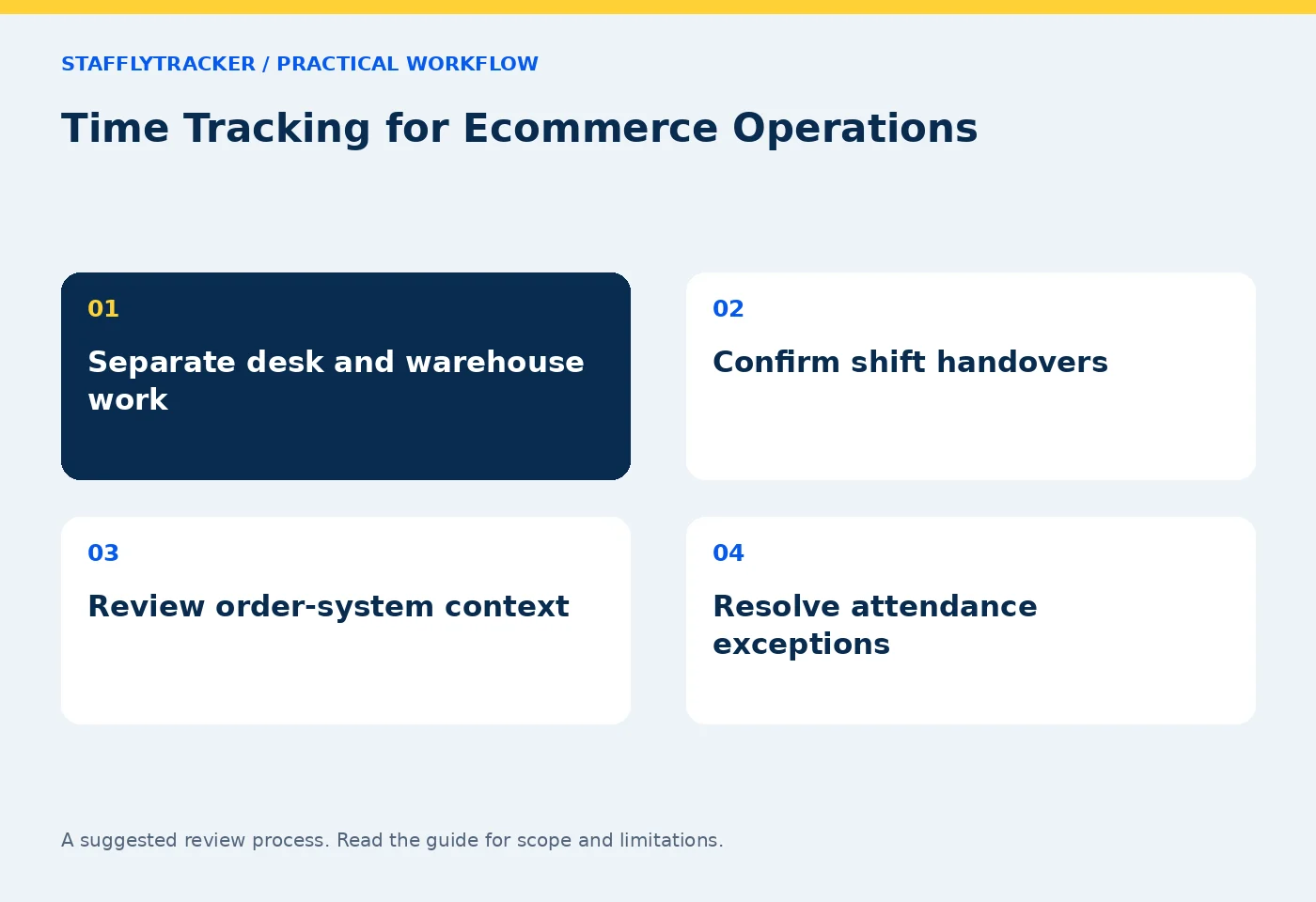
Separate desk work from physical work
A worker may leave the computer to inspect a package, check a shelf or speak to a warehouse colleague. That work is not fully represented by laptop input. Decide whether the role is suitable for a desktop tracker and how legitimate work away from the workstation will be recorded or explained.
Do not deploy a Windows agent expecting mobile location tracking or warehouse scanning functionality. StafflyTracker's supported recording environment is Windows 10/11 x64. Read product availability before extending a pilot beyond office-based staff.
Configure departments around real responsibilities
Marketing, customer support and order operations may all use social platforms for different reasons. Use department rules to reflect those differences. A returns desk may need a marketplace seller portal while marketing needs an ad console. Broad browser rules make those distinctions disappear.
Keep a sample list of observed titles and their intended categories. Review unmatched records after the pilot rather than classifying everything in advance. If a title is ambiguous, leave it for review until there is a defensible rule.
A shift-handoff example
A fictional operations team runs from 4pm to midnight. At 11:45, the outgoing coordinator has twelve unresolved address checks and three urgent customer replies. A useful handoff lists those cases in the order system and names the next owner. A clock-out timestamp alone cannot establish that the handoff was complete.
The next supervisor should check the attendance session, any connection gap during the final hour and the case handoff. If screenshots are missing, record the gap honestly. Do not infer that an order was ignored merely because its screen is not visible in a sampled capture.
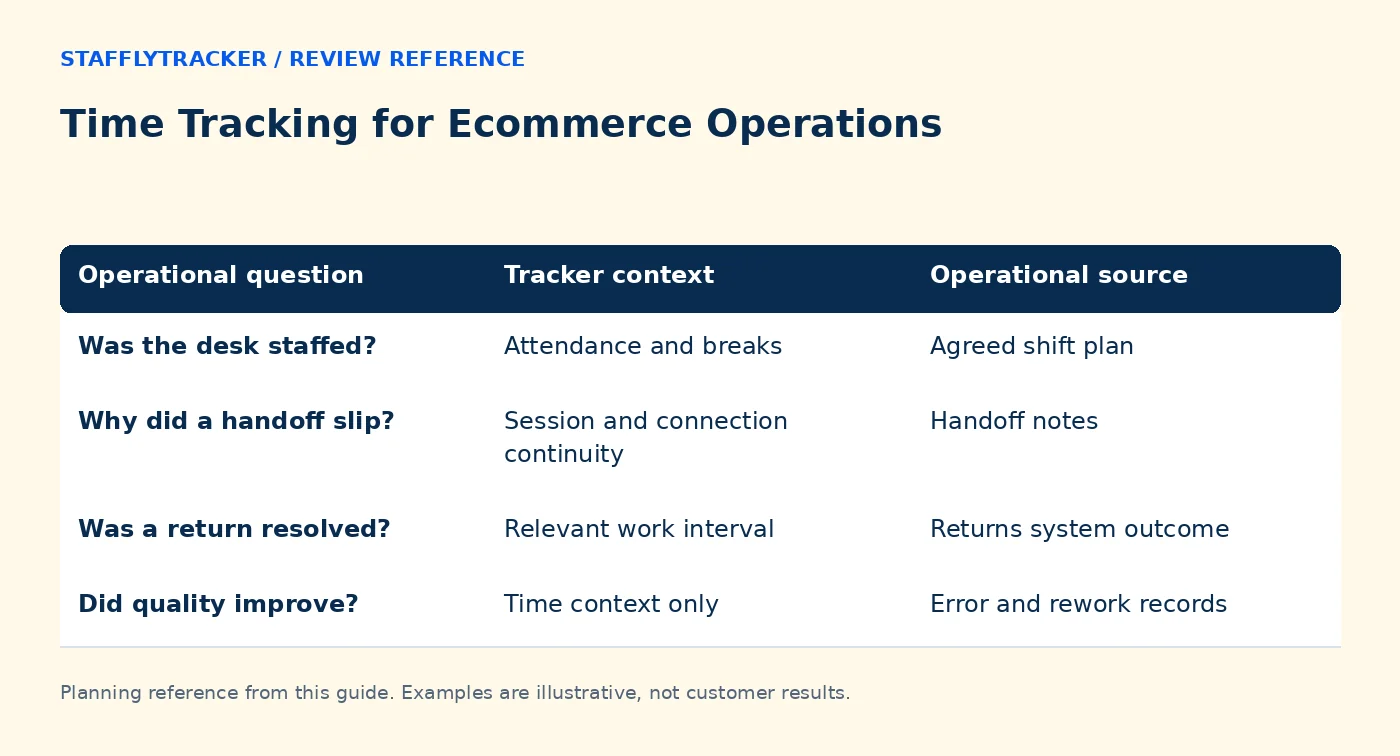
| Operational question | Tracker context | Operational source |
|---|---|---|
| Was the desk staffed? | Attendance and breaks | Agreed shift plan |
| Why did a handoff slip? | Session and connection continuity | Handoff notes |
| Was a return resolved? | Relevant work interval | Returns system outcome |
| Did quality improve? | Time context only | Error and rework records |
Use screenshots selectively
Order screens can display names, addresses and payment-related information. Run the first demonstration with dummy orders. Agree collection, reviewer access and retention before enabling screenshots in live work. A shorter retention period may reduce unnecessary accumulation, but it does not remove the need to decide whether the capture is appropriate in the first place.
StafflyTracker currently provides company-wide manager review access. It does not use departments as access barriers between brands or client stores. If you operate separate client businesses with contractual isolation needs, raise that requirement during evaluation.
Review attendance before payroll inputs
Check weekly off days, approved leave and holidays before discussing absence. Review missed sessions and corrections with reasons. Confirm the display timezone and the company workday, especially when support finishes after midnight.
Working time may already include idle intervals, depending on the displayed metric definition. Do not add idle time again to manufacture a larger total. The idle and break guide explains a worked example. Payroll exports are calculation inputs, not wage transfers or tax filings.
Pilot the busiest realistic workflow
Include an ordinary order day, a returns-heavy period, a call and an intentional short network interruption. Use the people who approve attendance to review the resulting records. A successful pilot should produce an understandable exception process, not just a populated dashboard.
Compare that same pilot with Time Doctor if it is on your shortlist. Check integrations, supported devices, access scope and export definitions in each product. StafflyTracker's published pricing includes explicit screenshot limits; use those limits in your budget rather than assuming unlimited storage.
Questions ecommerce teams ask
Can StafflyTracker measure order accuracy?
No. Use your order and quality-control records. Time and application evidence can provide context around a problem.
Will warehouse work look inactive?
Work away from a desktop can produce little input. Evaluate whether desktop tracking is appropriate for that role and record the context.
Where can we try the admin workflow?
The interactive demo uses fictional employees and a read-only interface. It is a safe place to assess the review experience before discussing a live pilot.
KEEP EXPLORING
Make the next decision clearer.
Time Tracking for IT Service Desks Build a Department Productivity Rulebook Employee Time Tracking Buyer’s ChecklistSEE THE WORKFLOW
Bring your questions.
Try the actual interface.
Explore fictional records, then discuss the requirements that matter to your team. Email required; phone optional.
AI-assisted editorial content and original illustrations. Examples are illustrative, not customer results. Editorial policy · Current product availability · Read as Markdown