
PRODUCT DOCUMENTATION
Attendance, overnight shifts and timezones
Read working time, breaks, coverage, company days and display timestamps without double counting.
Start with the company day
The workday timezone and boundary decide which company day a record belongs to. A display timezone controls how a timestamp is printed. For an evening shift that ends after local midnight, these choices matter. Check a known overnight session before using a monthly report.
Working time and idle are not additive
Working time generally excludes recorded breaks. Idle is a description of part of recorded working activity, not a separate shift to add again. Adding working time, breaks and idle without checking definitions can double count the idle portion. Use the export labels and compare a sample session with its breaks.
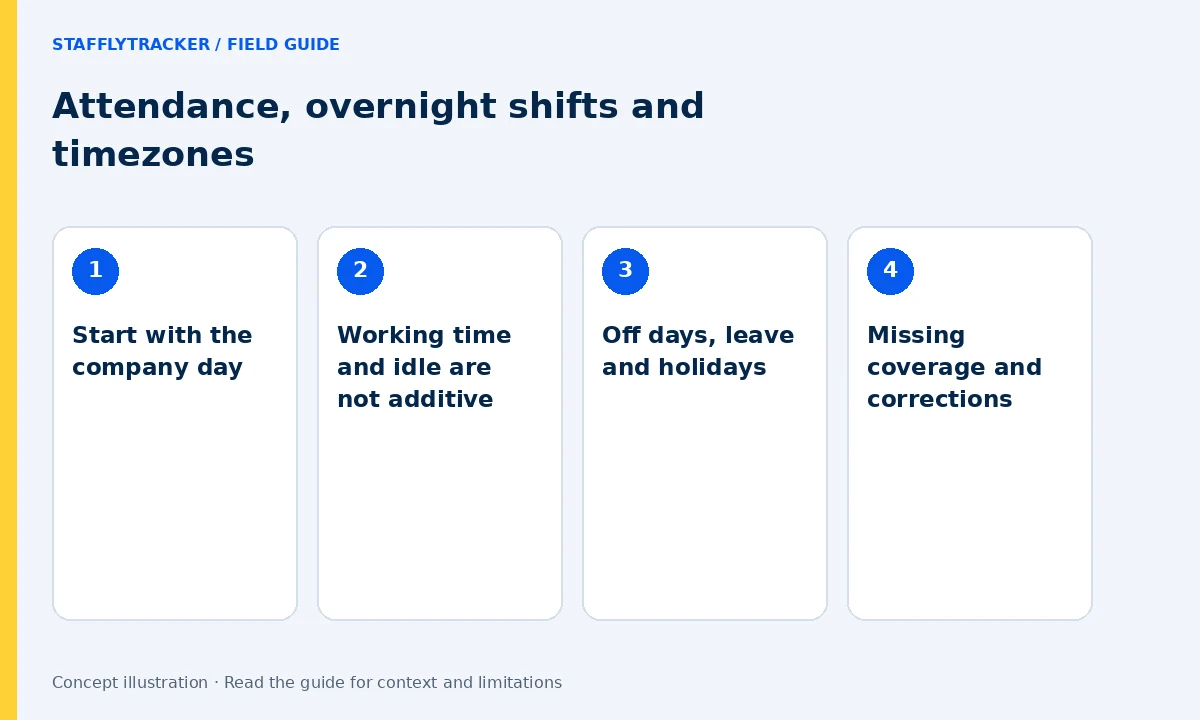
Off days, leave and holidays
Configure the company’s working days and holidays, then record approved leave. A normal weekly off day should not be interpreted as an absence. Work recorded on an off day still needs review. Leave entries explain an attendance status; the organization must separately confirm how leave affects pay.
Missing coverage and corrections
A clocked-in interval can include connection or tracking gaps. Examine coverage before treating a total as fully supported by activity records. Where a time correction is justified, store the adjustment and reason. A correction changes the attendance record; it cannot recreate missing screenshots or application events.
Before approving a period
Check the date range, timezone, exceptions and a sample of employee totals. Confirm overtime and pay rules separately from activity summaries. Keep the reviewed export with your reconciliation notes. Later changes may require a new export rather than silently replacing an already approved calculation.