
INDUSTRY GUIDE · FIELD NOTES
Time Tracking for Insurance Operations
Evaluate insurance operations time tracking with claims-work context, confidentiality checks and separate reviews of attendance and work quality.
StafflyTracker editorial · Product by Syed Toheed Shah

Time tracking for insurance operations should clarify office attendance and work coverage while keeping claim quality and customer outcomes in the systems that own them. StafflyTracker supports Windows work sessions, breaks and application context. It does not adjudicate claims, assess risk or determine whether an employee's decision was correct.
Separate time evidence from case outcomes
Insurance administration involves reading, checking documents, speaking to customers and moving cases between specialists. These tasks can have very different input patterns. Someone reviewing a complex case may stay in one window longer than someone processing routine correspondence.
Choose a specific operational objective before rollout: fewer unexplained attendance gaps, better shift handoffs or clearer exception review. Keep measures such as rework, case completion and response quality in the claims or service workflow. Use time records to ask better questions about an interval, not to replace professional review.
Build rules around the actual team
Claims administration, sales support and customer service may use different tools. Department-specific rules let the business classify observed applications and window titles according to their purpose. Test matches using sample records before interpreting the resulting reports.
A productive category is a configured label, not a quality guarantee. A case portal can be open while someone works carefully, waits for information or takes an unrecorded pause. Review the rule documentation and preserve an explanation for material changes.
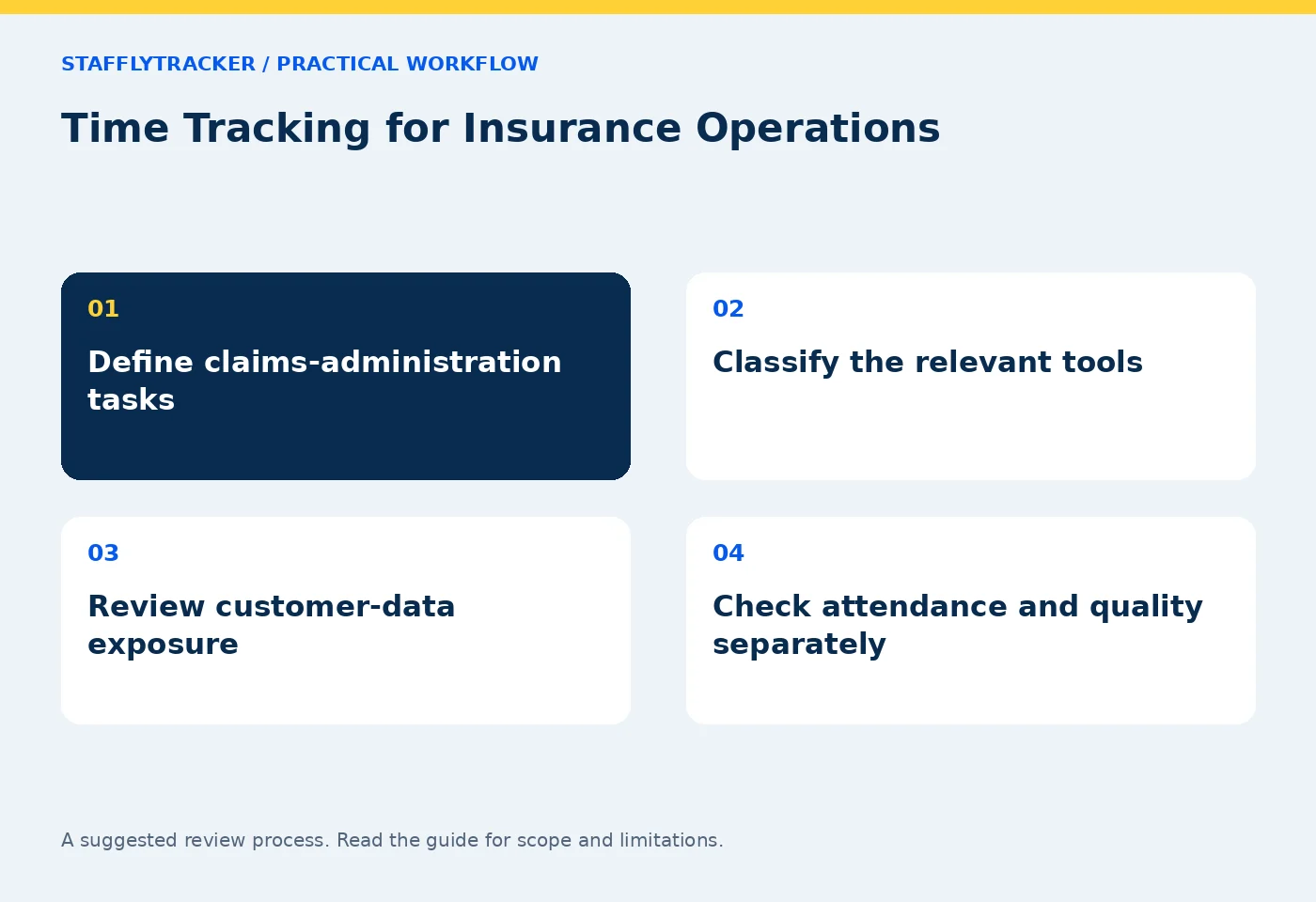
Follow a narrow review sequence
Begin with scheduled days, approved leave and attendance sessions. Next check breaks and tracker connection. Only then inspect an interval that needs more context. This sequence prevents a missing screenshot from being mistaken for an unexplained absence.
Bring the appropriate case record to the discussion without copying unnecessary sensitive details into a new system. Ask what the person was assigned to do and which action followed. Record an attendance correction with its reason if the reviewed record requires adjustment.
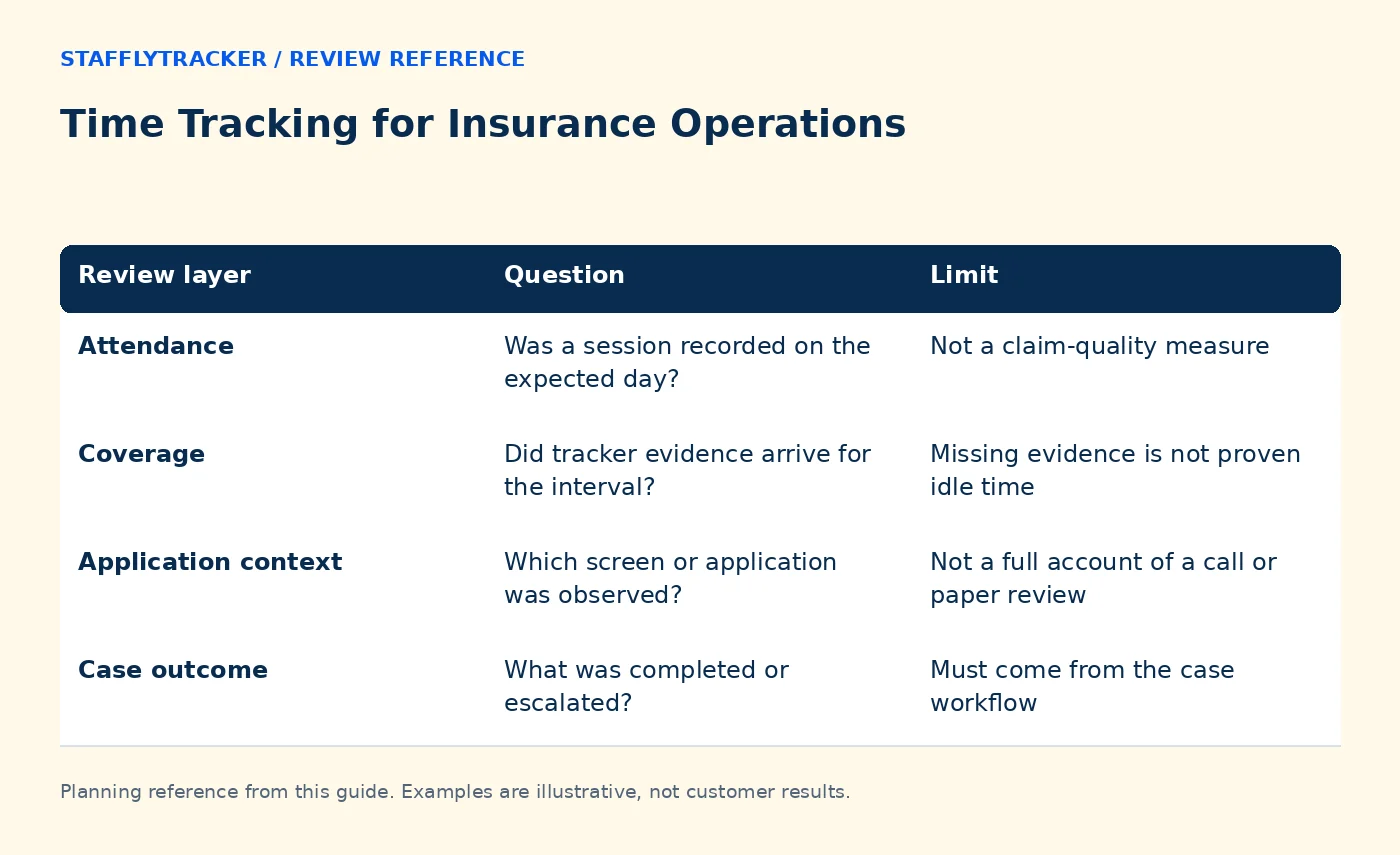
| Review layer | Question | Limit |
|---|---|---|
| Attendance | Was a session recorded on the expected day? | Not a claim-quality measure |
| Coverage | Did tracker evidence arrive for the interval? | Missing evidence is not proven idle time |
| Application context | Which screen or application was observed? | Not a full account of a call or paper review |
| Case outcome | What was completed or escalated? | Must come from the case workflow |
Example: waiting for a customer response
A fictional specialist spends twenty minutes reading a claim file, then makes a fifteen-minute call. The visible window changes little. The tracker can show time and sampled screen context, but the meaningful outcome is the documented next step in the case system.
If the person was instead waiting for a response and available for other work, that is a workload-planning conversation. The same static display can occur in both situations. Ask a specific question rather than treating visual similarity as a conclusion about intent.
Decide collection and access before capture
Insurance screens may contain sensitive personal and financial information. Evaluate with fictional cases. Decide whether screenshot collection is appropriate for each workflow and which retention period is necessary. Do not assume that serving office teams means the product carries a particular certification or satisfies every insurance requirement.
StafflyTracker's current manager access is company-wide. Departments do not form separate permission boundaries. If reviewers must be restricted to particular business lines or client groups, treat that as a requirement to resolve before ordering. Read roles and access and data collection together.
Reconcile the pay-period record
Review holidays, leave, breaks and approved corrections before using an attendance export. Check the displayed timezone and workday grouping for evening shifts. Do not add idle time to working time again if it is already included in the working-time definition.
Keep a final approved export with its period and review date. StafflyTracker can calculate and export payroll inputs, but it does not transfer wages or provide tax filing. Your payroll process remains responsible for the final payment decision.
Pilot and compare fairly
Run a representative Windows pilot with a document-review period, a call, a break and a connection interruption. Have the actual supervisor locate each interval and explain the export. Include the people responsible for information handling in the evaluation of screenshots and access.
If Time Doctor is also shortlisted, test the same scenarios and verify current features in the quoted plan. Compare operating systems, integrations, role scope and storage terms before headline price. StafflyTracker's product status, pricing and demo provide the starting points for that assessment.
Common questions
Does a high activity score mean accurate claims work?
No. Activity does not establish accuracy, fairness or customer outcomes.
Can we evaluate without real customer information?
Yes. The public demo contains fictional records, and a pilot should begin with sample cases.
Is this a claims-management integration?
StafflyTracker supplies attendance and application context. It does not replace a claims platform or promise a native integration with every case system.
KEEP EXPLORING
Make the next decision clearer.
Employee Time Tracking Buyer’s Checklist Write a Clear Employee Monitoring NoticeSEE THE WORKFLOW
Bring your questions.
Try the actual interface.
Explore fictional records, then discuss the requirements that matter to your team. Email required; phone optional.
AI-assisted editorial content and original illustrations. Examples are illustrative, not customer results. Editorial policy · Current product availability · Read as Markdown