
INDUSTRY GUIDE · FIELD NOTES
Time Tracking for Architecture Studios
Review architecture studio time across CAD, rendering and physical work. Includes confidentiality, monitor planning and an attendance review checklist.
StafflyTracker editorial · Product by Syed Toheed Shah

Time tracking for architecture studios should support attendance and capacity discussions without equating visible computer input with design progress. StafflyTracker gives Windows teams recorded work sessions, breaks and application context. Drawing issue control, design approval and project fee management remain in the studio's established systems.
Design work moves between media
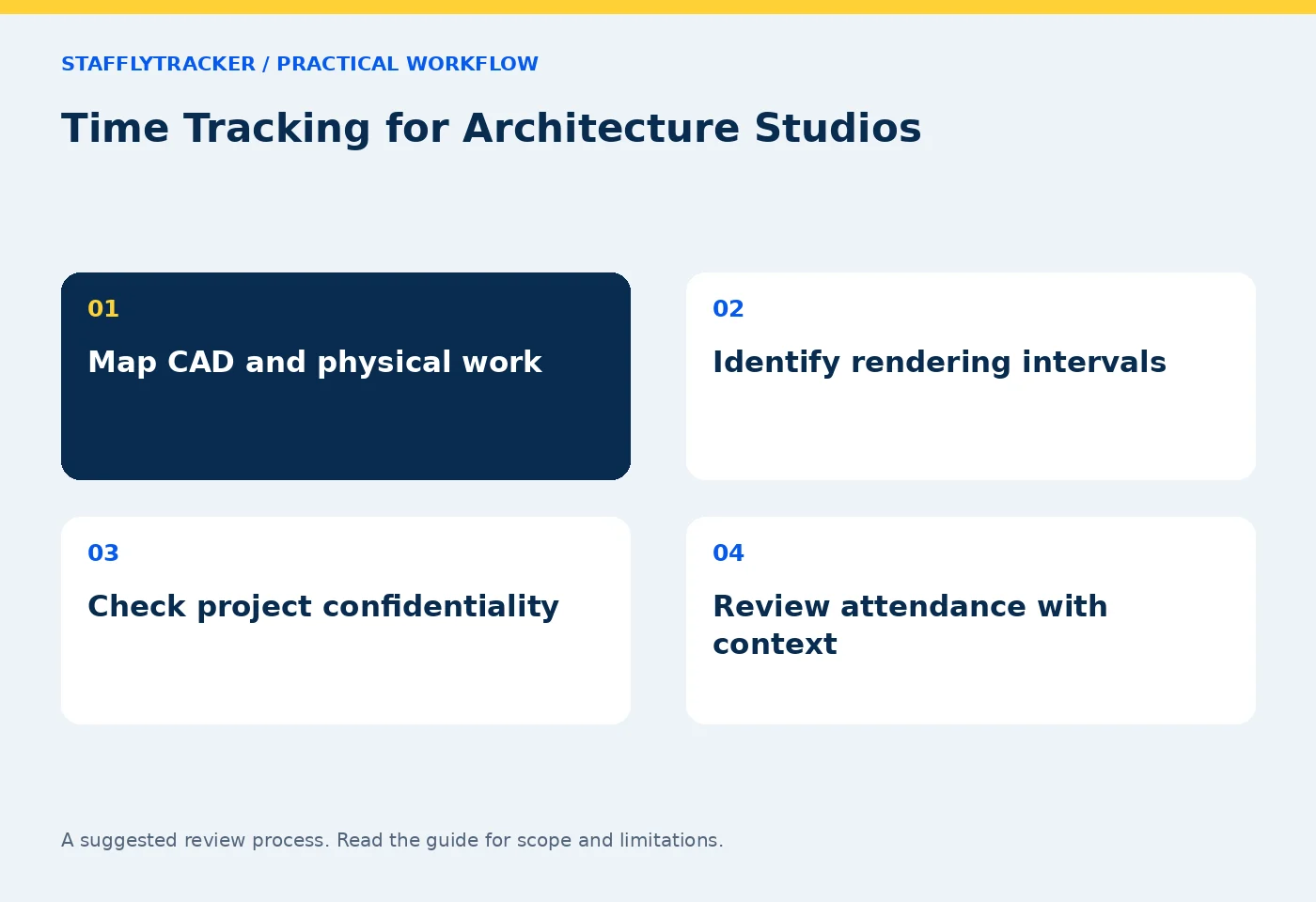
An architect may alternate between CAD, sketches, a physical model and a client discussion. A laptop sees only part of that work. Before introducing a tracker, identify which employees mainly work at supported Windows computers and which roles spend substantial time on site or away from a desk.
For mixed roles, explain how work outside the captured environment is reviewed. Do not promise that a desktop tracker provides site attendance, mobile location or a complete project diary. A clear limitation is more useful than a precise-looking number that omits half the workflow.
Choose the question the record should answer
If the studio needs dependable attendance, concentrate on sessions, breaks and approved exceptions. If a team is overloaded, discuss deliverables and upcoming issue dates alongside recorded time. If a client asks about billable work, use the project's agreed billing process rather than treating application time as an invoice.
Set separate department rules for design, administration and marketing where appropriate. A social platform may support portfolio promotion but be irrelevant to a drawing-production task. Use specific observed application or title patterns and review ambiguous matches.
Example: a render and a model review
A fictional designer starts a render at 3pm, then spends thirty minutes checking a physical model with a colleague. The computer shows the same render window for most of that interval. Repeated screenshots can establish that the display changed little, but they cannot show the model discussion.
The studio lead should review the assigned work, the render output and any resulting design decision. If attendance needs an adjustment, record the reason through the correction process. Do not reclassify a still image as proven non-work without the rest of the story.
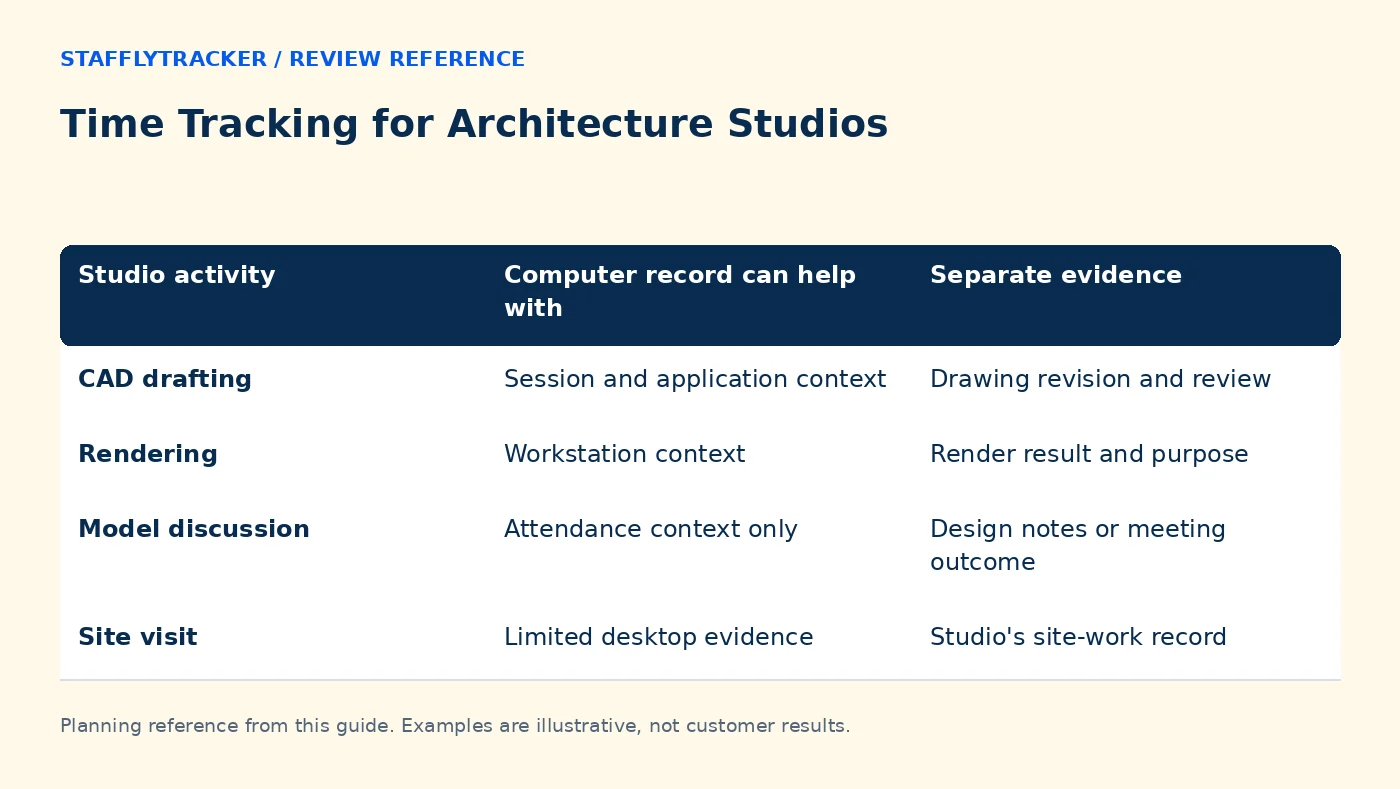
| Studio activity | Computer record can help with | Separate evidence |
|---|---|---|
| CAD drafting | Session and application context | Drawing revision and review |
| Rendering | Workstation context | Render result and purpose |
| Model discussion | Attendance context only | Design notes or meeting outcome |
| Site visit | Limited desktop evidence | Studio's site-work record |
Decide what can appear in screenshots
Drawings may contain confidential client details or unpublished concepts. Pilot with sample files. Decide collection scope, retention and review access before running captures during live projects. Confirm that the recording arrangement fits the studio's own obligations; a product page cannot make that decision for you.
Managers currently have company-wide access to review records. Departments are not client-specific access partitions. A studio that needs separate confidential project groups should evaluate roles and access before ordering.
Keep the weekly review constructive
Start with attendance exceptions and connection gaps, then discuss a small number of relevant intervals. Ask what blocked progress: missing dimensions, a late client decision, render capacity or coordination work. Time records can help locate the interval, but the explanation comes from the project workflow.
Avoid comparing a concept designer's input rate with a production drafter's as a measure of merit. Compare people doing similar work only where the measure itself is meaningful, and retain outcome measures such as approved milestones and rework in the project system.
Test the real studio setup
Use a supported Windows workstation with the actual monitor arrangement. Multiple monitors increase screenshot volume, so test capture and review behavior with sample content. Check a break, a restart, an offline interval and an after-midnight finish if deadlines commonly create late shifts.
Review the multi-monitor storage guide and published limits. Standard onboarding has a minimum five-minute capture interval, up to fourteen days of screenshot retention and a workspace storage cap; confirm the current order rather than assuming these limits fit every studio.
Decide on fit before cost
The recording agent is Windows 10/11 x64. A studio using Macs for core work needs a different recording solution or a clearly limited Windows deployment. StafflyTracker does not currently provide full project costing, native Mac recording or a project-integration marketplace.
Use the same drafting, rendering and site-work examples when comparing Time Doctor or another tool. Review product status, pricing and the demo before requesting a workspace.
Questions studios ask
Can application time become a client invoice automatically?
No. It is not a substitute for agreed billable time, project allocations and your invoicing process.
Are static render screenshots evidence of inactivity?
They show sampled display content. The designer may be doing legitimate work elsewhere, so review the task context.
Does the dashboard work on a phone?
The browser dashboard is responsive, but that does not mean there is a mobile recording agent or site-location tracking.
KEEP EXPLORING
Make the next decision clearer.
Time Tracking for Education Administrators Run a Useful Weekly Workforce Review Employee Time Tracking Buyer’s ChecklistSEE THE WORKFLOW
Bring your questions.
Try the actual interface.
Explore fictional records, then discuss the requirements that matter to your team. Email required; phone optional.
AI-assisted editorial content and original illustrations. Examples are illustrative, not customer results. Editorial policy · Current product availability · Read as Markdown