
PRODUCT DOCUMENTATION
Get started with StafflyTracker
Set up a company workspace, install the Windows tracker, and check your first working day.
Start with your company workspace
Your administrator supplies a workspace code and your work account. Open the Windows installer from the Users page or the company link provided to you. StafflyTracker currently supports Windows 10 and 11 on 64-bit computers. Managers review records through a web browser; a Mac or Linux desktop tracker is not available.
Install and confirm your company
Run the installer in your own Windows account. On first launch, enter the workspace code, check the company name and confirm it before signing in. Existing installations keep their company configuration. If the wrong company appears, stop and ask your administrator rather than trying another employee’s credentials. The installer adds a desktop shortcut, a Start menu shortcut and a Windows Installed apps entry.
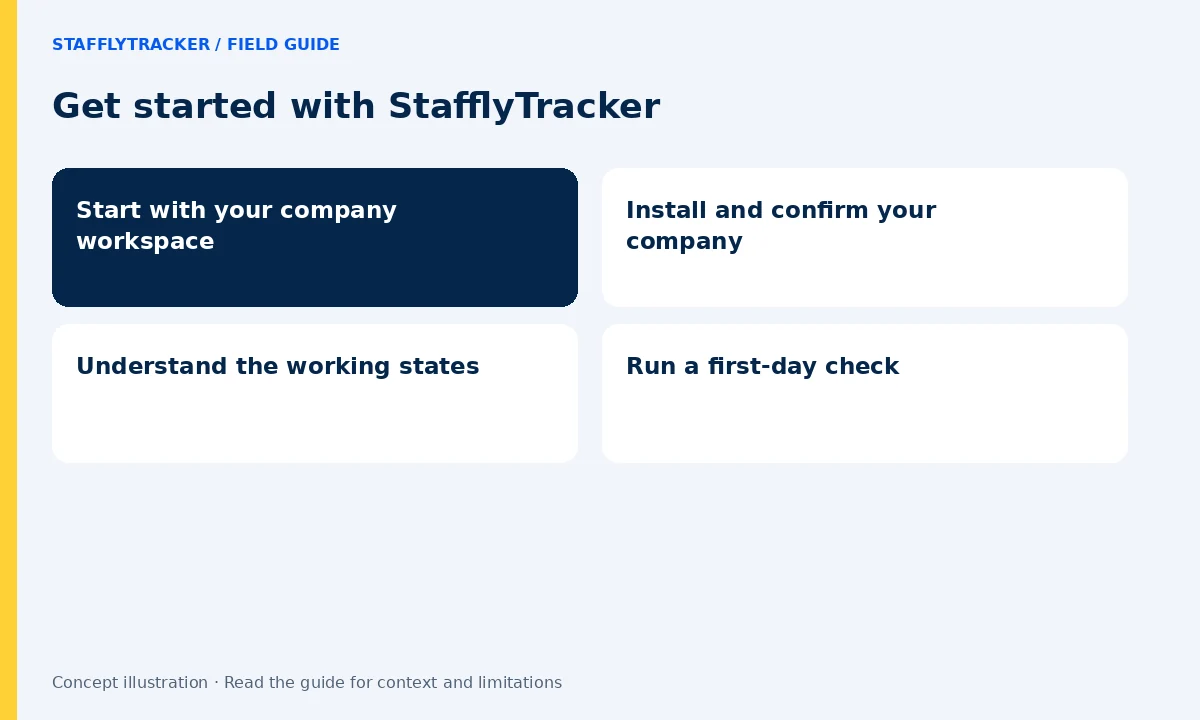
Understand the working states
Sign in, clock in when work begins, use the break control when taking a break and clock out when finished. An open attendance session and a connected tracker are different signals. If the app cannot reach the server, contact your administrator and check the connection instead of assuming every record is arriving.
Run a first-day check
With your administrator, confirm your name, department, local display time, clock-in and break. Review whether the tracker connection appears live. Read the collection guide before using real work on screen. A small pilot is a better way to spot a timezone or policy mismatch than discovering it during a monthly export.
Where to go next
Use the Windows installation guide for setup problems, the admin visibility guide to understand records, and the attendance guide for overnight shifts and corrections. The public demo uses fictional records and is safe to explore without a company account.