
STAFFLYTRACKER
Employee time tracking for United Arab Emirates teams
Regional offices coordinating with overseas delivery teams. Practical setup guidance for Windows offices using StafflyTracker.
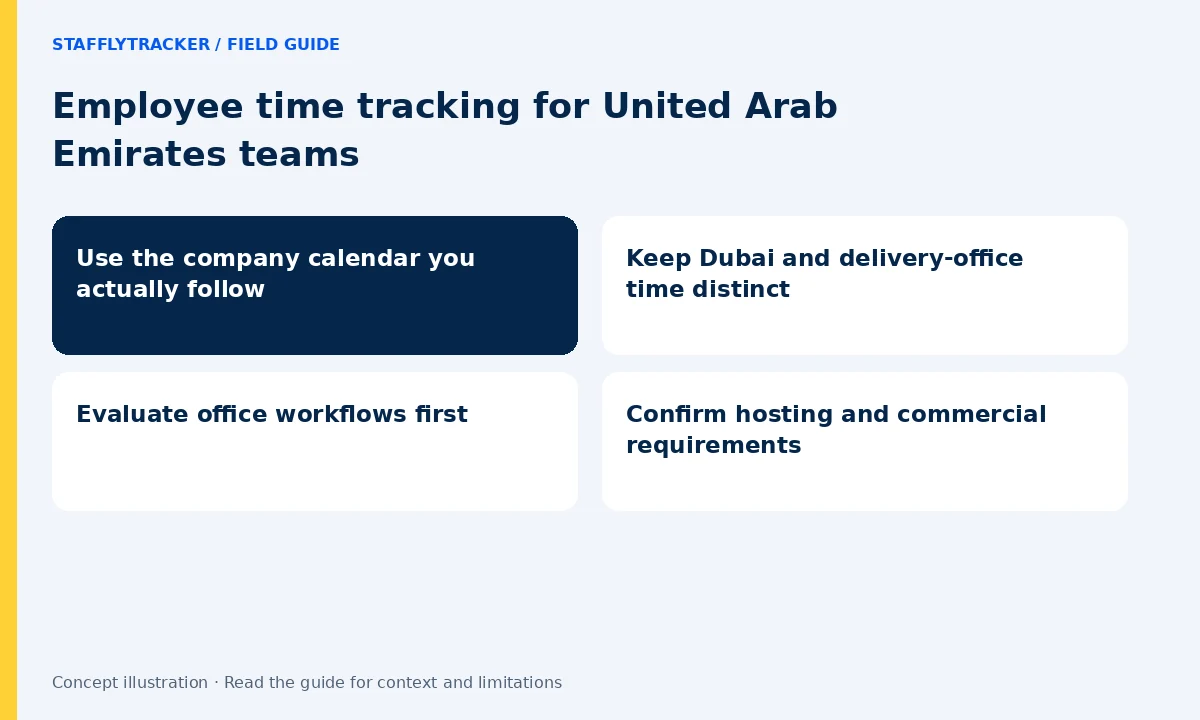
Use the company calendar you actually follow
A regional office and its overseas delivery team may have different weekly days off. Configure the company calendar explicitly rather than inferring it from a country name. Test a worked off-day and an approved holiday separately. A missing session should be interpreted against the configured schedule and approved exceptions.
Keep Dubai and delivery-office time distinct
Display-time convenience and workday ownership answer different questions. A manager in Dubai may review a Pakistan or UK team’s shift. Select the reporting convention, label the export and keep that convention consistent across monthly reviews. StafflyTracker supports configured timezones; it does not infer your pay policy.
Evaluate office workflows first
Use the demo to review attendance, department rules and a timeline. For a real pilot, choose a company Windows device and agree on screenshot handling before capture begins. Call-heavy customer service and document-heavy work should be evaluated with role context, not identical input expectations.
Confirm hosting and commercial requirements
StafflyTracker has no claimed UAE office or UAE hosting region. If local hosting, enterprise identity or particular procurement conditions are required, discuss them before subscribing. Standard pricing is in USD, with applicable taxes and any separate storage requirements stated in the order.
A simple pilot checklist
Start with a small representative team. Install using the correct workspace, check a normal clock-in, take a break and inspect one sample timeline. Review a connection gap without treating it as proof of absence. Confirm the screenshot interval, retention and storage cap. Keep the approved settings and a correction procedure with the company policy. Follow the setup guide.
Try the workflow and compare the cost
Explore fictional records before sharing any employee data. Email is required for demo access and phone is optional. Plans are $4 per tracked employee monthly or $3/month billed annually, minimum 10. Capacity is reviewed before activation. This page describes a workflow served online; it does not claim a local office, legal certification or local hosting. Read the full limits.
LET’S MAKE WORK A LITTLE CLEARER
Your next chapter
starts with a conversation.
Show us how your team works. We’ll show you where StafflyTracker fits.
Read as MarkdownUpdated 2026-10-07Editorial policy