
STAFFLYTRACKER
Employee time tracking for United Kingdom teams
Client-service offices and distributed teams. Practical setup guidance for Windows offices using StafflyTracker.
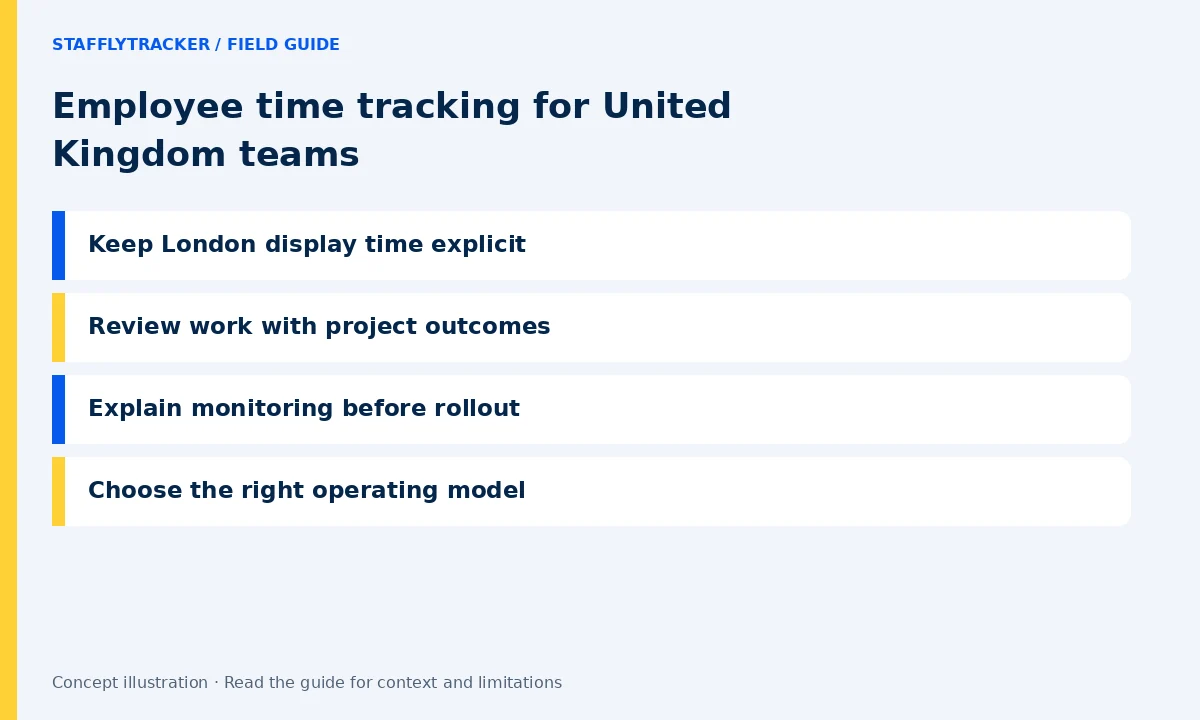
Keep London display time explicit
UK offices collaborating with international clients should label reports with a chosen timezone. Europe/London changes offset seasonally. Use a known shift to check the display and company-day grouping, especially when another office has a different daylight-saving calendar. Record the intended reporting period with each approved export.
Review work with project outcomes
For an agency or service office, time records help explain capacity, but client deliverables still matter. StafflyTracker tracks attendance and application context; it is not a full project costing or invoice platform. Keep your project system as the source for delivery milestones and compare it with time only where the relationship is meaningful.
Explain monitoring before rollout
Give staff a clear written explanation of the records, retention settings and review process. Arrange your own legal and policy review for the intended deployment. We do not claim that installing a tracker automatically meets UK requirements. The product documentation is a description of behavior, not legal approval.
Choose the right operating model
Pilot with administrators and a small Windows team. Test leave, a missed clock-in and a call-heavy work block. Check whether company-wide manager access fits the organization. Agree to the USD price, taxes and written subscription terms before activation; country availability is not a promise of a local data center.
A simple pilot checklist
Start with a small representative team. Install using the correct workspace, check a normal clock-in, take a break and inspect one sample timeline. Review a connection gap without treating it as proof of absence. Confirm the screenshot interval, retention and storage cap. Keep the approved settings and a correction procedure with the company policy. Follow the setup guide.
Try the workflow and compare the cost
Explore fictional records before sharing any employee data. Email is required for demo access and phone is optional. Plans are $4 per tracked employee monthly or $3/month billed annually, minimum 10. Capacity is reviewed before activation. This page describes a workflow served online; it does not claim a local office, legal certification or local hosting. Read the full limits.
LET’S MAKE WORK A LITTLE CLEARER
Your next chapter
starts with a conversation.
Show us how your team works. We’ll show you where StafflyTracker fits.
Read as MarkdownUpdated 2026-10-07Editorial policy