
STAFFLYTRACKER
Employee time tracking for United States teams
Multi-timezone office and offshore operations. Practical setup guidance for Windows offices using StafflyTracker.
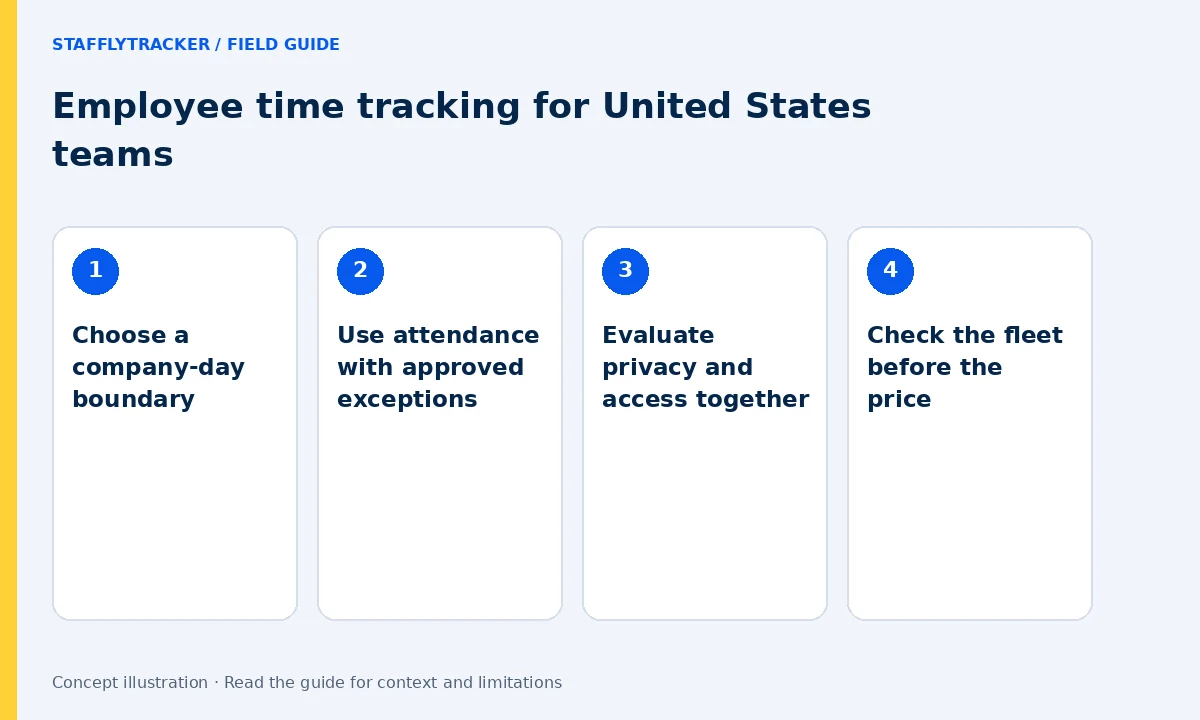
Choose a company-day boundary
An East Coast manager and a West Coast employee can see different local dates near midnight. Offshore operations add another perspective. Select an explicit company workday and separately define the timezone used in exports. Test a session across midnight and a daylight-saving change instead of assuming every day has the same local duration.
Use attendance with approved exceptions
Review leave, holidays, breaks and corrections before approving a period. An employee handling calls can have little keyboard activity while doing legitimate work. Set role-appropriate rules and ask for context where coverage is missing. StafflyTracker’s payroll calculation is not a substitute for your payroll provider or tax system.
Evaluate privacy and access together
Explain screenshot collection and who can review it before deploying to company laptops. Keep sample tests free of sensitive records. Managers currently have company-wide review access; departments affect classification, not manager access boundaries. If your organization needs narrow team permissions or SSO, record that requirement before ordering.
Check the fleet before the price
The recording agent supports Windows 10/11 x64. Browser dashboards are accessible from modern browsers, but that does not make Mac or mobile devices trackable. A mixed fleet should compare supported agents first. Review the current limits and run a representative Windows pilot.
A simple pilot checklist
Start with a small representative team. Install using the correct workspace, check a normal clock-in, take a break and inspect one sample timeline. Review a connection gap without treating it as proof of absence. Confirm the screenshot interval, retention and storage cap. Keep the approved settings and a correction procedure with the company policy. Follow the setup guide.
Try the workflow and compare the cost
Explore fictional records before sharing any employee data. Email is required for demo access and phone is optional. Plans are $4 per tracked employee monthly or $3/month billed annually, minimum 10. Capacity is reviewed before activation. This page describes a workflow served online; it does not claim a local office, legal certification or local hosting. Read the full limits.
LET’S MAKE WORK A LITTLE CLEARER
Your next chapter
starts with a conversation.
Show us how your team works. We’ll show you where StafflyTracker fits.
Read as MarkdownUpdated 2026-10-07Editorial policy